Suppressing and Managing System Errors
Standard Streams
The Three Standard Streams
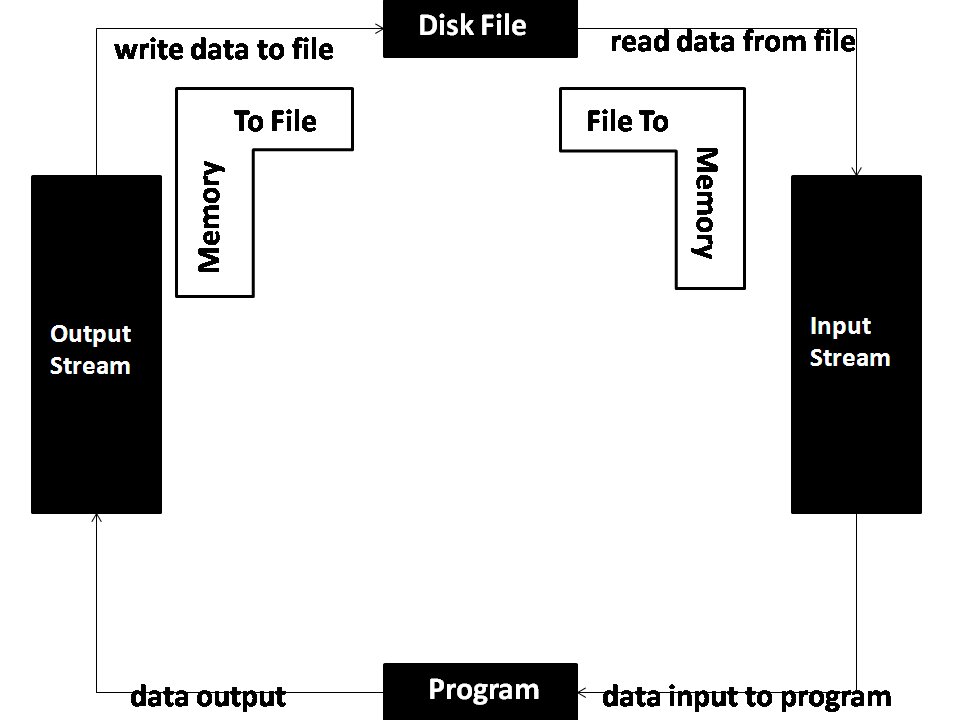
In a Unix-like environment, every process that starts up gets three open communication channels by default. These aren't files on a disk; they're more like data pipes ready to be used. They are known as standard input, standard output, and standard error.
These channels are managed by the operating system, which assigns a number to each one called a (fd). By convention, these numbers are always the same:
- Standard Input (stdin): File descriptor 0. This is the channel for data flowing into the program. By default, it's connected to your keyboard.
- Standard Output (stdout): File descriptor 1. This is for the program's normal, expected output.
- Standard Error (stderr): File descriptor 2. This is for diagnostic messages, warnings, and errors.
By default, both stdout (fd 1) and stderr (fd 2) are connected to your terminal screen. This is why when you run a command, you see both its successful output and any error messages in the same place. But even though they appear together, they are traveling through two entirely separate streams.
Why Separate Output?
Separating normal output from error messages is a powerful design choice. Imagine you want to save the list of files in your directory to a file, but you make a typo in the command. You might run something like this:
ls -l /nonexistent-directory > file_list.txt
The ls command tries to list the contents of a directory that isn't there. It fails and generates an error message: ls: cannot access '/nonexistent-directory': No such file or directory. You will see this error printed directly to your terminal screen. But if you open file_list.txt, you'll find it's empty.
This happens because the redirection operator > only captures standard output (stdout). The error message was sent to standard error (stderr), which was still connected to the terminal. The two streams went to different destinations.
This separation allows for robust scripting and command-line workflows. You can pipe the successful output of one command into another while logging errors separately. It ensures that a pipeline of tools doesn't break just because one part of it needs to report a problem. The data keeps flowing, and the errors don't contaminate it.
Redirecting Streams
If you do want to capture errors, you need to redirect stderr explicitly. The shell syntax for this involves using the file descriptor numbers. Since stderr is file descriptor 2, you can redirect it like so:
ls -l /nonexistent-directory 2> error_log.txt
Now, the error message goes into error_log.txt instead of your terminal. Nothing will appear on the screen, and error_log.txt will contain the ls: ... error.
What if you want to redirect both stdout and stderr to the same place? A common idiom is
2>&1, which tells the shell to redirect stderr (2) to the same destination as stdout (1).
# Redirect stdout to a file, then redirect stderr to where stdout is going
command > output.log 2>&1
This is crucial for capturing a complete log of a command's execution, including both its intended output and any warnings or failures. Many automated scripts and build systems rely on this to create comprehensive log files for later inspection.
Let's test your understanding of how these streams work.
What are the conventional file descriptor numbers for standard input, standard output, and standard error, respectively?
You run the command ls /nonexistent-directory > output.txt. The directory /nonexistent-directory does not exist. What is the result?