SQL Fundamentals
Introduction to Databases
What Is a Database?
Think of a database as a highly organized digital filing cabinet. Instead of paper folders, it uses a structured system to store and manage information electronically. The main purpose is to make it easy to add, access, manage, and update large amounts of data.
You interact with databases every day. When you check your social media feed, shop online, or use a banking app, a database is working behind the scenes to fetch your information quickly and reliably. It’s the engine that powers most modern applications, keeping data organized and accessible.
Relational Databases
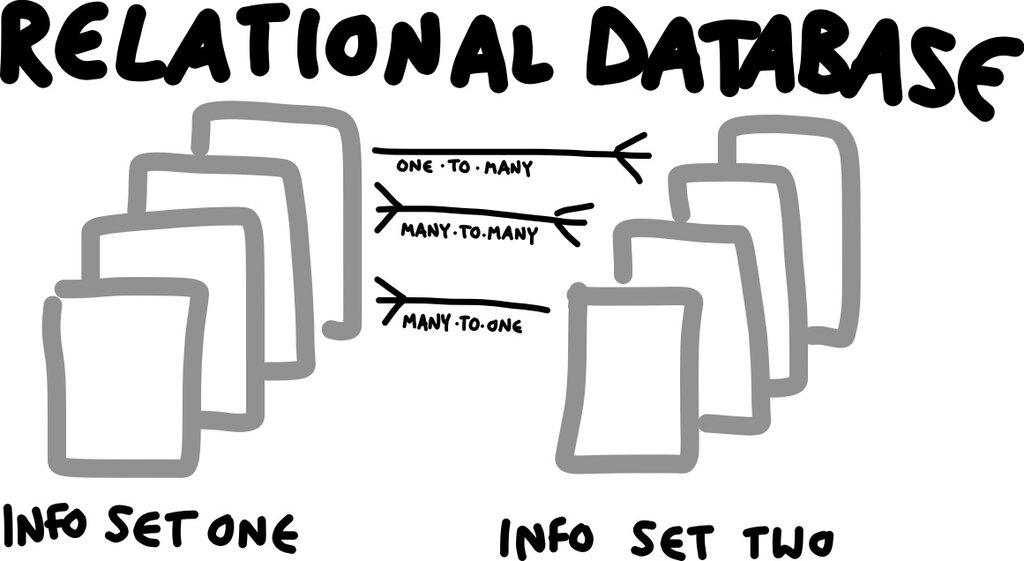
The most common type of database is the relational database. The name comes from the way it organizes data: in tables that can be related to one another. Imagine you have a table for Customers and another for Orders. A relational database can link a specific customer to all the orders they've placed.
This structure is managed by a Relational Database Management System (RDBMS). An RDBMS is the software that allows you to create, update, and administer a relational database. Popular examples include MySQL, PostgreSQL, and SQL Server. This system ensures that data remains consistent and secure.
The Building Blocks
Relational databases have a simple, clear structure built from three core components: tables, records, and fields.
Table
noun
A collection of related data held in a structured format within a database, consisting of columns and rows.
A table is used to group data about a specific entity, like Customers, Products, or Appointments. Each table has columns and rows.
Fields, or columns, define the type of information stored in a table. For a Customers table, the fields might be CustomerID, FirstName, LastName, and Email.
Records, or rows, represent a single entry in the table. Each row contains the specific data for one customer, filling in the values for each field.
| CustomerID | FirstName | LastName | |
|---|---|---|---|
| 1 | Maria | Anders | maria.a@example.com |
| 2 | Ana | Trujillo | ana.t@example.com |
| 3 | Antonio | Moreno | antonio.m@example.com |
In this Customers table, CustomerID, FirstName, LastName, and Email are the fields. The first line of data (1, Maria, Anders, ...) is a single record.
Why Structure Matters
A well-organized database is efficient, reliable, and easy to manage. A messy one leads to errors, duplicate data, and slow performance. The process of organizing data to reduce redundancy and improve data integrity is called normalization.
Think about it this way: instead of writing a customer's full address on every single order they make, you would store their address just once in a Customers table. Then, you'd simply link their orders back to their customer ID. If they move, you only have to update their address in one place, not on dozens of past orders.
This prevents inconsistencies and saves space. Proper organization ensures that each piece of data has a single, logical home, making the entire system more robust.
Good database design avoids storing the same information in multiple places. It keeps data consistent and the system running smoothly.
Now that you understand the basic structure of a database, you're ready to learn how to interact with one using SQL.