SQL for Technical Interviews
SQL Basics
What is SQL?
Think of a database as a massive, highly organized library. To find a specific piece of information, you can't just wander around and hope for the best. You need to speak the librarian's language. In the world of data, that language is SQL.
SQL, or Structured Query Language, is a language to talk to databases.
SQL lets you give instructions to a database. You can ask it to retrieve specific information, add new data, make changes, or delete old records. It's the standard way to communicate with most relational databases, which are designed to store structured information.
The Filing Cabinet of Data
At its core, a relational database is like a digital filing cabinet. Instead of folders, it has tables. And each table is set up like a simple spreadsheet.
| Term | Spreadsheet Analogy | Purpose |
|---|---|---|
| Table | A single sheet | Holds a collection of related data, like customers or products. |
| Column | A column header (e.g., "Name") | Defines a specific piece of information for every entry in the table. |
| Row | A row of data | Represents a single, complete record, like one specific customer. |
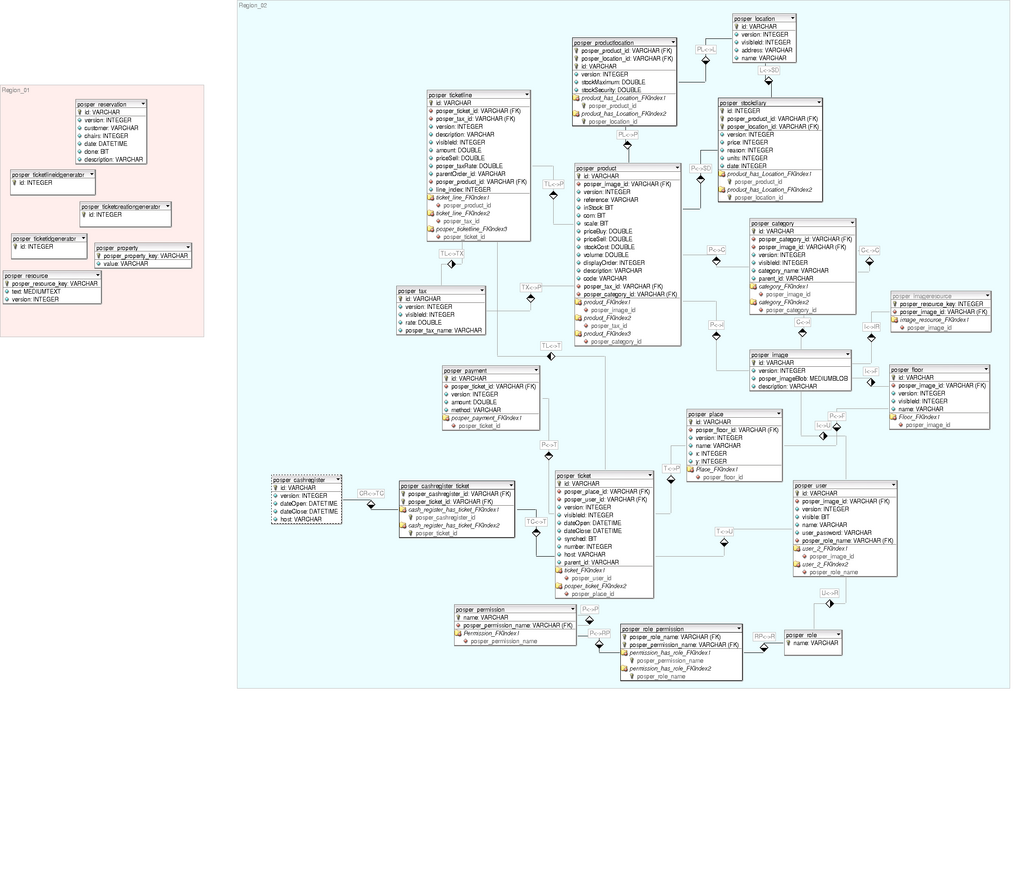
So, if you had a table for Customers, you might have columns for CustomerID, FirstName, LastName, and Email. Each row would contain the information for a single person. All these tables together make up the database, a structured collection of information that a computer can easily access and manage.
Setting the Rules
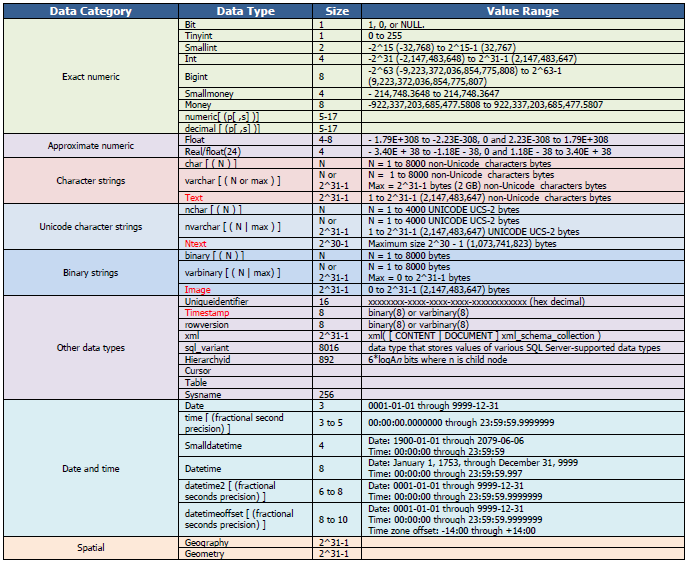
Before you can add any data, you have to define the structure of your tables. You need to tell the database what kind of information each column will hold. This is done using data types and constraints.
Data Type
noun
A rule that specifies the kind of data that can be stored in a column, such as text, numbers, or dates.
Common data types include:
INTfor whole numbers (integers).VARCHAR(n)for variable-length text, up to a maximum length ofncharacters.DATEfor storing dates.BOOLEANfor true/false values.
Choosing the right data type is crucial for making sure your data is stored correctly and efficiently.
Beyond data types, you can also set constraints, which are additional rules to enforce data integrity. For example, a NOT NULL constraint means a column cannot be left empty. A UNIQUE constraint ensures that every value in that column is different from all other values. The most important constraint is the PRIMARY KEY, which uniquely identifies each row in a table. A CustomerID column is a perfect candidate for a primary key.
Data types and constraints are the blueprints for your database. They ensure the data you store is clean, consistent, and reliable from the very beginning.
With these building blocks—tables, columns, rows, data types, and constraints—you have everything you need to construct a solid database. The next step is learning the SQL commands to interact with it.
What is the primary role of SQL (Structured Query Language)?
In a relational database, the structure is often compared to a spreadsheet. In this analogy, what does a single row represent?