SQL for Data Analysis
Introduction to SQL
What is SQL?
SQL stands for Structured Query Language. At its core, SQL is the language we use to communicate with databases. Think of a massive, perfectly organized library. You can't just wander in and browse aimlessly. Instead, you use a specific system to ask the librarian for exactly what you need. SQL is that system for data.
SQL, or Structured Query Language, is a language to talk to databases.
With SQL, you can ask a database to show you specific information, update existing records, or add new data. It's the standard for a special kind of database called a relational database. We'll get to that in a moment. Because its commands often resemble plain English, many people find it a friendly introduction to the world of programming and data analysis.
Learning SQL (Structured Query Language) is the perfect start a career in data analysis and an excellent entry point to programming because its syntax is especially human-readable.
Organizing Data in Tables
So, what's a relational database? Imagine your data neatly organized into tables, much like spreadsheets. Each table stores information about a specific type of thing, like customers or products. A Customers table would have columns for CustomerID, FirstName, LastName, and Email.
Each row in a table represents a single record. For instance, one row in the Customers table would hold the information for one specific customer. The magic of relational databases is their ability to link, or relate, these tables together. You could have another table for Orders, and you could link an order back to the customer who made it using their unique CustomerID.
This structure prevents data duplication and keeps everything organized. When we talk to these databases, we're using a specific flavor of SQL, like PostgreSQL, MySQL, or SQLite. While they have small differences, the basic commands are largely the same.
Setting Up Your Workspace
To start writing SQL, you need a database management system (DBMS) and an interface to write your queries. For beginners, a great option is SQLite. It's a self-contained, serverless database engine that's simple to set up. It doesn't require a separate server process and stores the entire database in a single file on your computer.
Many tools provide a graphical user interface (GUI) for working with databases like SQLite. Some popular choices include:
- DB Browser for SQLite: A free, open-source tool for managing SQLite database files.
- DBeaver: A universal database tool that supports SQLite and many other database systems.
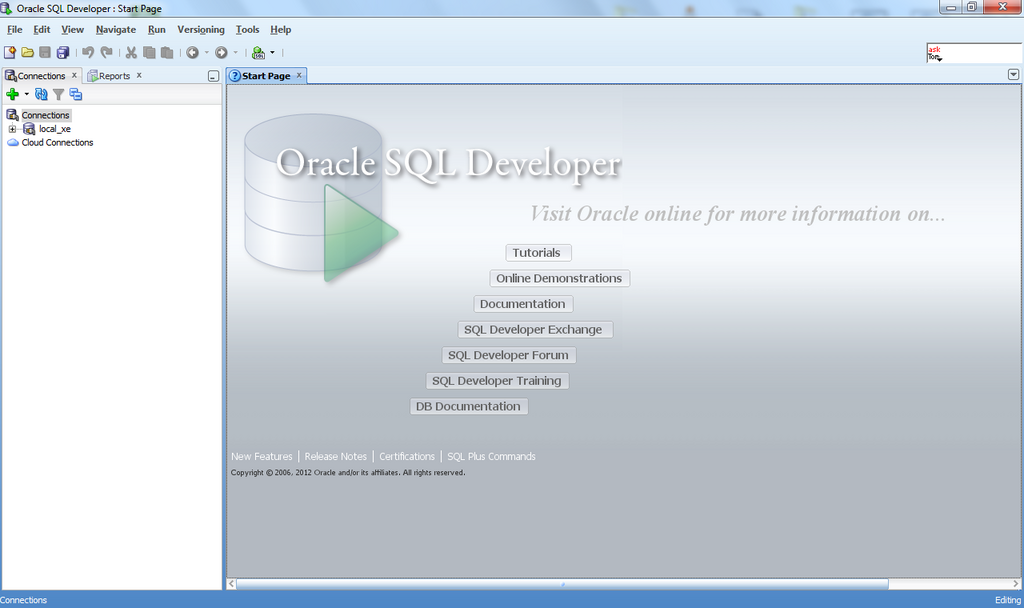
- Oracle SQL Developer: A comprehensive tool primarily for Oracle databases, but can connect to others.
These tools let you see your tables, write queries in an editor, and view the results without needing complex command-line skills.
Basic SQL Commands
SQL commands are often called statements. They are the instructions we give to the database. Most statements begin with a keyword like SELECT, INSERT, UPDATE, or DELETE, which tells the database what kind of action to perform. They always end with a semicolon (;).
Let's look at the most common command: SELECT. We use it to retrieve data.
SELECT FirstName, LastName
FROM Customers;
This simple statement has two main parts:
SELECT FirstName, LastName: This specifies the columns you want to see.FROM Customers: This tells the database which table to get the data from.
The result would be a list of the first and last names of every customer in your table. The semicolon at the end marks the completion of the statement. While not always required in every system, it's a best practice to use it.