Secure Your Home Network
Home Network Basics
Your Home Network Explained
Think of your home network as a private club for all your digital devices. It’s the system that lets your laptop, phone, smart TV, and printer talk to each other and connect to the wider world of the internet. It’s the invisible framework that makes streaming movies, sending emails, and online gaming possible.
This network is built from a few key pieces of hardware working together. Understanding what each piece does is the first step to managing your digital life and keeping it secure.
The Key Players
Four main components form the backbone of nearly every home network. You might have separate boxes for each, or a single device that combines two or three of these roles.
Think of your network components like a team. The modem is the translator, the router is the traffic cop, a switch is an organizer, and your devices are the citizens.
Modem: This is your gateway to the internet. The word "modem" is short for modulator-demodulator. It takes the signal coming from your Internet Service Provider (ISP) through a cable, fiber optic line, or phone line and translates it into a digital signal that your router and devices can understand. It works both ways, also translating outgoing signals from your home back to your ISP.
Router: The router is the heart of your local network. It takes the single internet connection from your modem and shares it among all the devices in your home. It creates a private network, known as a Local Area Network (LAN), and directs the flow of information between your devices and the internet. Your router is also what creates your Wi-Fi network, allowing devices to connect wirelessly.

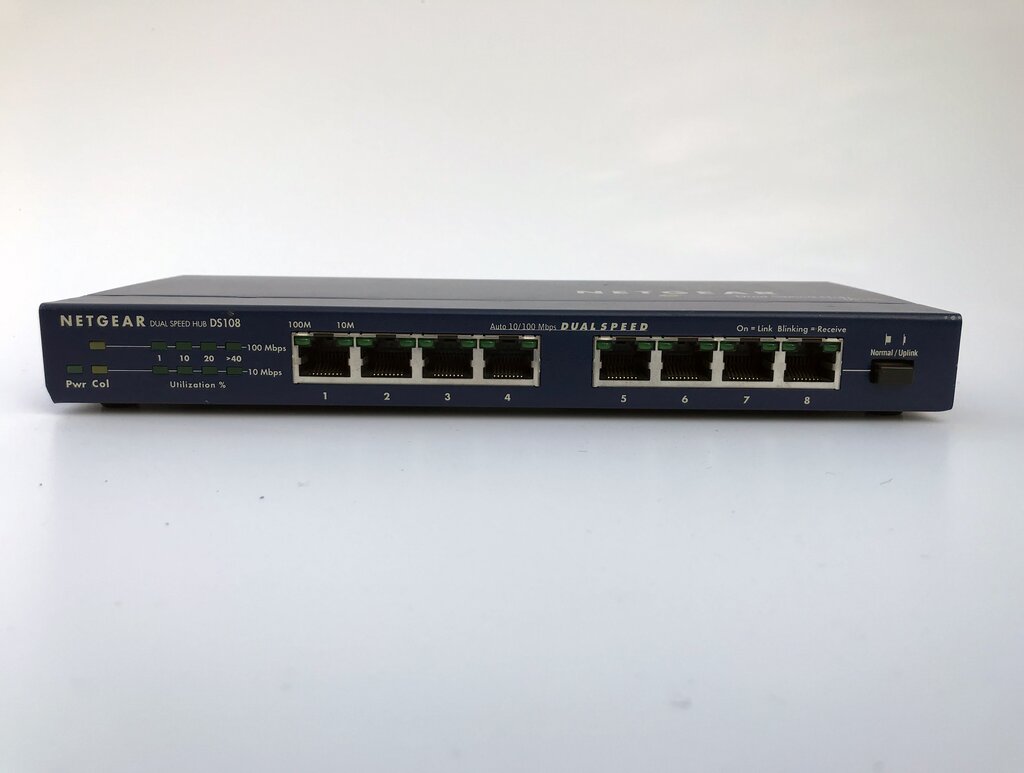
Switch: A switch is like a power strip for your network. Most routers come with a few built-in Ethernet ports for wired connections, but if you need more, you plug a switch into one of those ports. It intelligently directs traffic only to the device that needs it, which makes it much more efficient than its older cousin, the hub.
Connected Devices: These are the final destinations for all that data. Laptops, smartphones, gaming consoles, smart speakers, and even modern refrigerators are all examples of network devices, sometimes called clients or endpoints.
Putting It All Together
So how does a request from your laptop for a webpage actually work? It starts with your laptop sending the request wirelessly to your router. The router passes it to the modem, which translates it and sends it out to the internet through your ISP's connection. When the webpage data comes back, the process happens in reverse. The modem receives the signal, the router directs it to the correct device (your laptop), and the page loads on your screen.
This setup is a very common network configuration. The router is crucial because it acts as a barrier between the public internet and your private home network. It uses a technology called Network Address Translation (NAT) to manage all your devices using a single public IP address (your home's address on the internet), while assigning private, internal IP addresses to each device inside your home.
Why Security Matters
Your home network is the doorway to your personal data. Without basic security, it’s like leaving the front door of your house unlocked. Anyone with the right tools could potentially access your network, monitor your activity, steal personal information like passwords and credit card numbers, or use your internet connection for illegal activities.
Good network security isn't about building an impenetrable fortress. It's about putting strong, simple locks on your digital doors.
Here are the essential first steps for securing your home network:
- Change Default Passwords: Your router comes with a default username and password for its settings page (e.g., "admin"/"password"). Change this immediately.
- Use Strong Wi-Fi Encryption: Always use WPA3 or WPA2 encryption for your Wi-Fi network. This scrambles the data traveling over the air so no one can easily listen in.
- Create a Strong, Unique Wi-Fi Password: This is the key to your network. Make it long and complex, using a mix of letters, numbers, and symbols. Don't reuse passwords from other accounts.
Taking these simple precautions is fundamental to protecting your devices and the sensitive information they contain from unauthorized access.
Time to check your understanding of these core components.
What is the primary function of a modem in a home network?
The device that creates your local Wi-Fi network and manages traffic between your devices and the internet is called a ________.
Understanding these basic building blocks is the first step toward having a fast, reliable, and secure home network.