Secure Your Connection with a VPN
Introduction to VPNs
What is a VPN?
Imagine you're sending a postcard. Anyone who handles it can read your message. Now, imagine putting that postcard inside a locked, windowless metal box before mailing it. Only the person with the key can open it and read the message. A Virtual Private Network, or VPN, works like that locked box for your internet activity.
When you turn on a VPN, it begins feeding all of that network data through a secret tunnel of sorts.
Let's break down the name:
- Virtual: It's not a physical cable. It's a secure connection created with software over the public internet.
- Private: It encrypts your data, making it unreadable to outsiders like hackers or even your internet service provider (ISP).
- Network: It connects your device to another computer (a server) somewhere else in the world, making it seem like you're browsing from that location.
Essentially, a VPN creates a private, encrypted tunnel for your data to travel through the public internet, protecting your privacy and securing your information.
How a VPN Protects You
A VPN provides security in two main ways: encryption and IP address masking.
Encryption is the process of scrambling your data so it can only be read by authorized parties. When you connect to a VPN, all the data traveling between your device and the VPN server is encrypted. Anyone trying to snoop on your connection—on a public Wi-Fi network, for example—would only see gibberish.
The second part is IP address masking. Your IP address is a unique number that identifies your device on the internet, much like a home address. It reveals your general physical location. When you use a VPN, your internet traffic is routed through the VPN server. Websites and online services will see the IP address of the VPN server, not your own. This masks your true location and helps you browse more anonymously.
Why Use a VPN?
People use VPNs for several common reasons:
Securing Public Wi-Fi: Coffee shops, airports, and hotels offer convenient, but often unsecured, Wi-Fi. A VPN encrypts your connection on these networks, protecting your passwords, bank details, and other sensitive information from potential eavesdroppers.
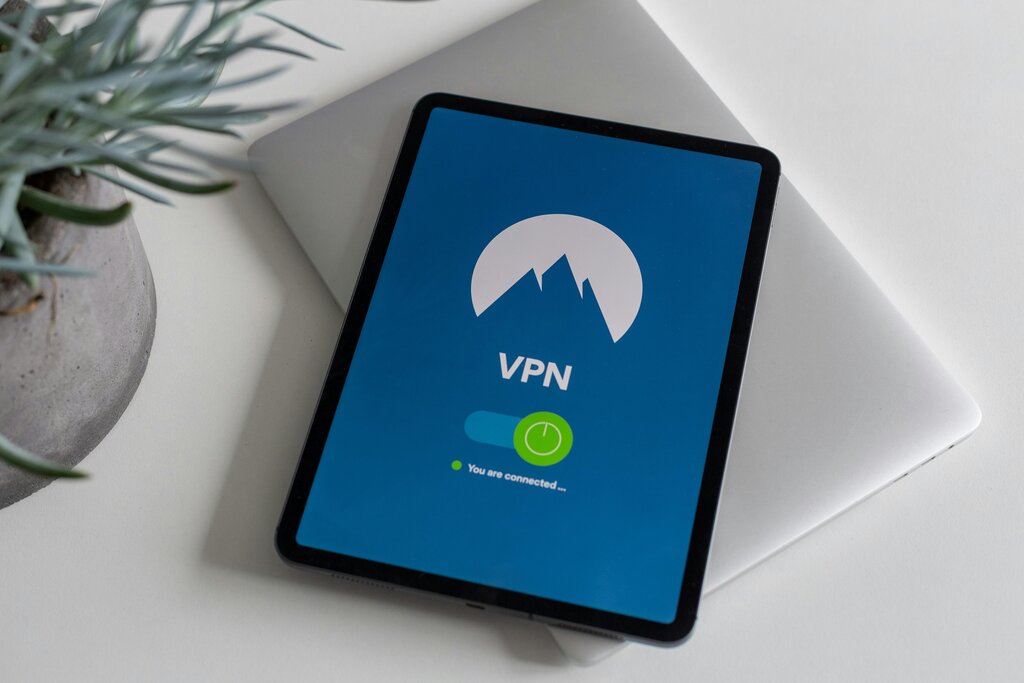
Remote Work: Many companies require employees to use a VPN to connect to the company network from home or while traveling. This creates a secure channel to access sensitive files and internal systems, just as if they were in the office.
Maintaining Privacy: Your Internet Service Provider (ISP) can see every website you visit. In some countries, they are required to log this data. By encrypting your traffic, a VPN prevents your ISP from monitoring your online activities.
Accessing Content: Some online content and streaming services are only available in certain countries. This is called geo-restriction. A VPN allows you to connect to a server in a different country, making it appear as if you are browsing from that location. This can give you access to a wider range of shows, movies, or websites.
Now that you know the basics, let's review some key terms.
Ready to check your understanding?
What are the two main ways a VPN provides security?
In the analogy of sending a postcard in a locked metal box, what does the 'locked box' represent?
By creating a secure, private tunnel for your internet connection, a VPN is a powerful tool for protecting your online activity, whether you're working remotely or just browsing at a local cafe.