Secure Your Browsing with VPNs
Introduction to VPNs
Your Private Tunnel Online
Think of the internet as a busy public highway. When you visit a website, it's like sending a postcard from your home address to another address. Anyone along the route—your internet service provider (ISP), people on your public Wi-Fi network, or advertisers—can potentially see where the postcard is from and where it's going. A Virtual Private Network, or VPN, changes this.
A VPN creates a secure, private tunnel for your internet traffic. Instead of sending an open postcard, you're now sending a sealed, unmarked envelope through a private delivery service. All your online activity travels through this encrypted tunnel, making it unreadable to outsiders.
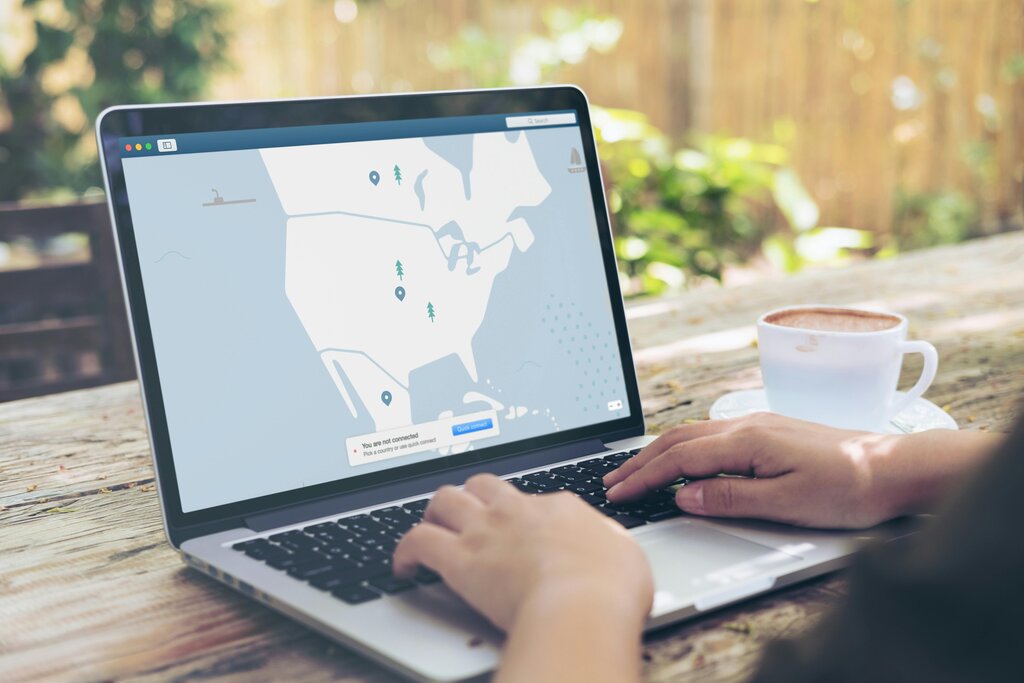
This process does two key things. First, it hides your device's unique identifier, called an IP address. Instead of showing your actual location, websites and services see the IP address of the VPN server you're connected to. Second, it encrypts your data. Encryption scrambles your information, so even if someone intercepted it, they wouldn't be able to understand it.
How It Works
Using a VPN is usually as simple as opening an app and tapping a button. When you connect, the VPN app on your device establishes a secure connection to a remote VPN server, which can be located anywhere in the world.
From that point on, all of your internet traffic is routed through that server. Your request goes from your device, through the encrypted tunnel to the VPN server, and then the server forwards it to the website you want to visit. The website sends its response back to the VPN server, which then sends it securely back to your device. This all happens in a fraction of a second.
To the outside world, it looks like your internet traffic is coming from the VPN server, not your actual location. This keeps your activity private and secure, especially on networks you don't control.
A VPN creates a secure, encrypted tunnel between your device and the internet, shielding your online activities from hackers, trackers, and surveillance.
Common VPN Uses
People use VPNs for many reasons, but most boil down to privacy and security.
Securing Public Wi-Fi: Coffee shops, airports, and hotels offer convenient free Wi-Fi, but these networks are often unsecured. This makes it easier for others on the same network to snoop on your activity. A VPN encrypts your connection, making your data unreadable to anyone trying to watch.
Maintaining Online Privacy: Your Internet Service Provider (ISP) can see every website you visit. In some countries, they are required to keep logs of this activity. A VPN prevents your ISP from seeing what you do online, as they can only see that you're connected to a VPN server.
Secure Remote Work: Many companies require employees to use a VPN when working from home. This allows them to securely connect to the company's internal network and access sensitive files and systems as if they were physically in the office.
Accessing Content: A VPN can make it appear as though you're browsing from a different country. This is often used to access websites, streaming services, or online content that might be restricted to a specific geographic region.
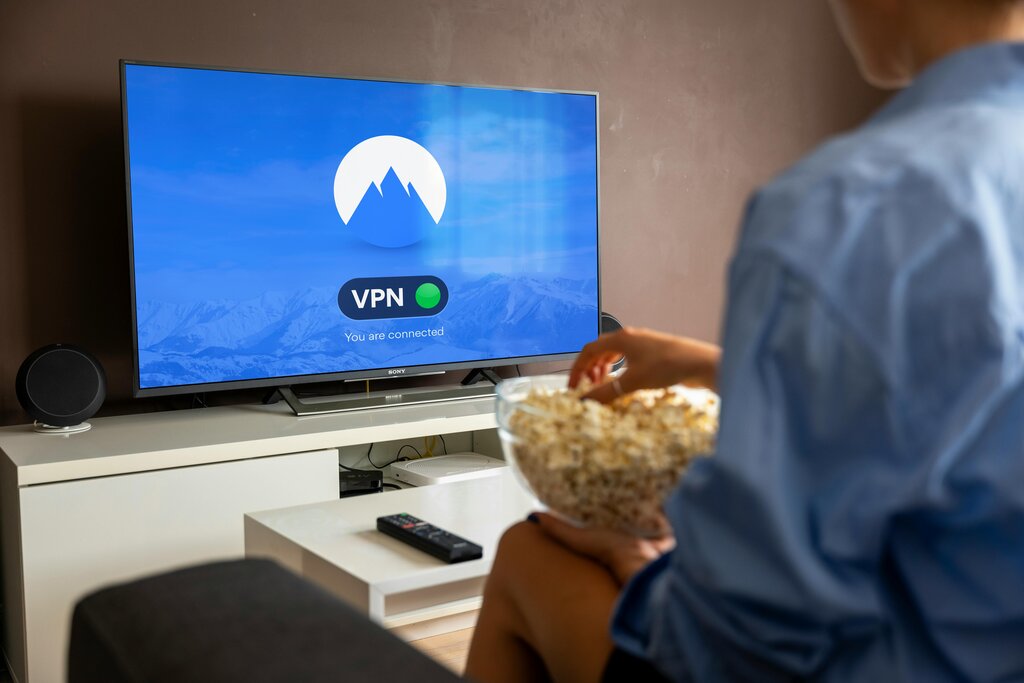
By routing your connection through a private server and scrambling your data, a VPN provides a powerful layer of security and privacy for your daily online life.
Ready to check your understanding?
What is the primary function of a Virtual Private Network (VPN)?
The text compares using the internet without a VPN to sending a postcard. In this analogy, using a VPN is like...
In short, a VPN is a versatile tool for anyone looking to increase their online privacy and security. It creates a private space for you on the public internet.