Secure Your Browsing with VPNs
Introduction to VPNs
What is a VPN?
A Virtual Private Network, or VPN, is a service that protects your internet connection and online privacy. Think of it like a secure, private tunnel for your data. When you go online, instead of your traffic being out in the open, it travels through this encrypted tunnel.
A VPN creates a secure, encrypted tunnel between your device and the internet, shielding your online activities from hackers, trackers, and surveillance.
This tunnel does two main things. First, it hides your IP address, which is like your device's mailing address on the internet. This makes your online actions virtually untraceable. Second, it encrypts your traffic, scrambling it so that even if someone intercepted it, they couldn't read it. This is especially important when you're using public Wi-Fi, where your connection is less secure.
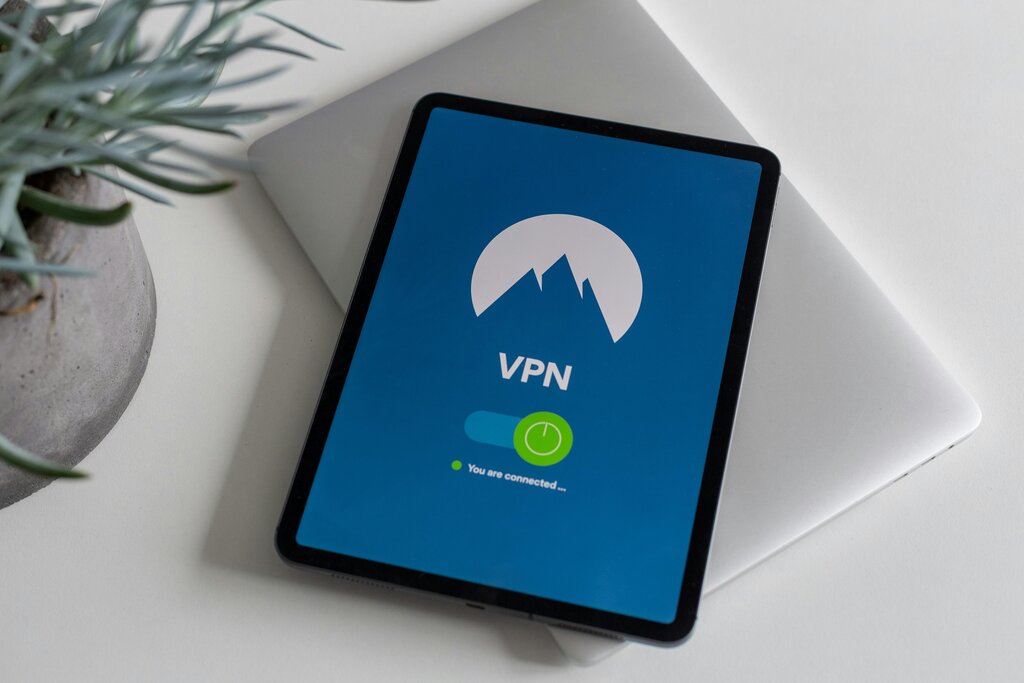
A Look Inside the Tunnel
So how does this virtual tunnel actually work? When you connect to a VPN, your device establishes a secure connection with a remote VPN server. All your internet traffic—from browsing websites to sending emails—is routed through this server.
This process effectively masks your true location. If you connect to a VPN server in another country, websites you visit will think you're physically there. Your Internet Service Provider (ISP) can see that you're connected to a VPN, but they can't see what you're doing online because of the encryption.
Different Types for Different Needs
Not all VPNs are used for the same purpose. The two main categories are remote access VPNs and site-to-site VPNs.
Remote Access VPNs are what most people use personally. They allow an individual user to connect to a private network from a remote location. A common example is an employee working from home who needs to access files and applications on their company's internal server. The VPN creates a secure channel from their laptop to the office network.
Site-to-Site VPNs are typically used by businesses with multiple office locations. Instead of connecting an individual user, this type of VPN connects entire networks together. It acts like a secure, private bridge over the public internet, allowing two separate offices to share resources as if they were in the same building. This is often used to connect a main office with its branch locations.
| Feature | Remote Access VPN | Site-to-Site VPN |
|---|---|---|
| Primary User | Individuals, remote workers | Businesses, organizations |
| Connects | A user to a network | A network to another network |
| Example | Accessing company files from a cafe | Linking a New York office to a London office |
Common Reasons to Use a VPN
The benefits of a VPN extend beyond just corporate use. For everyday internet users, a VPN is a powerful tool for privacy and security.
Using a VPN on public Wi-Fi is one of its most critical applications. Networks in coffee shops, airports, and hotels are often unencrypted, leaving you vulnerable to anyone on the same network who might want to snoop on your activity.
By connecting to a VPN before accessing public Wi-Fi, you can encrypt your internet traffic and create a secure tunnel that protects sensitive information from potential cyber-attacks.
VPNs are also useful for accessing content that might be restricted in your geographic location. For instance, if you're traveling abroad, you can connect to a VPN server in your home country to access your favorite streaming services, which might otherwise be unavailable.
Finally, a VPN helps protect your privacy from your own Internet Service Provider (ISP). Without a VPN, your ISP can track your browsing history. With a VPN, your traffic is encrypted, keeping your online habits private.
Ready to check your understanding of how VPNs work?
What are the two primary functions of a VPN?
An employee working from home needs to securely access their company's internal server. Which type of VPN would they most likely use?
In short, a VPN is a versatile tool that adds a crucial layer of security and privacy to your online life, whether you're working remotely, traveling, or simply browsing at home.