Secure Your Browsing with VPNs
Introduction to VPNs
What is a VPN?
Think of the internet as a busy public highway. When you visit a website, it's like sending a postcard. Anyone along the route—your internet service provider (ISP), advertisers, or even hackers on the same network—can potentially see where it's from, where it's going, and what's written on it.
A Virtual Private Network, or VPN, changes how you send your data. Instead of a postcard, a VPN gives you a secure, armored truck. It creates a private, encrypted connection over the public internet, making your online activities much harder for others to see.
A VPN, or Virtual Private Network, is a service that creates a secure, encrypted connection between your device and the internet.
This secure connection acts like a private tunnel, shielding your digital life from prying eyes. It's a fundamental tool for online privacy and security.
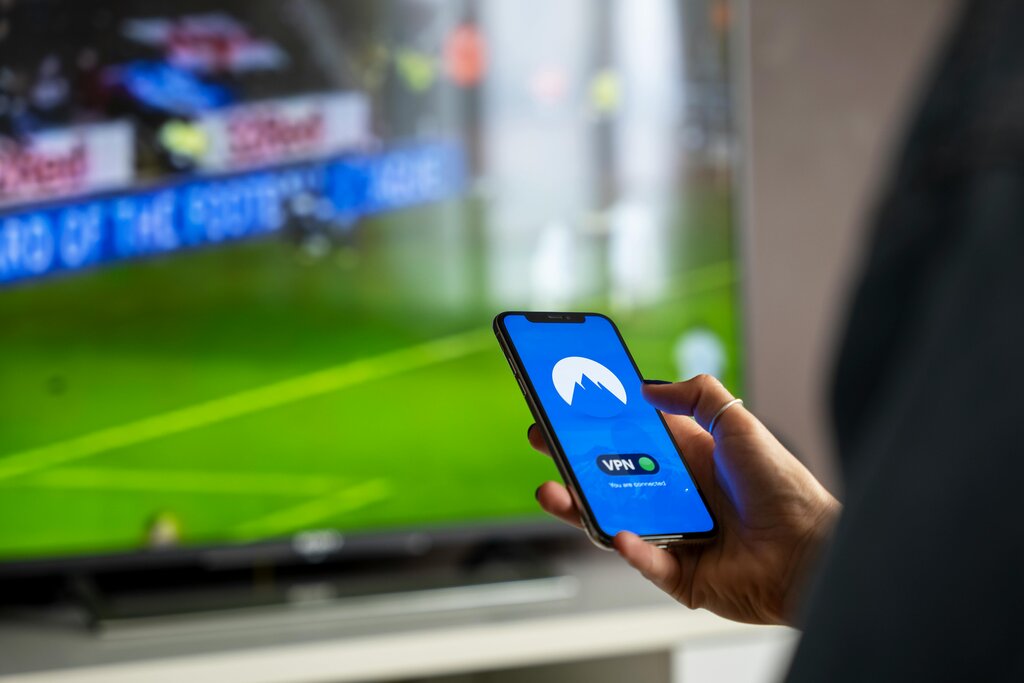
How a VPN Works
A VPN accomplishes this protection through a few key steps. It combines a secure tunnel, powerful encryption, and a new identity for your device on the internet.
Tunneling
noun
The process of creating a private, secure connection through a public network. Data packets are placed inside other packets before being sent.
First, the VPN creates a secure “tunnel” between your device and a server owned by the VPN provider. All your internet traffic is routed through this private passageway, separating it from the rest of the traffic on the public network. Anyone looking from the outside can't see what's inside your tunnel.
Inside this tunnel, your data is encrypted. Encryption scrambles your information into an unreadable code. Even if someone managed to intercept your traffic, they wouldn't be able to make sense of it without the specific key to decrypt it. Only your device and the VPN server have this key.
Finally, the VPN masks your IP address. An IP address is a unique number that identifies your device on the internet, much like a home address. When you connect to a VPN, your real IP address is hidden. All your traffic appears to come from the VPN server's IP address and location instead. This makes it very difficult for websites to know where you're really browsing from.
Why Use a VPN?
So, what are the practical benefits of using this technology? VPNs are useful in a variety of everyday situations.
Protect Your Privacy: A VPN prevents your ISP from seeing which websites you visit. It also stops websites and advertisers from tracking you based on your IP address, giving you a greater degree of online anonymity.
Secure Your Connection on Public Wi-Fi: Public Wi-Fi networks in places like coffee shops, airports, and hotels are notoriously insecure. They can be hotspots for hackers looking to steal personal information like passwords and credit card numbers. A VPN encrypts your connection, making it safe to use public networks.
Access Geo-Restricted Content: Have you ever tried to watch a video or access a website only to be told it's not available in your country? A VPN can help. By connecting to a server in a different country, you can make it appear as if you're browsing from that location, allowing you to bypass these geographic blocks.
A VPN is a powerful tool for taking control of your online experience, making it more private, secure, and open.
According to the "postcard on a public highway" analogy for internet traffic, what does a VPN provide?
What is the main function of encryption in a VPN?
That covers the basics of what a VPN is, how it works, and why you might want to use one.