Secure Your Browsing with a VPN
Understanding VPNs
Your Private Tunnel Online
Think of your internet connection as a busy highway. When you visit a website, your data travels on this public road, and anyone watching—like your internet service provider (ISP), advertisers, or hackers—can see where you're going and what you're doing.
A Virtual Private Network, or VPN, creates a private, encrypted tunnel for your data to travel through. Instead of being out in the open, your internet traffic is shielded from view. It's like taking a private subway that goes directly to your destination, with no one able to peek inside.
This private tunnel does two key things to protect you: it encrypts your data and masks your IP address.
Encryption and Anonymity
Encryption scrambles your data into an unreadable code. If anyone manages to intercept your traffic, all they'll see is gibberish. This is crucial for protecting sensitive information like passwords, credit card numbers, and personal messages, especially on unsecured networks.
Your IP address is like a digital street address for your device. It reveals your general location and can be used to track your online activity. A VPN hides your real IP address and replaces it with one from its own server. If you connect to a VPN server in another country, websites will think you're browsing from that location, not your own.
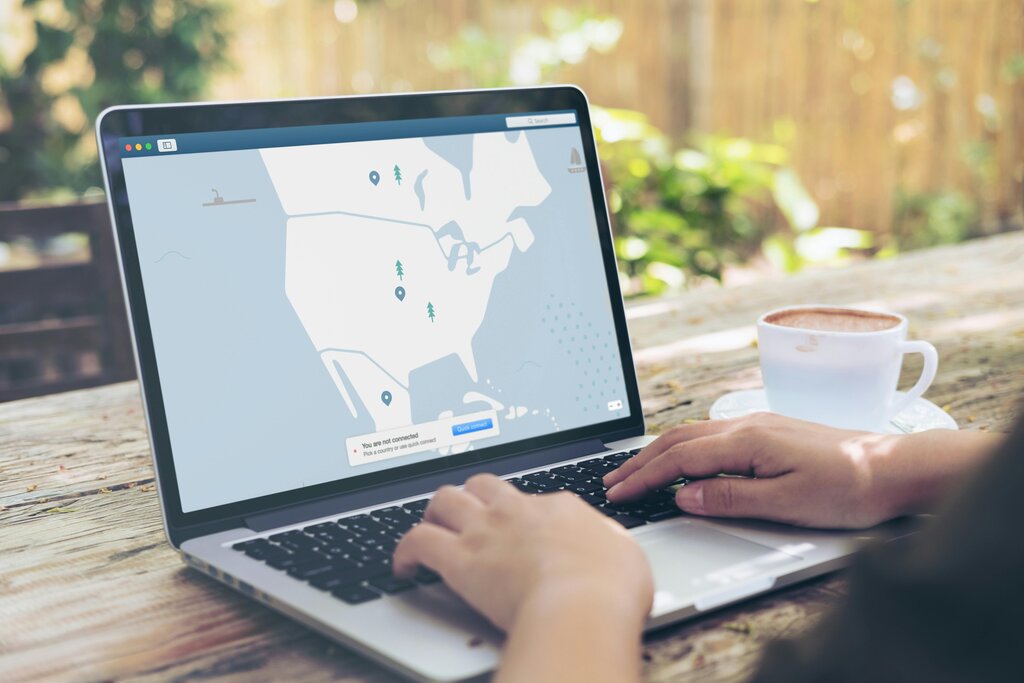
Common Uses for a VPN
So, when is a VPN actually useful? There are a few common scenarios where it can provide a major benefit.
One of the most important times to use a VPN is when you're connected to public Wi-Fi, like at a coffee shop, airport, or hotel. These networks are often not secure, making them a prime target for hackers looking to steal personal information. A VPN encrypts your connection, keeping your data safe from prying eyes on the same network.
Another popular use is to bypass geo-restrictions. Some content, like streaming services or news websites, is only available in certain countries. By connecting to a VPN server in the appropriate country, you can make it appear as though you're browsing from there, unlocking access to that content.
Finally, a VPN can help protect your privacy from your own ISP. While your ISP can't see the specifics of your encrypted traffic, they can see that you're connected to a VPN. However, they won't know which websites you're visiting or what you're doing on them.
| Use Case | Why It Helps |
|---|---|
| Public Wi-Fi | Encrypts your data on insecure networks. |
| Geo-Restricted Content | Masks your location to access content from other regions. |
| ISP Privacy | Prevents your ISP from tracking your browsing activity. |
Let's review the key ideas about VPNs.
Ready to check your understanding?
What are the two primary functions of a VPN described in the text?
A VPN can make it appear as though you are browsing the internet from a different geographical location.
A VPN is a powerful tool for enhancing your security and privacy online. By creating an encrypted tunnel for your traffic and masking your IP address, it helps keep your digital life more private.