Secure Your Accounts with Two-Factor Authentication
Understanding Two-Factor Authentication
An Extra Layer of Security
Think of your password as the first lock on your digital front door. It's a good start, but what if someone steals your key? Two-factor authentication (2FA) adds a second, different kind of lock. To get in, a thief would need not just your password (something you know), but also a second piece of information, proving it's really you.
Two-factor authentication (2FA) adds a second layer of protection to your accounts, making it much harder for hackers to break in—even if they get your password.
This second piece of information falls into one of a few categories. Security experts call them authentication factors.
The Three Factors
Authentication relies on proving your identity through one or more of these factors:
| Factor | Type | Example |
|---|---|---|
| Knowledge | Something you know | Your password or a PIN. |
| Possession | Something you have | Your phone or a physical security key. |
| Inherence | Something you are | Your fingerprint or your face. |
Single-factor authentication only uses one of these, typically a password. Two-factor authentication combines two of them, making your account exponentially more secure. For example, logging into your bank might require your password (knowledge) and a code sent to your phone (possession).
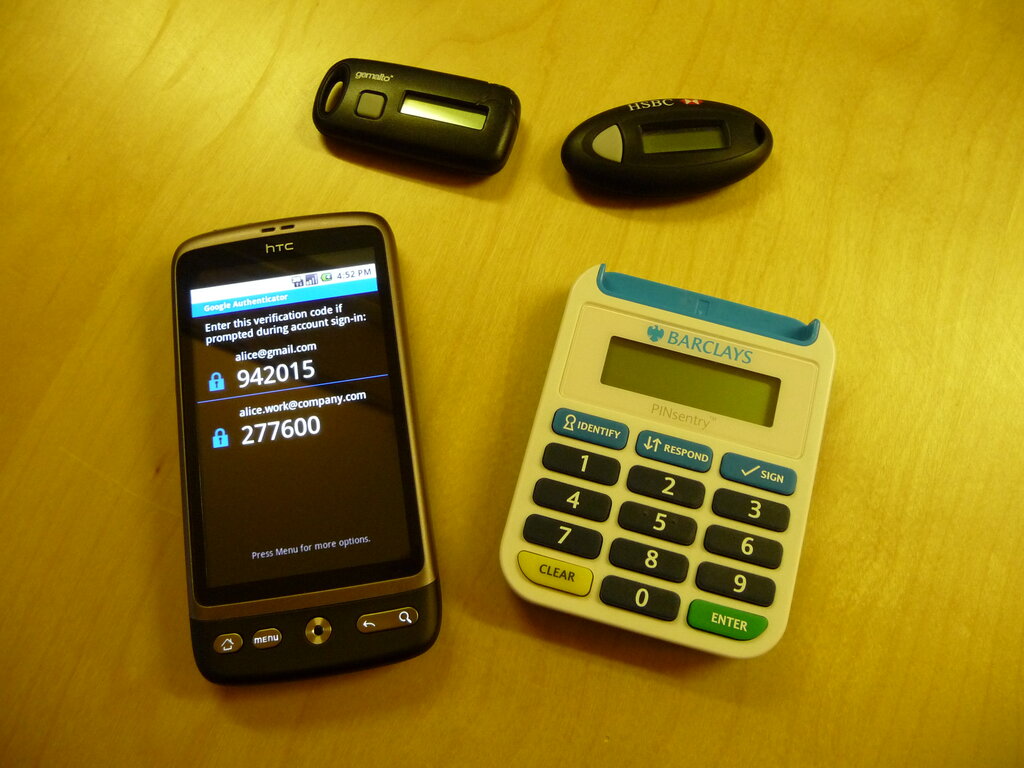
Common 2FA Methods
You've likely already encountered 2FA. Here are some of the most common ways it's implemented.
SMS Codes This is one of the most familiar methods. After entering your password, the service sends a one-time code to your phone via text message. You enter that code to complete the login. It's convenient, but it has weaknesses. If someone manages to swap your SIM card to their own phone, they can intercept your codes.
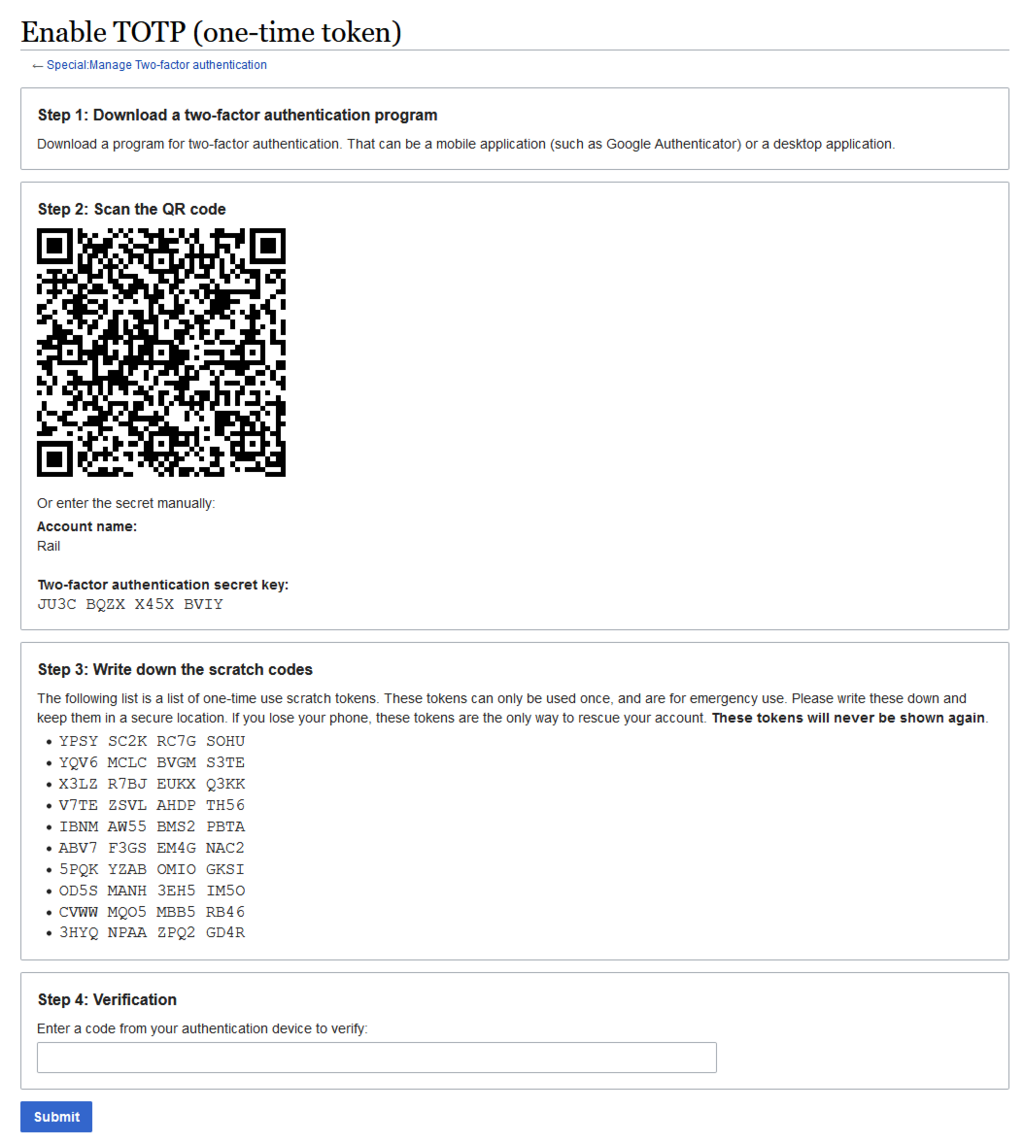
Authenticator Apps A more secure option is an authenticator app, like Google Authenticator, Microsoft Authenticator, or Authy. When you set it up, you scan a QR code which creates a secure link between the app and your account. The app then generates a new, time-sensitive six-digit code every 30 seconds. Since the code is generated on your device and not sent over the phone network, it's not vulnerable to SIM swapping.
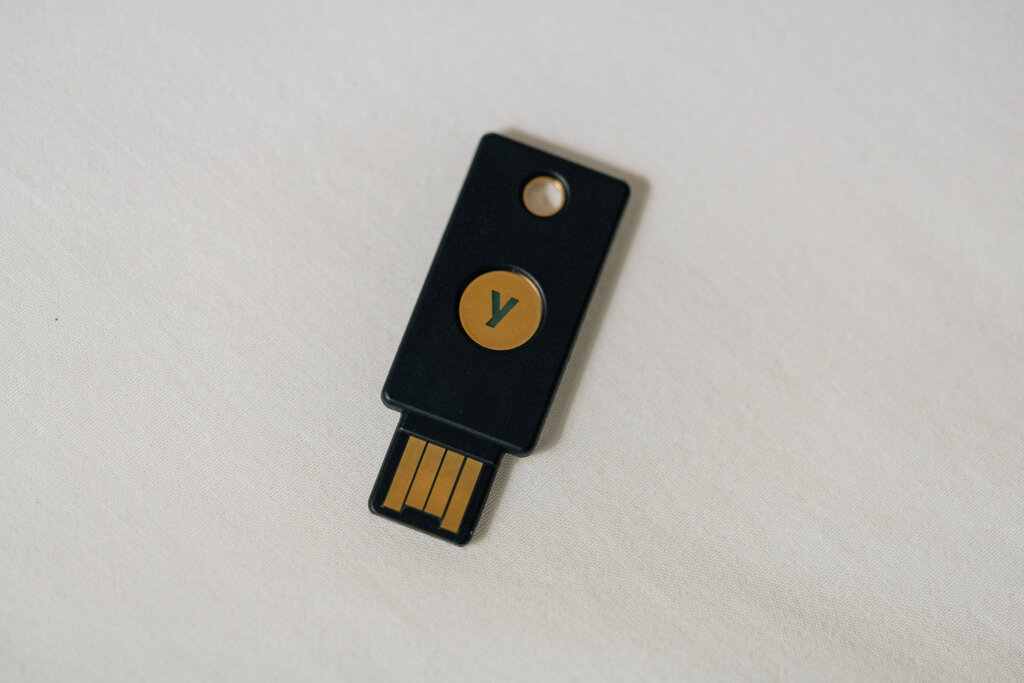
Hardware Tokens For the highest level of security, there are physical hardware tokens. These are small devices, often resembling a USB stick, that you plug into your computer or tap on your phone. When prompted, you touch a button on the key to verify your presence and approve the login. This method is highly resistant to phishing because the key communicates directly with the legitimate website, and a fake site can't trick it.
Why Bother?
Passwords get stolen. It happens all the time in data breaches. If your password is leaked, anyone can use it to access your account. But if you have 2FA enabled, that stolen password is useless without the second factor.
While no security system is perfect, 2FA provides a massive leap in protection for your online life. The small inconvenience of entering a code is a tiny price to pay for keeping your personal information safe.
Ready to check your understanding?
What is the primary purpose of two-factor authentication (2FA)?
Which of the following combinations represents two different authentication factors?
By combining something you know with something you have or are, you create a robust defense that makes your accounts a much harder target for attackers.