Secure Your Accounts with Two-Factor Authentication
Understanding Two-Factor Authentication
Beyond the Password
Think of your password as the key to your front door. It works well, but if someone steals your key, they can walk right in. Two-factor authentication, or 2FA, is like adding a second, different kind of lock. Now, a thief needs your key and a secret code that only you have. It's a simple idea that makes your online accounts dramatically safer.
If you want to keep your online accounts safe, adding two-factor authentication (2FA) is the single most important step you can take.
This extra layer of security works by requiring two different types of proof that you are who you say you are. These proofs, or "factors," fall into three categories.
Any single factor can be stolen. A password can be guessed. A phone can be lost. But stealing two different factors is much, much harder. That's the core idea of 2FA: combining at least two of these categories to secure your account.
Common 2FA Methods
When you enable 2FA on an account, you'll usually choose from a few common methods for your second factor. While all are better than just a password, they have different levels of security.
SMS Codes: The service texts a short, temporary code to your phone. You enter this code to log in. It's convenient because it uses your phone number, but it's the least secure method. Hackers can sometimes trick mobile carriers into transferring your phone number to their own device in an attack called a "SIM swap."
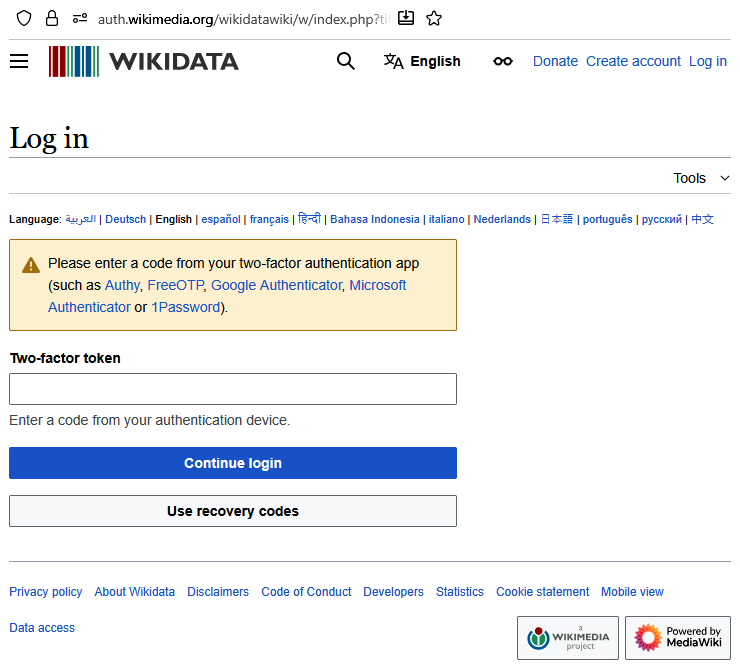
Authenticator Apps: These are apps on your phone or computer (like Google Authenticator, Authy, or Microsoft Authenticator) that generate a constantly changing, time-sensitive code. To log in, you open the app and type in the six-digit code it displays. This is more secure than SMS because the code is generated on your device and never sent over the mobile network.
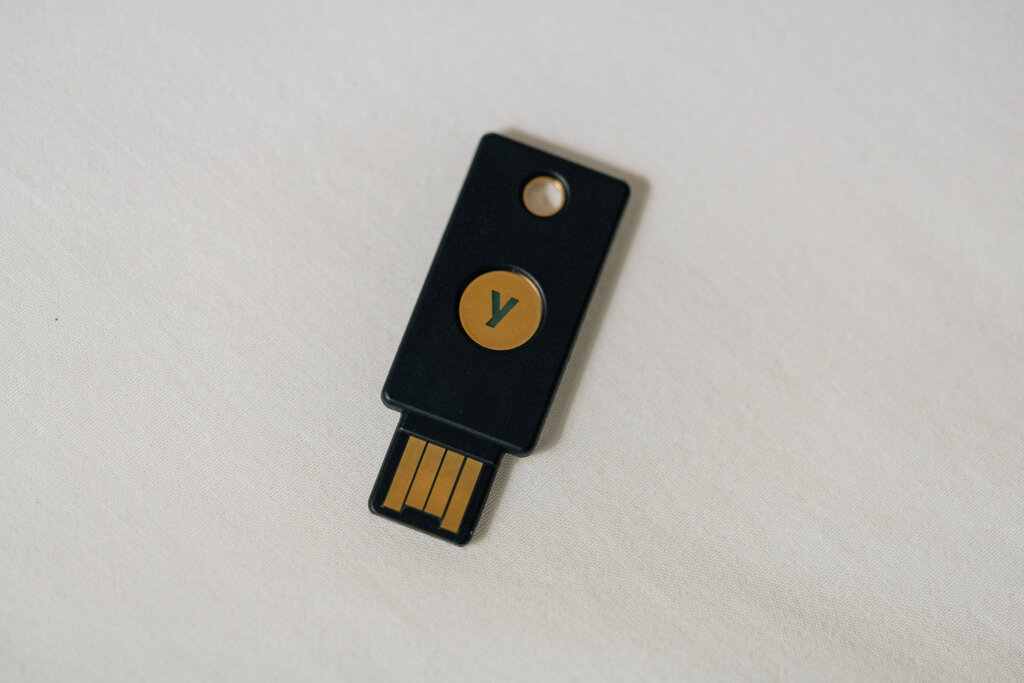
Hardware Security Keys: These are small physical devices, often resembling a USB stick, that you plug into your computer or tap on your phone. They are the most secure form of 2FA. There's no code to type or be intercepted; the key proves your identity through secure hardware. Even if a thief has your password, they can't log in without your physical key.
Here’s a quick comparison of the three main methods.
| Method | How It Works | Security Level |
|---|---|---|
| SMS Code | Code sent via text message | Good |
| Authenticator App | Time-based code generated in an app | Better |
| Hardware Key | Physical device plugs in or taps | Best |
Why It's Worth It
Setting up 2FA might seem like a small hassle, but the security payoff is huge. Your password can be exposed in a data breach on a website you use, no matter how strong you make it. When that happens, 2FA is what stands between a hacker and your personal information, emails, or financial accounts.
By requiring that second factor, you create a powerful barrier that stops most automated and targeted attacks cold. It's one of the simplest and most effective steps you can take to protect your digital life.
Ready to check your understanding?
What is the primary purpose of two-factor authentication (2FA)?
Which method of 2FA is described as the most secure?
Using 2FA is a fundamental habit for staying safe online. Whenever a service offers it, you should enable it.