Secure Your Accounts with Two-Factor Authentication
Understanding Two-Factor Authentication
More Than a Password
Your password is the first line of defense for your online accounts. But what if someone steals it? Data breaches happen, and a compromised password can give attackers access to your email, bank accounts, and more. This is where two-factor authentication, or 2FA, comes in. It's like having a second lock on your digital door.
Instead of just asking for something you know (your password), 2FA requires a second piece of evidence to prove it's really you. This second step makes it much harder for an unauthorized person to get into your account, even if they have your password.
Two-factor authentication (2FA) adds an extra layer of security by requiring not only a password and username but also something that only the user has on them, such as a physical token.
The Three Factors of Authentication
Authentication factors are grouped into three categories. 2FA works by combining any two of them.
| Factor Type | Description | Examples |
|---|---|---|
| Knowledge | Something you know. | Password, PIN, answer to a security question. |
| Possession | Something you have. | Your phone, a hardware security key, a bank card. |
| Inherence | Something you are. | Fingerprint, face scan, voice recognition. |
Logging in with a password (knowledge) and then entering a code sent to your phone (possession) is a classic example of 2FA. The system verifies both that you know the password and that you have your phone, providing much stronger security than a password alone.
Common 2FA Methods
While the principle is the same, 2FA can be implemented in a few different ways, each with its own trade-offs between convenience and security.
SMS Codes: The service texts a one-time code to your phone. You enter this code to log in. It's simple and widely available, but it's also the least secure method. Hackers can sometimes trick mobile carriers into transferring your phone number to their own device in an attack called a "SIM swap."
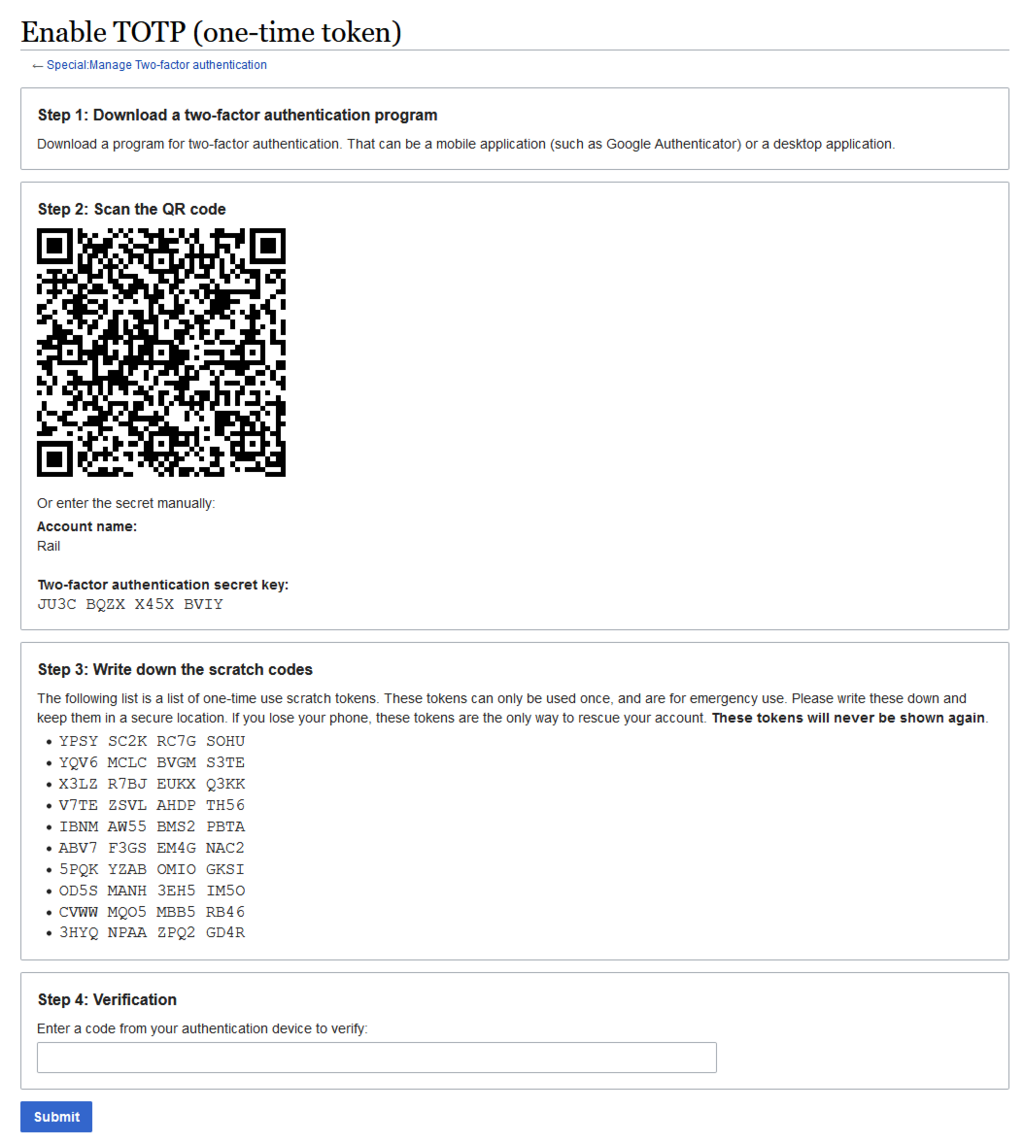
Authenticator Apps: These are apps on your smartphone (like Google Authenticator or Authy) that generate a constantly refreshing, time-based one-time password (TOTP). To set it up, you typically scan a QR code. This is more secure than SMS because the code is generated on your device and isn't sent over the mobile network.
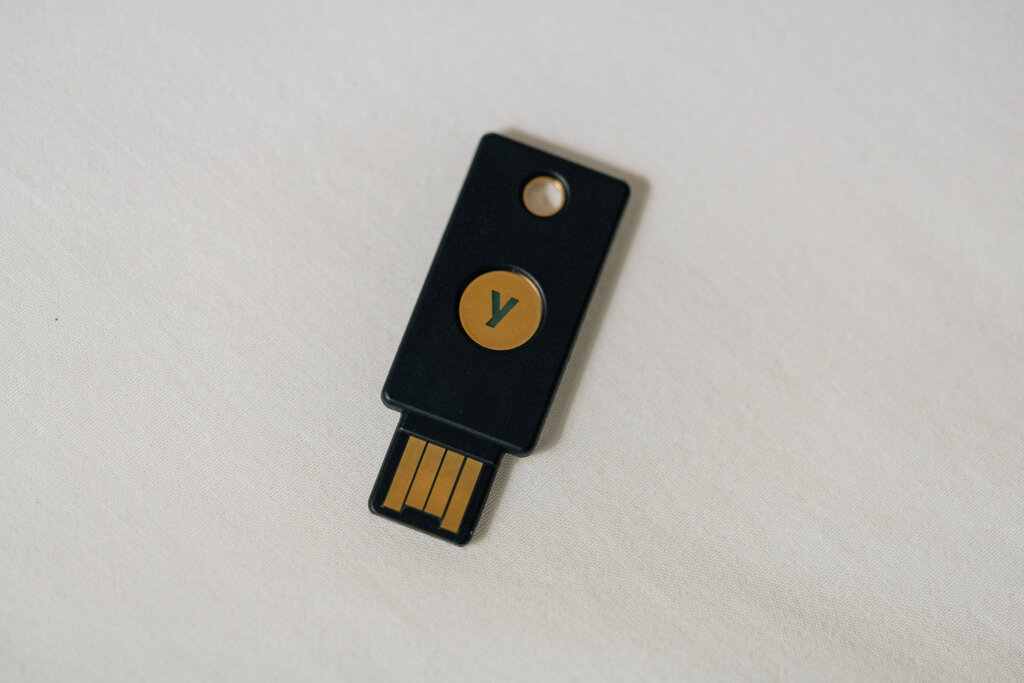
Hardware Security Keys: These are small physical devices, often resembling a USB stick, that you use to verify your identity. You plug the key into your computer or tap it on your phone (using NFC) to approve a login. Because a physical object is required, this method is highly resistant to phishing and is considered the most secure form of 2FA available to the general public.
By adding a second layer of defense, 2FA dramatically boosts your online security. It turns your accounts from a house with a single lock into a vault.