Secure Node Express Authentication
Introduction to Authentication
The Digital Gatekeeper
Authentication is the process of verifying that someone is who they claim to be. Think of it like showing your driver's license to a security guard. The guard checks your photo and name to confirm your identity before letting you in. In the digital world, websites and apps act as the security guard. They need to make sure you're the legitimate owner of an account before granting you access to your data, like emails, photos, or bank information.
Without this crucial step, anyone could simply say they're you and gain access to your private information. Proper authentication is the first line of defense in protecting user data and maintaining the integrity of an application. It builds trust between the user and the service.
Authentication asks, "Are you really you?" Authorization, which comes next, asks, "What are you allowed to do?"
How Systems Remember You
Once you've proven your identity, how does a website remember you as you navigate from page to page? It would be incredibly annoying to log in every time you clicked a new link. Two primary methods solve this problem: session-based and token-based authentication.
Session-based authentication is like getting a wristband at an amusement park. When you log in, the server creates a unique session for you and gives your browser a small piece of data called a cookie. This cookie contains a session ID. For every action you take, your browser shows the server its wristband, the cookie. The server checks its records for that session ID to confirm who you are. This process is stateful, meaning the server has to keep track of all active sessions.
Token-based authentication works more like a VIP backstage pass. When you log in, the server gives you a secure, digitally signed token. Your browser then stores this token and includes it with every request. The token itself contains all the information the server needs to verify your identity. The server just needs to check if the token's signature is valid. This method is stateless because the server doesn't need to store any session information, making it great for modern applications that need to scale.
| Feature | Session-Based | Token-Based |
|---|---|---|
| How it works | Server stores a session, gives browser a cookie with a session ID. | Server issues a self-contained, signed token to the browser. |
| Server State | Stateful (server must track sessions) | Stateless (server doesn't track sessions) |
| Scalability | Can be difficult to scale across multiple servers. | Scales easily, ideal for distributed systems. |
| Best For | Traditional web applications. | APIs, mobile apps, single-page applications (SPAs). |
Common Authentication Attacks
Because authentication is the gateway to sensitive data, it's a prime target for attackers. They use several common techniques to try and bypass these security measures.
Brute Force Attack
noun
An attack where an automated system repeatedly tries different username and password combinations until it finds a correct one.
A brute force attack is a bit like a thief trying every single key on a giant keychain to open a lock. It’s not elegant, but with enough time and computing power, it can eventually succeed, especially if the password is weak.
Another common method is credential stuffing. This happens after a data breach at one company exposes a list of usernames and passwords. Attackers take that list and use automated tools to "stuff" those credentials into the login forms of other popular websites. They're betting that people reuse the same password across multiple services. If you use the same password for your email and your social media, a breach at one could compromise the other.
Building a Stronger Gate
Securing the authentication process is fundamental. A few best practices can dramatically increase protection against these common attacks.
First, enforce strong password policies. This means requiring a minimum length, a mix of character types (uppercase, lowercase, numbers, symbols), and preventing the use of easily guessable passwords like "123456" or "password."
Second, implement rate limiting. This involves limiting the number of login attempts a user can make from a single IP address in a certain period. If an attacker tries and fails 10 times in one minute, the system can temporarily block them, thwarting a brute force attack.
Finally, adding more layers of security is always a good idea.
Integrate authentication measures that leverage multi-factor approaches.
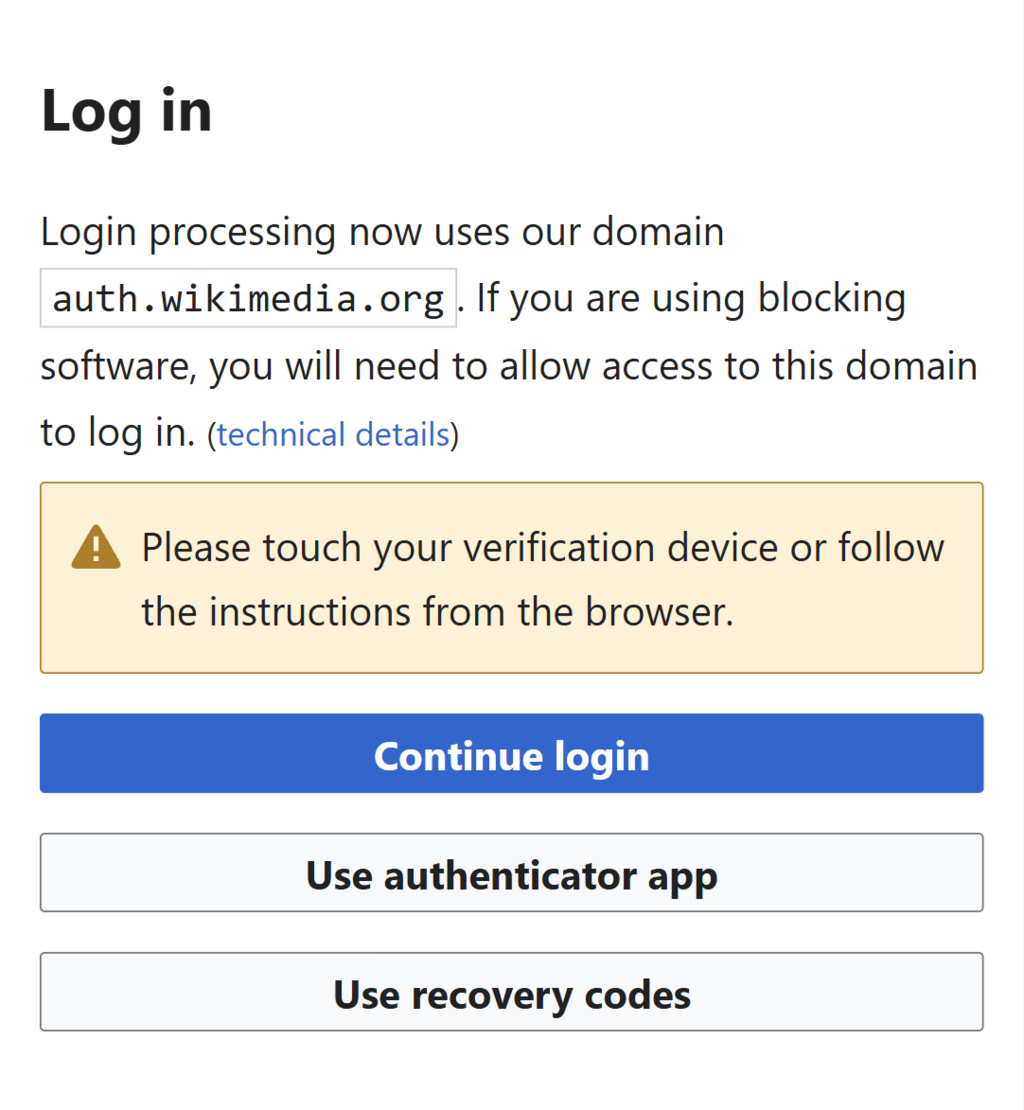
Multi-factor authentication (MFA) provides a powerful extra layer of security. Even if an attacker steals your password, they still need a second piece of information, like a code from your phone or a fingerprint, to gain access. This makes it significantly harder for unauthorized users to break in.
Let's check your understanding of these core authentication concepts.
What is the primary purpose of authentication in a digital system?
An attacker obtains a list of usernames and passwords from a data breach at a social media company and uses it to try and log into a popular online banking service. What is this type of attack called?