Secure Browsing with VPNs
Understanding VPNs
Your Private Tunnel on the Internet
Imagine the internet is a busy public highway. When you browse, you're driving your car down this highway, and anyone with the right tools can peek inside to see who you are and where you're going. A Virtual Private Network, or VPN, builds a private, encrypted tunnel around your car. No one can see inside, and to the outside world, it looks like you're driving from a different location entirely.
A VPN's main job is to boost your online privacy and security. It does this by creating a secure connection between your device and the internet. All your web traffic, from browsing to streaming to online banking, passes through this protected tunnel.
A VPN creates a secure, encrypted tunnel between your device and the internet, shielding your online activities from hackers, trackers, and surveillance.
This makes your online activities much harder to intercept or monitor, whether by your internet service provider (ISP), advertisers, or malicious actors on public networks.
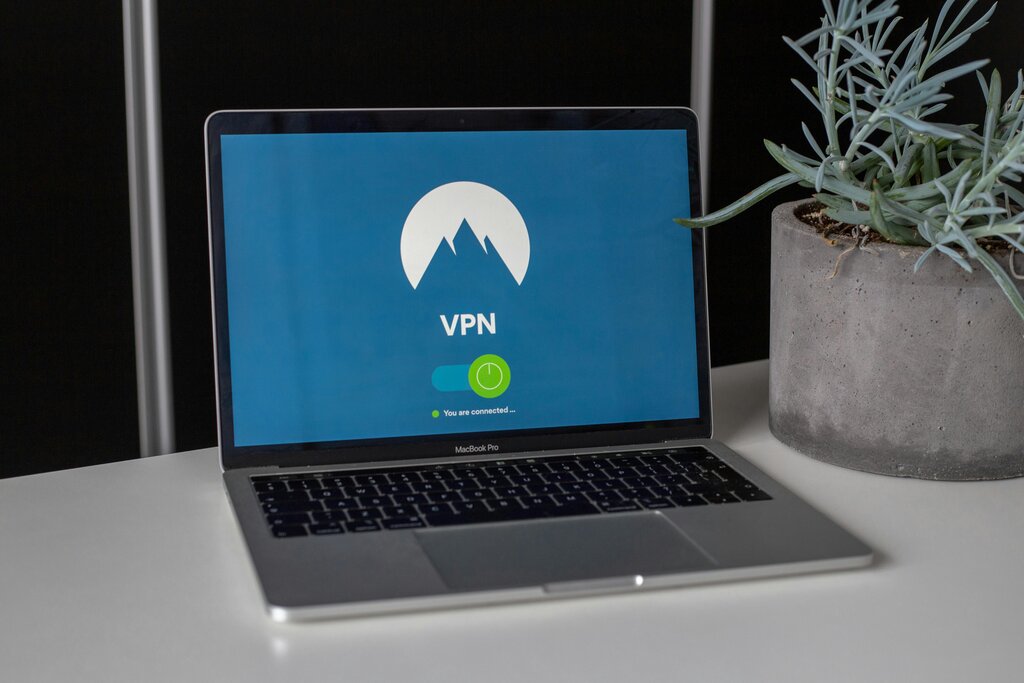
How It Works
A VPN works through two key processes: encryption and IP masking.
First, it encrypts your data. Think of encryption as scrambling your information into an unreadable code. Before your data leaves your device, the VPN app scrambles it. It then travels through the secure tunnel to the VPN's server. Only at the server is it unscrambled before being sent to its final destination on the internet. Any data coming back to you follows the same protected path.
Second, a VPN masks your IP address. Your IP address is like a digital street address for your device, revealing your general location. When you connect to a VPN, you take on the IP address of the VPN server you're connected to. If you're in New York but connect to a server in London, websites will see a London IP address, not yours.
Together, these two functions mean your online actions are private and your location is concealed.
When to Use a VPN
VPNs are useful in several everyday situations.
One of the most important times to use a VPN is on public Wi-Fi networks, like those in cafes, airports, or hotels. These networks are often unsecured, making it easy for others on the same network to intercept your data. A VPN encrypts your connection, keeping your information safe from prying eyes.
A VPN can also help you access content that might be restricted in your geographic location. Because you can appear to be browsing from another country, you can access streaming services, websites, or games that are only available in that region.
Finally, a VPN helps maintain general online privacy. It prevents your internet service provider from tracking your browsing habits and makes it harder for advertisers to build a profile on you based on your location and online behavior.
Connecting to public Wi-Fi without a VPN is like having a conversation in a crowded room. A VPN turns that conversation into a private whisper that no one else can overhear.
What a VPN Can't Do
While powerful, VPNs are not a magic bullet for all online threats. It's important to understand their limitations.
A VPN does not make you completely anonymous. Your activity can still be seen by the VPN provider itself. This is why trustworthy providers have strict "no-logs" policies, meaning they don't store records of your activity. Additionally, websites can still track you using cookies and other methods, and you can still be identified if you log into an account like Google or Facebook.
VPNs also don't protect you from all cyber threats. They won't stop you from downloading a virus, falling for a phishing scam, or entering your credentials on a fake website. A VPN is one tool in a broader security toolkit, which should also include things like strong passwords and being cautious about what you click on.
What VPN does NOT do: ✗ Make you completely anonymous ✗ Protect against malware or phishing ✗ Guarantee privacy (depends on VPN provider) ✗ Replace other security measures
Think of a VPN as a tool for securing your connection to the internet, not for securing your device itself or your online accounts.
What is the primary purpose of a Virtual Private Network (VPN)?
Which two key processes does a VPN use to protect your online activity?