Scratch Coding Fundamentals
Introduction to Scratch
What Is Scratch?
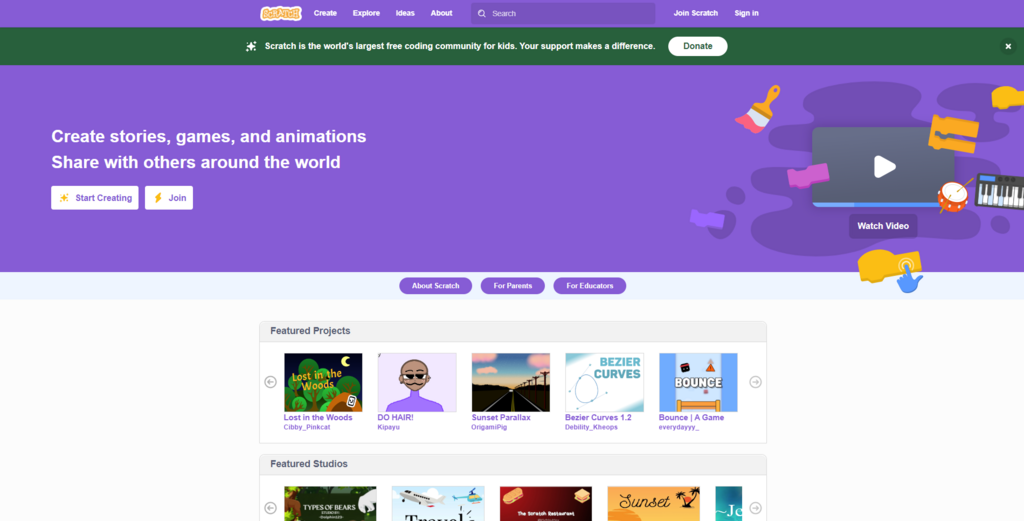
Scratch is a creative platform where you can program your own interactive stories, games, and animations. Instead of typing out complex code, you snap together colorful blocks, a bit like building with LEGOs. This visual approach makes it one of the easiest and most fun ways to start learning the fundamentals of programming.
Scratch is a fantastic platform for kids to take their first steps into the exciting world of coding.
Developed at the MIT Media Lab, Scratch is designed to be accessible to everyone, regardless of their experience. It helps you learn to think creatively, reason systematically, and work collaboratively, which are essential skills for any field.
A Tour of the Interface
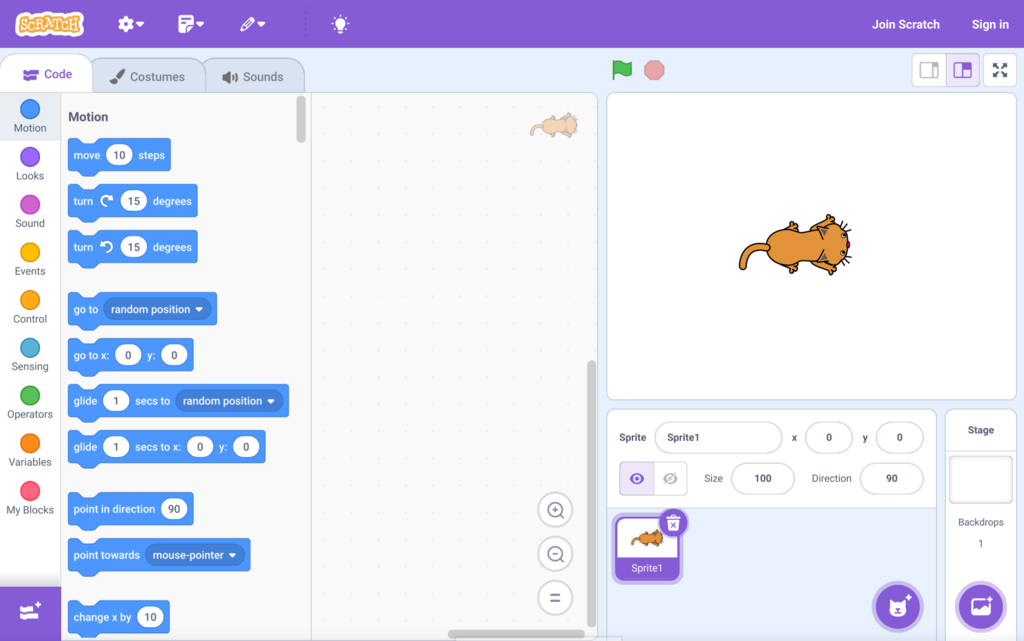
When you open a new project in Scratch, you'll see a few main areas. Let's break down what each one does.
| Area | Description |
|---|---|
| Stage | This is the top-right area where your project comes to life. Your characters (called Sprites) move and interact here. |
| Sprite Pane | Located below the Stage, this is where you manage all your characters and objects. You can add new sprites, change their appearance, and select which one to program. |
| Block Palette | On the far left, you'll find all the code blocks, organized by color and category like Motion, Looks, Sound, and Events. |
| Scripting Area | The large, central space is your canvas. You drag blocks from the Block Palette and snap them together here to build your scripts. |
The cat you see on the stage is the default sprite, often called the Scratch Cat. Every new project starts with it, but you can easily delete it or add different characters from the Scratch library.
Creating Your Account
You can start creating without an account, but signing up is a good idea. Having an account allows you to save your projects online and share them with the Scratch community. It's free and simple to do.
First, go to the Scratch website and click the "Join Scratch" button. You'll be asked to create a username and password. Make sure to choose a username that doesn't include your real name to protect your privacy.
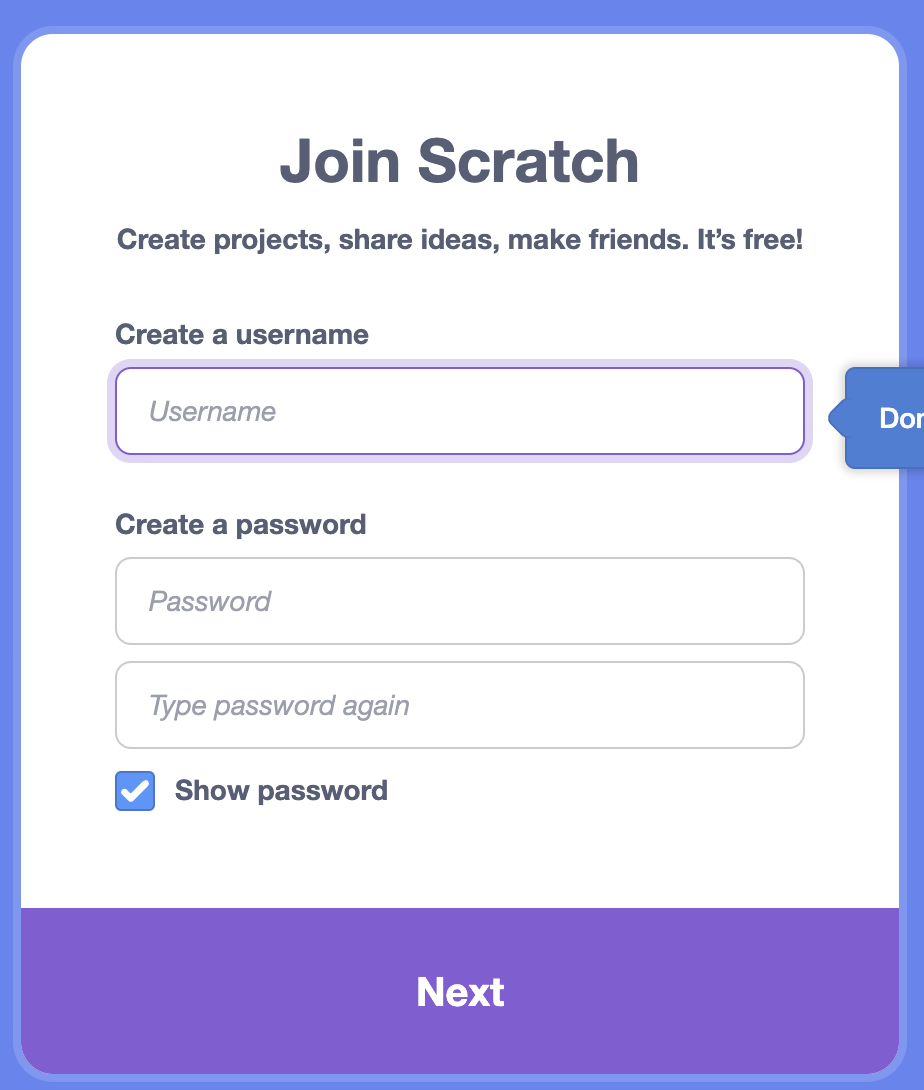
After that, Scratch will ask a few simple questions like your birth month, year, and gender. This information is used for statistical purposes and is not shared publicly. Finally, you'll provide an email address to confirm your account. Once that's done, you're all set to start saving and sharing your creations.
Now that you know your way around, let's test your knowledge.
What is Scratch?
Who developed Scratch?
With your account created, you're ready to dive in and bring your ideas to life.