Scaling Mobile Game Downloads
A/B Testing Methodology
The Science of Store Optimisation
Choosing the right icon or screenshots for your app page often feels like a purely creative decision. But relying on gut feeling is a gamble. A/B testing introduces a scientific process to what is otherwise guesswork, allowing you to make data-driven decisions that improve your app's click-through and conversion rates.
The foundational principle is asset isolation. If you change your icon, screenshots, and promo video all at once, you might see an increase in downloads, but you'll have no idea which change was responsible. To get clean, actionable data, you must test one variable at a time. This could be the background colour of your icon, the character featured in your first screenshot, or the core message in your feature graphic.
Structuring Your Experiments
When setting up a test, you have two primary methods: sequential and simultaneous. A sequential test shows version A for a week, then version B for the next week. This approach is flawed for app store testing because market conditions are never static. A competitor's marketing campaign or a seasonal event in week two could completely invalidate your results.
Simultaneous testing is the correct approach. Here, you split your incoming audience and show a portion of them version A (the control) and another portion version B (the variant) at the same time. This ensures both versions are subject to the same market conditions, making the comparison valid.
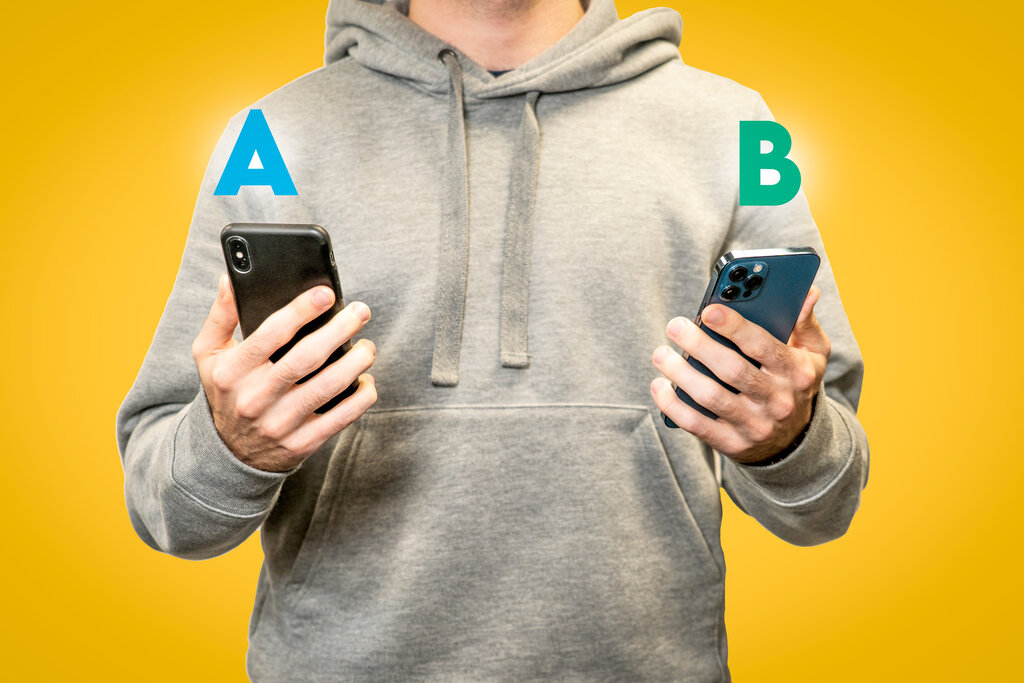
Both major app stores provide native tools for this. Google Play Console offers 'Store listing experiments', which allows for significant customisation in testing icons, screenshots, and even short descriptions. Apple provides (PPO) directly within App Store Connect, allowing you to test different sets of screenshots, app previews, and icons against your default product page.
By conducting an A/B test of screenshot sets, developers can learn key values regarding orientation (portrait vs landscape), color schemes, in-app imagery, and more.
Winner by the Numbers
Once your test is running, how do you know when you have a winner? This is where statistics come in. The two dominant philosophies are the Frequentist and approaches.
A Frequentist approach calculates a p-value, which tells you the probability of seeing your results if there was actually no difference between the versions. It's about disproving the 'null hypothesis'. If the p-value is low enough (typically below 0.05), you conclude the result is statistically significant.
The Bayesian method, on the other hand, calculates the probability that one version is actually better than the other. It answers the direct business question: "What is the chance that variant B is better than A?" This is often more intuitive for making decisions, especially in a business context like app store optimisation.
When you get your results, you'll see a conversion rate (CVR) uplift and a confidence interval. An uplift of +5% means the variant converted 5% more users than the control. The confidence interval, often set at 95%, gives you a range. For example, a 95% confidence interval of [+2%, +8%] for that 5% uplift means that if you ran the test 100 times, 95 of those times the true uplift would fall between 2% and 8%.
Even with low traffic, you can get 'directional' data. If a test doesn't reach statistical significance but consistently shows one version performing 10-15% better, it might be a strong indicator of a trend. This is particularly useful for seasonal creative refreshes, where you might not have time for a long test but need to make a quick, informed decision.
Time to check what you've learned about A/B testing methodology.
Why is it crucial to test only one asset at a time (e.g., just the icon) when conducting an A/B test on an app store page?
Which of the following describes the correct way to run an A/B test for an app store asset?
By applying these structured methods, you move from making guesses to making informed optimisations, systematically improving your app's performance on the stores.