Samsung A33 5G Screen Replacement
Understanding Smartphone Components
Peeking Inside Your Phone
Before you can fix a phone, you need to understand what's inside. Think of it like a high-tech puzzle box. On the outside, it's a sleek piece of glass and metal. But inside, it's a miniature city of interconnected components, each with a specific job. Knowing the layout of this city is the first step to becoming a successful repair technician.
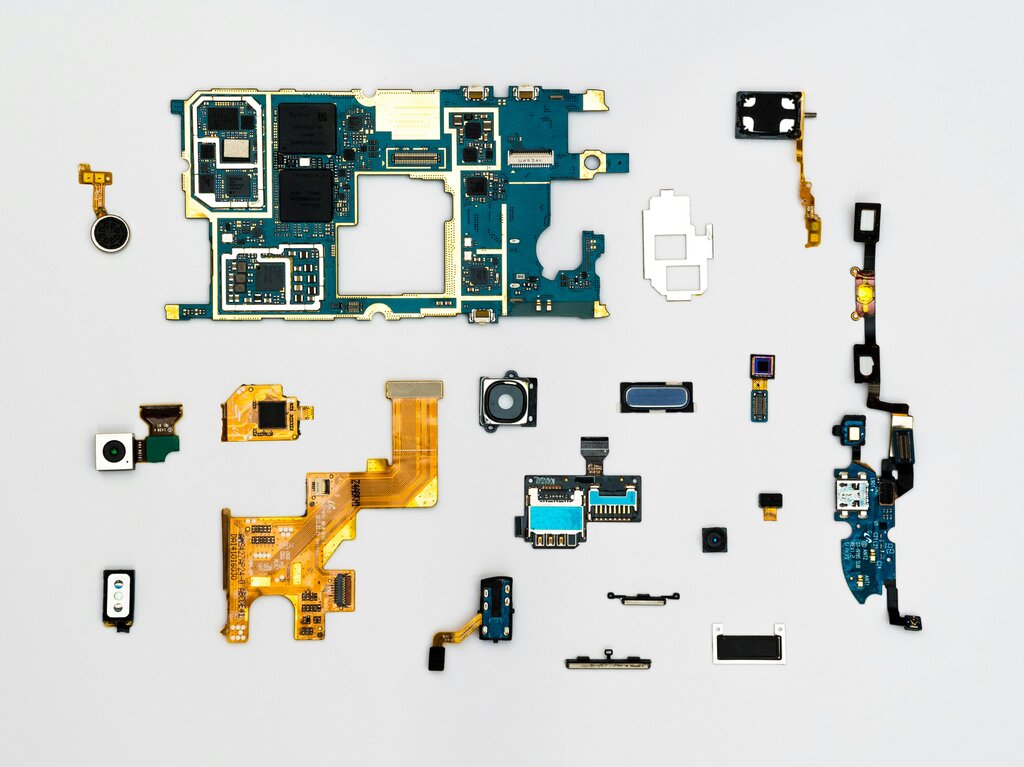
We'll be looking at the general anatomy of a modern smartphone, using the Samsung Galaxy A33 5G as our primary example. While specifics can vary between models, the core components are remarkably consistent across most devices. You'll find a main circuit board, a battery, cameras, and various smaller modules all connected with delicate cables.
The Mainboard and Display
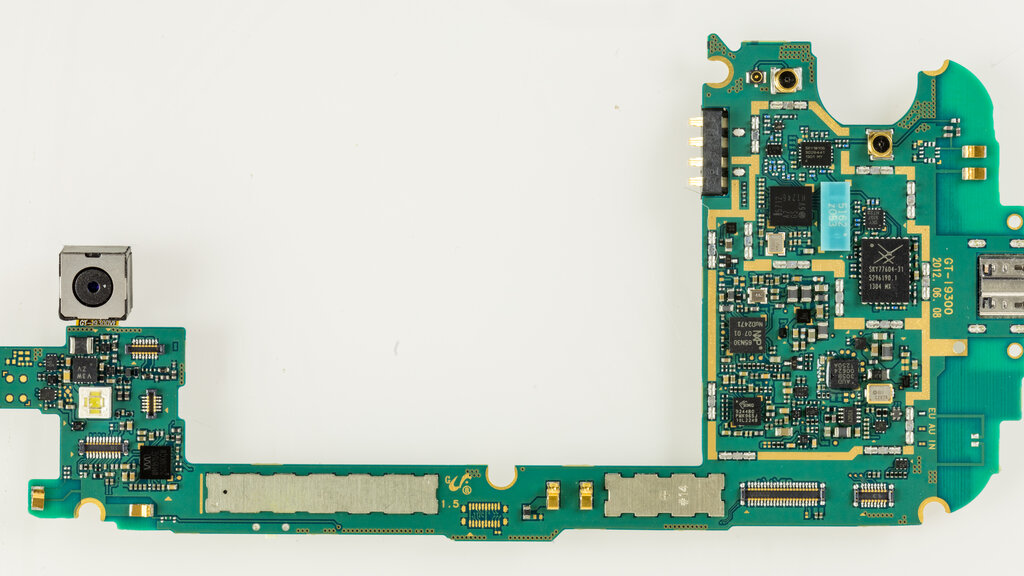
The motherboard, or main logic board, is the brains of the operation. It's a green or blue circuit board that holds the phone's processor (CPU), memory (RAM), and storage. Every other component connects to this board, allowing them to communicate and work together. Think of it as the central hub where all the information flows.
The screen, or display assembly, is more than just glass. It's a fused unit that includes the top glass layer you touch, the digitizer that senses your finger's location, and the display panel (like an OLED or LCD) that creates the image. In many modern phones, including the Galaxy A33, these layers are bonded together, which is why you replace the entire assembly even if only the glass is cracked. This assembly connects to the motherboard via a thin, flat ribbon cable.
Ribbon cables are the fragile, paper-thin messengers that carry data and power between components. They are secured by tiny press-fit or latch-style connectors.
Power, Ports, and Tools
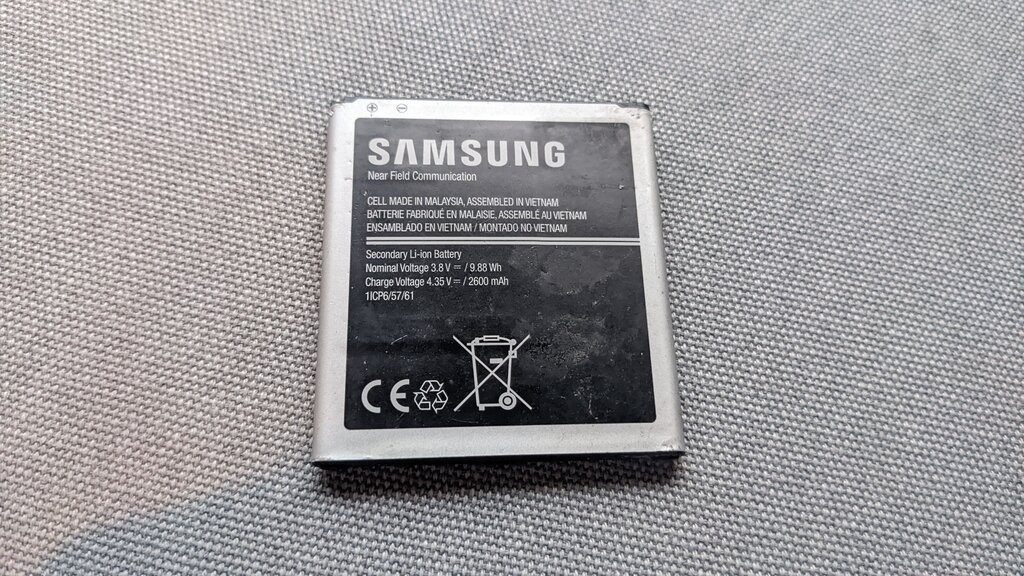
The battery is usually the largest single component inside a phone. It’s a rechargeable lithium-ion pack that also connects directly to the motherboard. One of the most critical steps in any repair is to disconnect the battery first. This prevents accidental short circuits that could damage the sensitive electronics.
Along with the main components, you'll find smaller modules for the cameras, charging port, speakers, and vibration motor. These are often separate parts that plug into the mainboard, making them easier to replace individually if they fail.
To work with these parts, you'll need a specific set of tools. You can't just use a household hammer and screwdriver. Precision is key.
| Tool | Purpose |
|---|---|
| Precision Screwdriver Set | For removing the tiny Phillips head screws inside the phone. |
| Plastic Prying Tools (Spudgers) | To safely separate plastic clips and disconnect delicate connectors without scratching or shorting components. |
| Suction Cup | Helps to gently lift the screen or back panel from the frame. |
| Tweezers | For handling tiny screws and manipulating small cables. |
| Heat Gun or iOpener | Used to soften the adhesive that holds the screen and back cover in place. |
Now that you know the key players inside the phone and the tools needed to access them, you're better prepared for the hands-on work to come.