Salesforce Administration Essentials
Salesforce Overview
What Is Salesforce?
Imagine a business where every team, from sales to customer service to marketing, has a complete, shared view of every customer. They know who the customers are, their history with the company, their needs, and their status. This central hub for customer information is what a Customer Relationship Management (CRM) system provides. Salesforce is the leading CRM platform in the world.
At its core, Salesforce is a powerful tool that helps companies connect with their customers in a whole new way. It brings together all your customer information in a single, integrated platform, enabling you to build a customer-centric business from marketing, to sales, to service, and beyond.
CRM
noun
Customer Relationship Management. It refers to all the strategies, techniques, tools, and technologies used by enterprises for developing, retaining, and acquiring customers.
The Salesforce Architecture
Salesforce is built on what's called a multi-tenant architecture. Think of it like an apartment building. All the residents (or 'tenants') share the same building structure and utilities, like water and electricity. However, each has their own secure apartment with their own furniture and personal items. Salesforce works similarly. Many companies (tenants) use the same shared technology and infrastructure, but their data is kept completely separate and secure.
This structure makes Salesforce efficient, cost-effective, and easy to update. When Salesforce rolls out a new feature, every company on the platform gets it automatically. The platform is divided into different 'Clouds,' which are suites of products designed for specific business needs.
| Cloud | Purpose |
|---|---|
| Sales Cloud | Manages the sales process, from leads to deals. |
| Service Cloud | Helps customer service agents solve issues faster. |
| Marketing Cloud | Automates marketing efforts and tracks campaign success. |
| Commerce Cloud | Powers e-commerce websites and online shopping experiences. |
These clouds all work together on one platform, giving a business a single source of truth for all its customer data.
Salesforce Data Cloud helps businesses break down data silos, gain a deeper understanding of their customers, and leverage AI to build smarter applications.
The Salesforce Administrator
So, who manages this powerful platform within a company? That's the Salesforce Administrator. A Salesforce Admin is a business leader who works with stakeholders to define requirements and customize the platform. They don't just fix problems—they proactively help the business get the most out of Salesforce.
An admin's job is to ensure the platform meets the company's specific needs, helping users be more productive and keeping the data clean and reliable.
Key responsibilities include:
- User Management: Adding new users, managing permissions, and ensuring everyone has the right level of access.
- Data Quality: Making sure the information in Salesforce is accurate, consistent, and up-to-date.
- Customization: Adding new fields, creating page layouts, and building reports and dashboards.
- Troubleshooting: Helping users with day-to-day questions and solving any issues that arise.
- Process Automation: Building simple automated workflows to make business processes more efficient.
Navigating the Interface
When you first log in to Salesforce, you'll land on a homepage that often features a dashboard with key reports and charts. The main navigation is typically a horizontal bar at the top of the page. This bar contains tabs for different 'objects.'
In Salesforce, an object is like a tab in a spreadsheet that holds a specific type of information. For example, there are standard objects for Accounts, Contacts, Leads, and Opportunities.
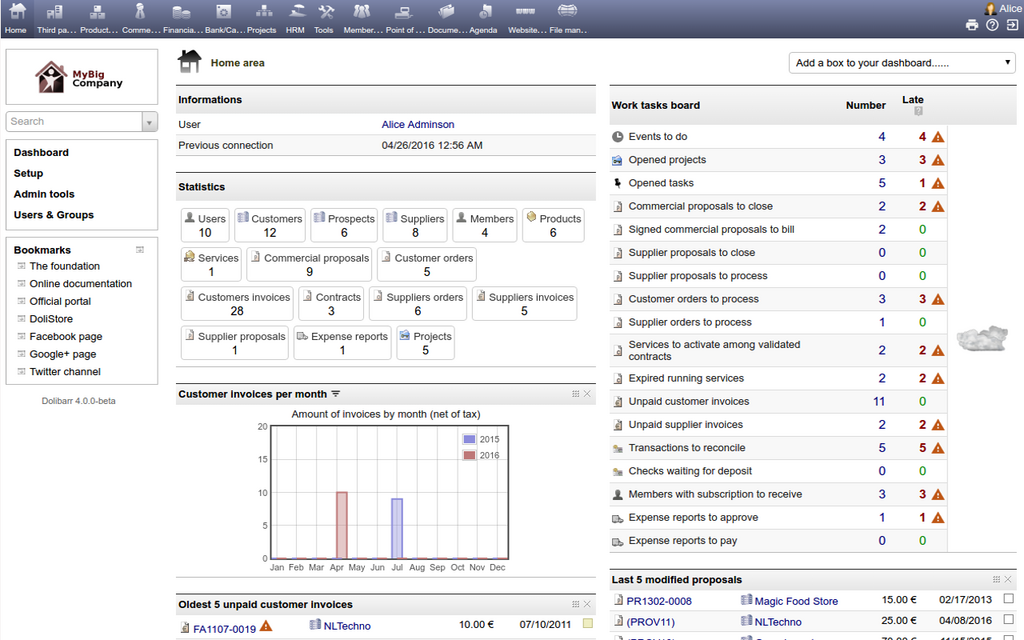
Here’s a quick rundown of some essential objects:
- Accounts: These are the companies you do business with.
- Contacts: These are the people who work at those companies.
- Leads: These are potential new customers you haven't yet qualified.
- Opportunities: These are potential sales deals you're tracking.
Another key feature is the App Launcher, usually found in the top-left corner. It looks like a grid of dots and allows you to switch between different apps, which are collections of tabs and tools tailored for specific roles, like Sales or Marketing.
What is the primary purpose of a Customer Relationship Management (CRM) system like Salesforce?
Salesforce's multi-tenant architecture is best compared to:
Understanding these core concepts is the first step toward mastering the platform. With this foundation, you can start to see how Salesforce helps businesses build and maintain strong customer relationships.