SaaS Technical Essentials for Product Managers
Software Development Basics
The Software Blueprint
Software doesn't appear out of thin air. Like a building, it needs a plan, a construction process, and maintenance. This entire process, from the first idea to the final product and beyond, is called the Software Development Lifecycle, or SDLC. It provides a structured path for teams to follow, ensuring that what they build is high-quality, functional, and solves the right problem.
Think of it as a repeating cycle. Each stage flows into the next, and the lessons learned from a running application often feed back into the planning for future updates. While there are many specific methodologies, they all generally follow these core phases.
Planning: This is the 'why' phase. The team defines the project's goals, gathers requirements from stakeholders, and determines what problem the software needs to solve for its users.
Design: Here, the team figures out how to build the software. They create blueprints, called architectural designs, that outline the system's structure, database, and user interface.
Build: Also known as implementation or coding, this is where developers write the actual code based on the design documents.
Test: Quality Assurance (QA) engineers rigorously test the software to find and fix bugs. This ensures the application is stable, secure, and meets the requirements from the planning phase.
Deploy: Once the software passes testing, it's released to users. This can be as simple as publishing an app to an app store or as complex as rolling out an update to millions of users across the globe.
Maintain: The job isn't over after launch. This phase involves fixing any bugs that appear, making updates, and adding new features based on user feedback.
The Languages of Code
Programming languages are the tools developers use to give computers instructions. Just like a chef uses different knives for different tasks, a developer chooses a language based on the job at hand. Some are great for building websites, others excel at mobile apps, and some are perfect for analyzing massive amounts of data.
You don't need to be fluent in these languages, but knowing what they're generally used for helps you understand the technical context of your product.
| Language | Primary Use | Good For... |
|---|---|---|
| JavaScript | Web Development (Front-end) | Making websites interactive and dynamic. |
| Python | Web Development (Back-end) | General-purpose tasks, data science, and automation. |
| Java | Web Development (Back-end) | Large, enterprise-level applications. |
| SQL | Databases | Asking for and managing data stored in a database. |
| Swift | Mobile Development | Building applications for Apple's iOS, iPadOS, and macOS. |
| Kotlin | Mobile Development | Building applications for Google's Android OS. |
The Development Team
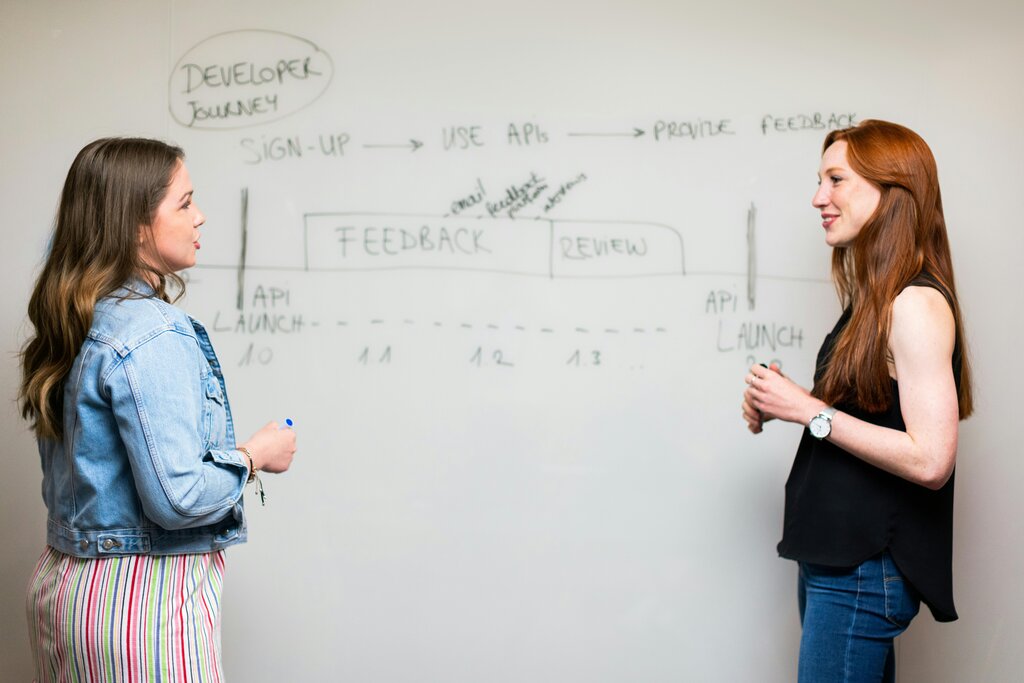
Creating great software is a team sport. Many roles work together to bring a product from an idea to a finished application. As a Product Manager, you'll be the hub of this team, so it's crucial to understand who does what.
| Role | Core Responsibility |
|---|---|
| Product Manager | Defines the product vision, strategy, and features. Represents the customer and prioritizes what to build. |
| UI/UX Designer | Focuses on the user's experience. Designs the look (UI) and feel (UX) of the product to be intuitive and enjoyable. |
| Front-End Engineer | Builds the part of the application that users see and interact with, like buttons, forms, and layouts. |
| Back-End Engineer | Builds the 'under the hood' components: the server, database, and logic that power the application. |
| Quality Assurance (QA) Engineer | Tests the application to find bugs and ensure everything works as expected before it reaches the user. |
Understanding these fundamentals—the lifecycle, the tools, and the team—is the first step to bridging the gap between product vision and technical execution. It empowers you to have more meaningful conversations with your engineering team and make better, more informed decisions for your product.