Rust Programming Fundamentals
Introduction to Rust
What is Rust?
Rust is a programming language that helps you build reliable and efficient software. Think of it like a high-performance car that also has top-of-the-line safety features. It's fast, but it's also designed to prevent common types of crashes that plague other languages.
The core goals of Rust are safety, speed, and concurrency. It lets you write code that is both fast and correct.
One of Rust's most famous features is that it guarantees memory safety without needing a "garbage collector." Many languages use a garbage collector to automatically clean up memory, which is helpful but can sometimes pause your program at inconvenient times. Rust uses a different system called ownership, which checks memory rules when your code is compiled. This means memory is managed efficiently from the start, without any runtime slowdowns.
Rust is a systems programming language that focuses on safety, concurrency, and performance.
Getting Started
The first step is to install the Rust toolchain. The official installer is called rustup, and it manages your Rust installation. It also comes bundled with Cargo, Rust's build tool and package manager. Cargo is your assistant for compiling code, downloading libraries (called "crates"), and managing projects.
On macOS, Linux, or other Unix-like systems, you can install everything by running this single command in your terminal:
curl --proto '=https' --tlsv1.2 -sSf https://sh.rustup.rs | sh
For Windows, you can download the installer from the official Rust website. Once the installation is complete, open a new terminal and run the following command to make sure everything is working correctly:
rustc --version
This should print the version of the Rust compiler you just installed.
Your First Rust Program
Now let's write a simple "Hello, world!" program. The easiest way to start a new project is with Cargo. Navigate to a directory where you want to keep your projects and run this command:
cargo new hello_world
Cargo creates a new directory called hello_world with a couple of files inside. The most important one is src/main.rs, which is where our source code lives. Let's look at its contents:
fn main() {
    println!("Hello, world!");
}
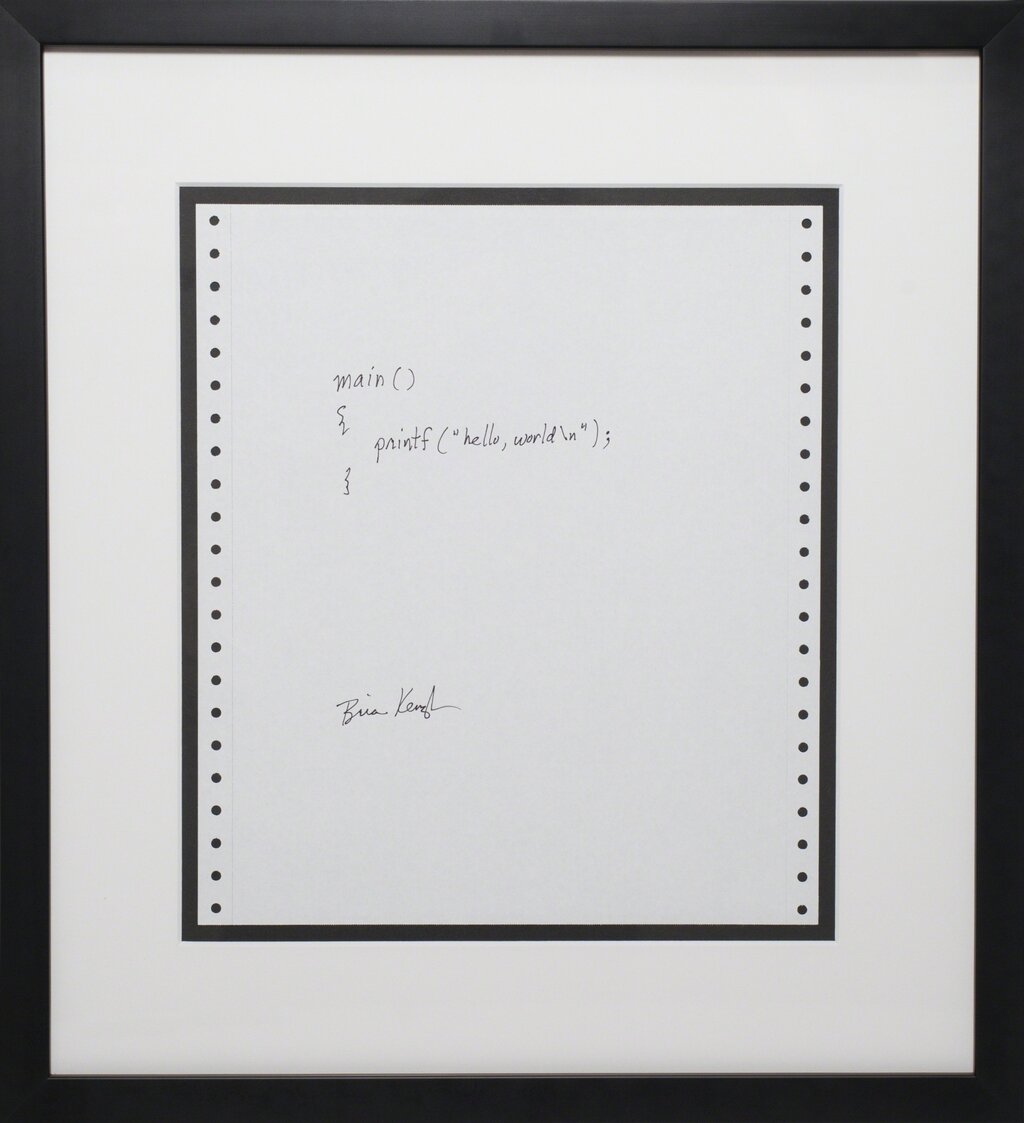
This might look simple, but it shows a few key things. Every Rust executable needs a main function, which is the entry point of the program. Inside, we call println!, which is a Rust macro that prints text to the console. The exclamation point signifies that it's a macro, not a regular function.
To run this program, navigate into your new project directory and use Cargo:
cd hello_world
cargo run
Cargo will first compile your program and then run the resulting executable. You should see Hello, world! printed to your terminal. Congratulations, you've just written and run your first Rust program!
Time for a quick check on what we've covered.
What is the primary advantage of Rust's ownership system for memory management compared to a garbage collector?
Which command is used to create a new Rust project called my_app?
That's your first look at Rust. You've learned what makes it unique and how to get a basic program up and running. From here, you can start exploring the features that make Rust such a powerful and reliable language.