Rust Programming Fundamentals
Introduction to Rust
What is Rust?
Rust is a modern programming language focused on three things: speed, safety, and concurrency. It's often compared to languages like C++ because it gives you low-level control over system resources. But unlike C++, Rust is designed from the ground up to prevent common programming errors that lead to crashes and security vulnerabilities.
This tutorial focuses on the Rust programming language, a systems programming language that runs blazingly fast, prevents segfaults, and guarantees thread safety.
One of Rust's most famous features is how it manages computer memory. Many languages use a "garbage collector," which is a background process that cleans up memory that's no longer being used. This works, but it can introduce unpredictable pauses in your program. Rust takes a different approach. It uses a system of rules called "ownership" that the compiler checks when you build your code. This system enforces memory safety rules before the program runs, meaning memory is managed safely and efficiently without needing a garbage collector.
This compile-time checking also helps with concurrency. Rust can catch potential race conditions—bugs that occur when different threads access the same memory in the wrong order—before you ever run your code.
Setting Up Your Environment
Getting started with Rust is simple. The official tool for installing and managing Rust versions is called rustup. It installs the Rust compiler (rustc), the standard library, and a fantastic tool called Cargo.
Cargo is Rust's build system and package manager. Think of it as your project assistant. It creates new projects, compiles your code, downloads the libraries your project depends on, and runs your program. Most Rust developers use Cargo for everything.
# For macOS, Linux, or other Unix-like OSs
curl --proto '=https' --tlsv1.2 -sSf https://sh.rustup.rs | sh
This command downloads and runs a script that installs the latest stable version of Rust. For Windows, visit the official Rust website for the rustup-init.exe installer. Once it's done, you'll have the rustc and cargo commands ready to go in your terminal.
Your First Rust Program
Instead of writing a single file, let's start a new project the way most Rustaceans (a nickname for Rust programmers) do: with Cargo. Open your terminal and run this command:
cargo new hello_world
Cargo creates a new directory called hello_world with a couple of files inside. The most important one is src/main.rs. This is where your application code lives. Cargo generates a simple "Hello, world!" program for you.
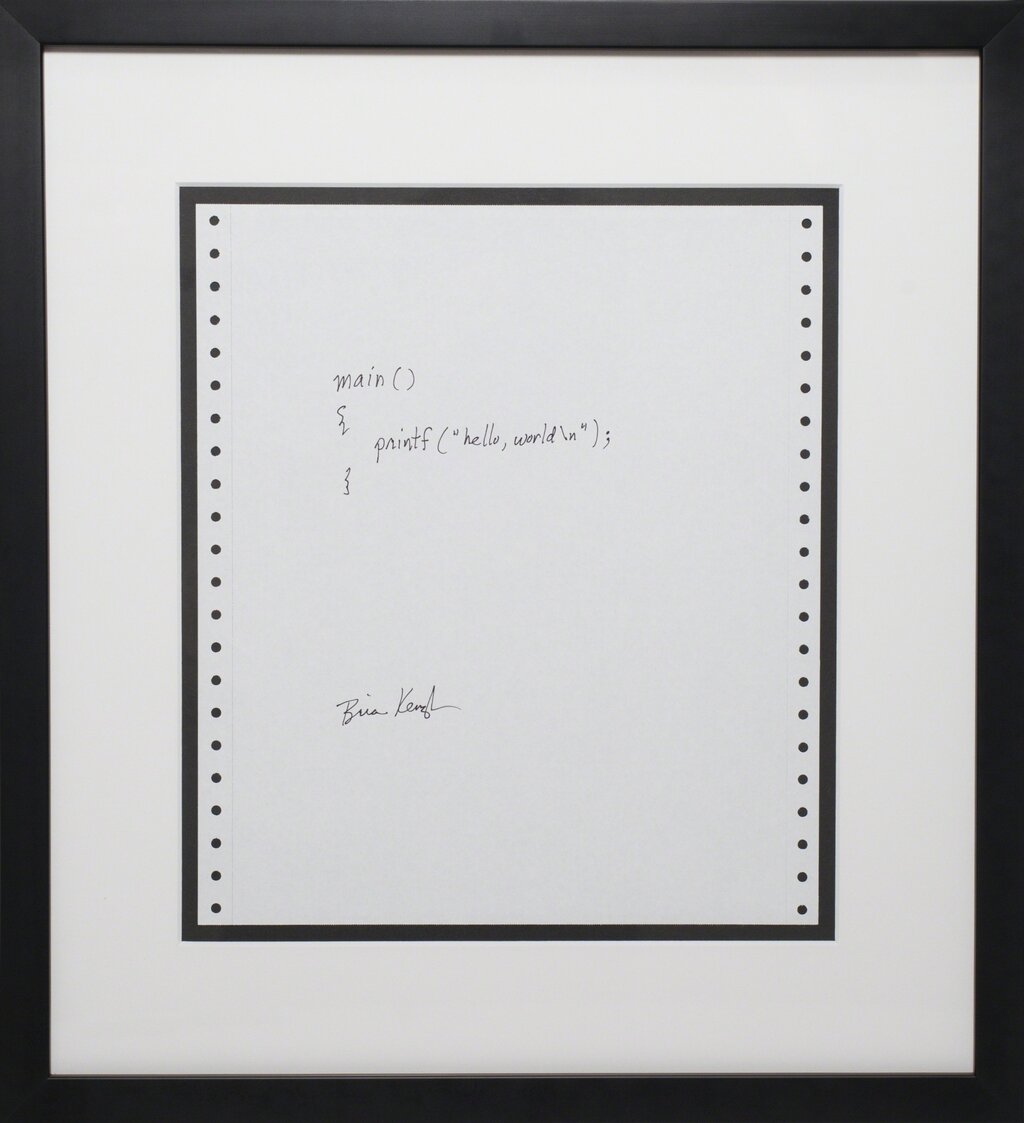
Let's look at the contents of src/main.rs:
fn main() {
    println!("Hello, world!");
}
It's short and sweet. Here's a quick breakdown:
fn main()defines a function namedmain. Themainfunction is special; it's always the first code that runs in every executable Rust program.- The code inside the curly braces
{}is the function's body. println!("Hello, world!");prints text to the screen. The!means you're calling a Rust macro, not a regular function. We'll get into the details of macros later. For now, just know thatprintln!is the standard way to display output.- Like in many other languages, the line ends with a semicolon
;.
To run this program, navigate into your new directory (cd hello_world) and use another Cargo command:
cargo run
Cargo will first compile your project and then run the resulting executable. You should see the output Hello, world! printed to your terminal. Congratulations, you've just built and run your first Rust program!
Let's test your knowledge of these first steps.
What are the three primary goals of the Rust programming language?
How does Rust primarily ensure memory safety?
That's your first taste of Rust. You've learned what makes it a unique and powerful language and how to use its core tooling to build and run a program.