Rust Programming Essentials
Introduction to Rust
What Makes Rust Special?
Rust is a programming language that helps you write fast, reliable software. Think of its compiler, the tool that reads your code, as a very strict but helpful building inspector. Before it lets you construct your program, it checks your blueprints for common structural flaws that could cause problems later. This focus on safety and performance makes it a great choice for everything from game engines to web browsers.
The core promise of Rust is simple: build software that is both fast and correct.
Two of its biggest features are memory safety without a garbage collector and fearless concurrency.
Most languages manage memory in one of two ways. Some require you to manually track every piece of memory, which is tedious and error-prone. Others use a “garbage collector,” a background process that periodically cleans up unused memory but can pause your application at inconvenient times.
Rust uses a unique system called ownership. It tracks who is using what memory and automatically cleans it up the moment it's no longer needed. This gives you the speed of manual memory management without the risk of common bugs.
Concurrency is about running multiple pieces of your program at the same time. This is tricky because if two tasks try to modify the same data simultaneously, you get a “data race,” which leads to corrupted data and unpredictable crashes. Rust’s compiler is smart enough to detect potential data races before you even run your code, allowing you to write concurrent programs with confidence.
Getting Started
Installing Rust is the first step. The official tool for this is rustup, which installs the Rust compiler and other essential tools. One of those tools is Cargo, Rust’s build system and package manager.
Cargo handles many tasks for you: it builds your code, downloads the libraries your code depends on, and runs your programs. It’s like a project manager, builder, and librarian all rolled into one.
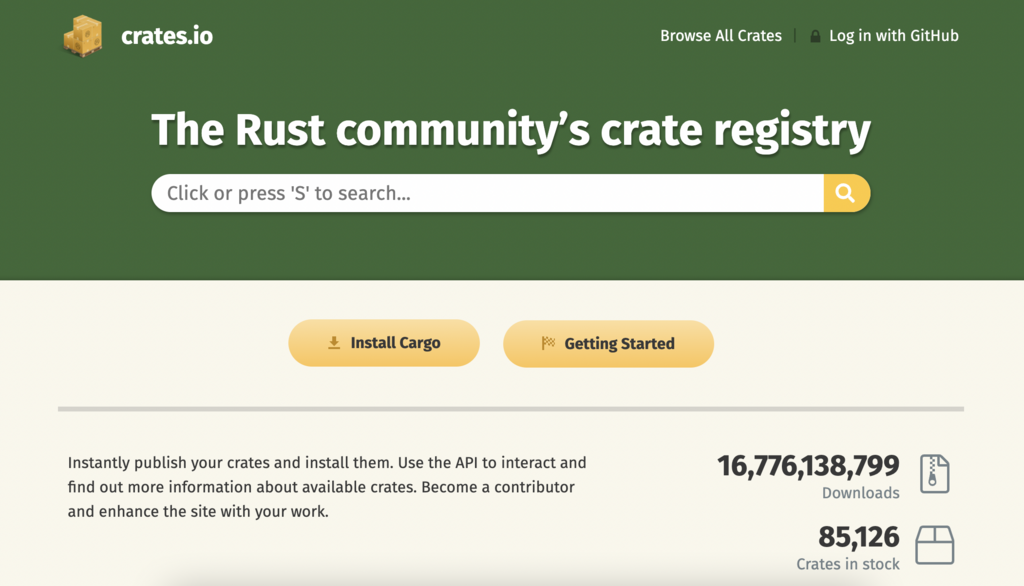
To install both Rust and Cargo, open your terminal and run this command:
curl --proto '=https' --tlsv1.2 -sSf https://sh.rustup.rs | sh
Once the installation is complete, you can create a new Rust project using Cargo. Navigate to the directory where you want your project to live and run:
cargo new hello_world
This command creates a new directory called hello_world with all the necessary files for a simple Rust program.
Your First Program
Inside the hello_world directory, you'll find a src folder containing a file named main.rs. This is where your application's code lives. Cargo has already generated a simple “Hello, World!” program for you. It looks like this:
fn main() {
    println!("Hello, world!");
}
Let's break this down:
fn main() { ... } defines a function named main. The main function is special: it's always the first code that runs in every executable Rust program.
println!("Hello, world!"); is the line that does the work. println! is a Rust macro that prints text to the screen. The ! indicates that you're calling a macro instead of a normal function. Macros are a way of writing code that writes other code, which is a more advanced topic for later.
To run this program, make sure you're in the hello_world directory in your terminal and type:
cargo run
Cargo will first compile your program and then run the resulting executable. You should see this output:
Hello, world!
Congratulations! You've just written and run your first Rust program. This simple process of creating, building, and running projects with Cargo is the standard workflow you'll use for all your Rust applications.
What are the two primary benefits that Rust's design focuses on?
How does Rust primarily manage memory?