Rust Programming Essentials
Introduction to Rust
What is Rust?
Rust is a programming language focused on three things: speed, memory safety, and concurrency. Think of it like building a high-performance race car, but with an incredibly thorough safety inspector checking your work at every step. This inspector, the Rust compiler, catches common errors before your program even runs. This prevents entire categories of bugs that plague other languages.
This means you can write code that runs as fast as C++ without the same risks of crashes or security vulnerabilities related to memory management.
This focus on safety doesn't slow you down. Rust is designed for performance-critical services, running on embedded devices, and powering browser engines. Its strong guarantees make it excellent for writing concurrent programs, where multiple parts of your code execute independently at the same time.
Getting Set Up
Installing Rust is straightforward. The primary tool you'll use is rustup, which is the Rust installer and version manager. It not only installs the Rust compiler (rustc) but also comes with Cargo, Rust's powerful build tool and package manager. Cargo handles building your code, downloading the libraries your code depends on, and running your projects.
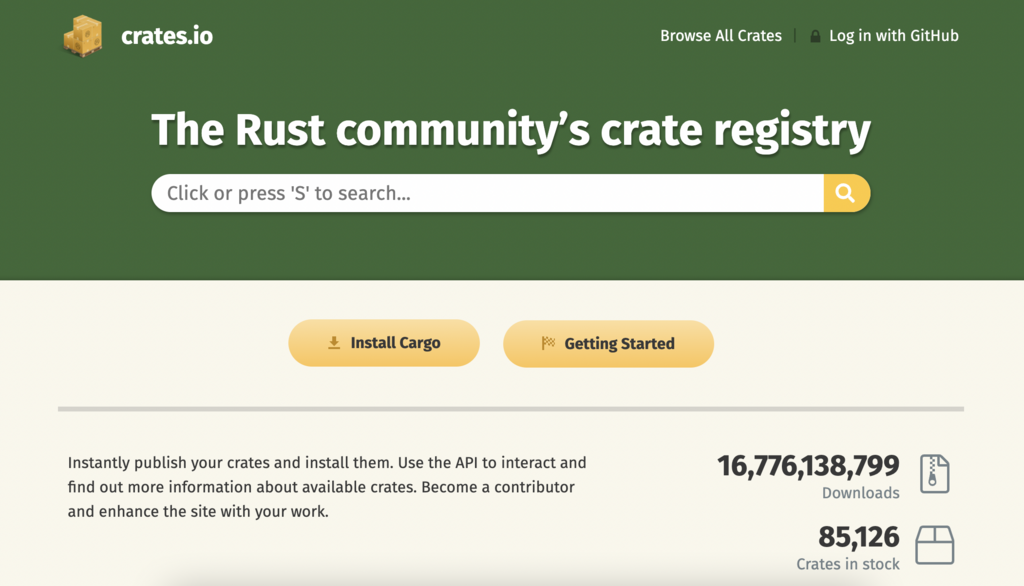
Once rustup is installed, you have everything you need to compile and run Rust programs. To start a new project, you can simply run cargo new project_name in your terminal.
Your First Rust Program
Let's create the classic "Hello, world!" program. After running cargo new hello_world, Cargo creates a new directory with a simple project structure. Inside the src folder, you'll find a file named main.rs. This is where your code lives.
fn main() {
    println!("Hello, world!");
}
Let's break this down.
fn main() defines the main function. This function is special; it's always the first code that runs in every executable Rust program.
Inside the function, println!("Hello, world!"); prints text to the screen. You'll notice the ! at the end of println. This means we're calling a Rust macro, not a normal function. We'll explore the difference later, but for now, just know that macros provide more advanced functionality than functions.
Finally, the line ends with a semicolon (;). This marks the end of the expression.
To run this program, navigate into your hello_world directory in your terminal and type cargo run. Cargo will compile and execute your program, and you should see "Hello, world!" printed.
Basic Building Blocks
Now that you've run a program, let's look at some fundamental concepts. In Rust, you declare variables using the let keyword. By default, variables are immutable, which means once they have a value, you can't change it. This is one of Rust's features that encourages writing safer code.
fn main() {
    let x = 5;
    println!("The value of x is: {}", x);
}
If you need a variable you can change, you must use the mut keyword.
fn main() {
    let mut y = 10;
    println!("The initial value of y is: {}", y);
    y = 20; // This is allowed because y is mutable
    println!("The new value of y is: {}", y);
}
Rust is a statically typed language, which means it must know the types of all variables at compile time. However, the compiler can usually infer the type based on the value you assign. For example, it knows 5 is an integer and true is a boolean.
Here are some basic data types:
- Integers:
i32(32-bit signed integer) is the default. Others includeu8(8-bit unsigned),i64(64-bit signed), etc. - Floating-Point Numbers:
f64(64-bit float) is the default. There's alsof32. - Booleans:
bool, which can betrueorfalse. - Characters:
char, for single Unicode characters.
Functions and Control Flow
You've already seen the main function. You can define your own functions using the fn keyword. Rust code uses snake_case as the conventional style for function and variable names.
// This function takes two 32-bit integers and returns one.
fn add_numbers(a: i32, b: i32) -> i32 {
    a + b // This expression's value is returned
}

fn main() {
    let sum = add_numbers(5, 7);
    println!("The sum is: {}", sum);
}
Notice the add_numbers function. We declare the type of each parameter, and after an arrow ->, we declare the type of the value it returns. The final line a + b is an expression. In Rust, the last expression in a function is automatically returned, so you can omit the return keyword and the semicolon.
To control the flow of your program, you use if expressions and loops. An if expression allows you to branch your code depending on a condition.
fn main() {
    let number = 7;

    if number < 10 {
        println!("The condition was true");
    } else {
        println!("The condition was false");
    }
}
Rust has several kinds of loops, but the most common is loop, which creates an infinite loop that you can break out of.
fn main() {
    let mut counter = 0;

    loop {
        counter += 1;
        println!("Again!");

        if counter == 3 {
            break; // Exit the loop
        }
    }
}
This covers the very basics of writing a Rust program. You can now install the tools, create a new project, and understand the fundamental syntax for variables, functions, and control flow.