Running Local AI Models
Hardware Performance Optimization
The VRAM Bottleneck
When running a large language model locally, your computer's performance isn't just about raw processing power. The single biggest constraint is video RAM, or VRAM. Think of an LLM's parameters as its brain. To generate text, this brain must be loaded into high-speed memory where the GPU can access it instantly. System RAM is too slow; the data needs to be right next to the processor.
VRAM is the most critical resource for LLM performance.
If a model is too large for your VRAM, it either won't load at all or will run excruciatingly slowly by shuffling data back and forth. This is the VRAM bottleneck. It dictates the maximum size of the model you can run and the length of the conversations you can have with it, as the conversation history also consumes VRAM in what's called the KV cache an abbreviation for Key-Value cache. As the context window grows, so does the memory footprint of this cache.
Estimating Your Needs
So, how much VRAM do you need? You can estimate it with a simple formula. The primary factors are the model's size, measured in billions of parameters, and its quantization level, which is the numerical precision used to store each parameter.
For example, a 7-billion-parameter model at full precision (16-bit) requires 14 GB of VRAM just for its weights (7 billion × 2 bytes). Quantizing it to 4-bit precision reduces this to just 3.5 GB (7 billion × 0.5 bytes). This is only a baseline. You need additional VRAM for the model's activation layers, the KV cache, and your operating system.
| Model Size | 16-bit (FP16) | 8-bit | 4-bit |
|---|---|---|---|
| 7B | ~14 GB | ~7 GB | ~4 GB |
| 13B | ~26 GB | ~13 GB | ~7 GB |
| 70B | ~140 GB | ~70 GB | ~35 GB |
This table shows the minimum VRAM to load a model. For practical use, a good rule of thumb is to have at least 20-30% more VRAM available than the model's quantized size.
GPU Architectures and Trade-offs
The hardware you choose has a huge impact on performance. Three main ecosystems dominate the local AI space: NVIDIA, Apple, and AMD.
NVIDIA's CUDA: This is the industry standard. GPUs like the RTX 3090 (24 GB) and RTX 4090 (24 GB) are popular choices because of their large VRAM pools and the robust CUDA parallel computing platform. Software support for LLMs is most mature on NVIDIA hardware, making it the most straightforward option.
Apple Silicon's Unified Memory: Mac computers with M-series chips (M1, M2, M3) use a Unified Memory Architecture (UMA). Instead of separate VRAM and system RAM, the CPU and GPU share a single pool of high-speed memory. This allows you to run models larger than what a discrete GPU could handle. For instance, a Mac with 64 GB of unified memory can dedicate a significant portion of that to an LLM, far exceeding the 24 GB on most consumer GPUs. The downside is that memory bandwidth is shared between the CPU and GPU, which can sometimes create a bottleneck compared to dedicated VRAM.
AMD's ROCm: AMD offers powerful GPUs, but their software ecosystem for machine learning, ROCm, has historically lagged behind CUDA in terms of support and ease of use. While compatibility is improving rapidly, getting LLMs to run optimally on AMD hardware can sometimes require more configuration and troubleshooting.
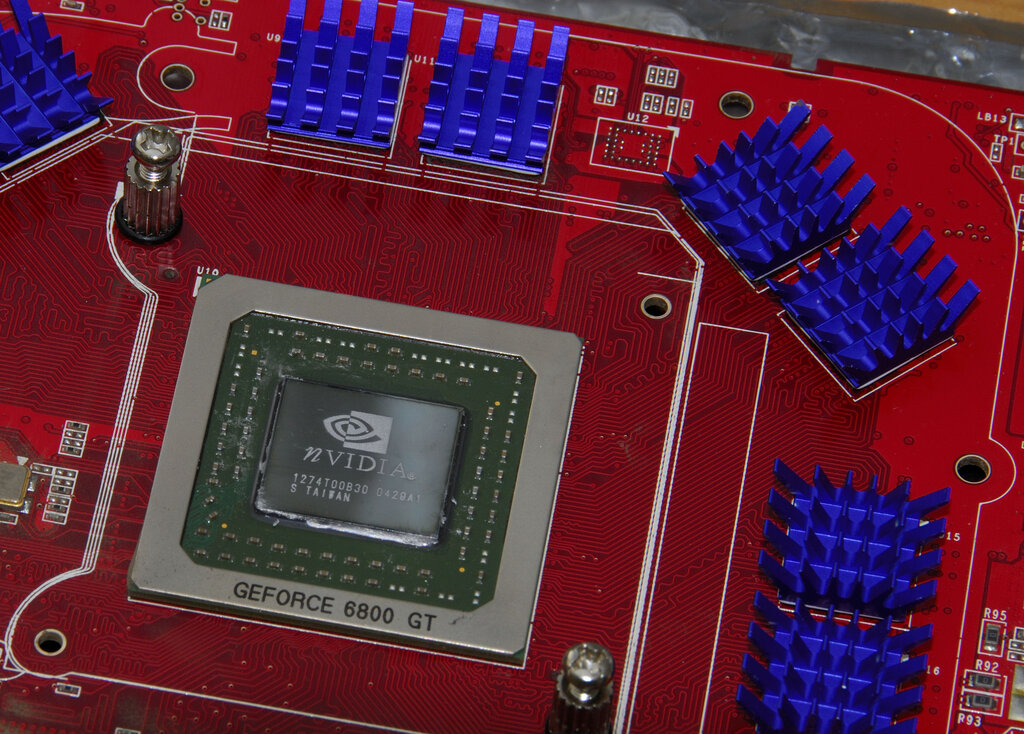
When VRAM isn't enough, you can employ a split-memory strategy. This involves offloading some of the model's layers—typically the least frequently used ones—from VRAM to your computer's main system RAM. While this allows you to run a model that would otherwise be too large, it comes at a significant performance cost. System RAM is much slower than VRAM, and the time spent transferring data over the PCIe bus can dramatically reduce token generation speed. For this reason, a fast NVMe SSD is also important. While it doesn't participate in inference directly, a quick SSD drastically reduces model loading times, which can be several minutes for very large models.
Finally, even the CPU plays a role. Modern instruction sets like AVX-512 can accelerate certain parts of the process, like tokenization or even running smaller, CPU-optimized models. In the grand balancing act of local AI, every component matters, but VRAM remains king.