ROSET Prompt Engineering for Differentiated Geography Modules
Introduction to ROSET
Meet ROSET
ROSET is a tool designed to help educators create custom learning modules with the help of artificial intelligence. Think of it as a creative partner that handles the heavy lifting of content creation, so you can focus more on teaching.

The main goal of ROSET is to make differentiated instruction easier to implement. Every classroom has students with a wide range of learning styles, background knowledge, and academic needs. Catering to everyone can be a monumental task. ROSET streamlines the process of building educational materials that are tailored to specific learning objectives and student profiles.
Differentiated Instruction
noun
A teaching framework that involves providing different students with different avenues to learning. This can mean tailoring assignments, content, and assessments to match students' readiness levels, interests, and learning profiles.
Navigating the Interface
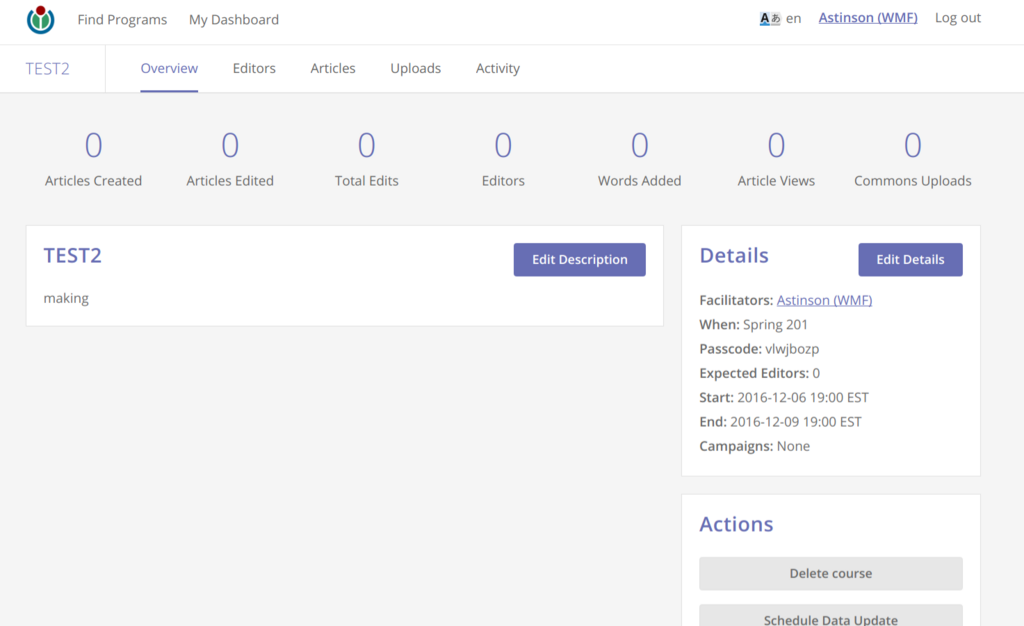
ROSET is designed to be straightforward. When you first log in, you’ll see a clean dashboard. This is your command center for managing your learning modules. You can view existing modules, edit them, or start a new one from scratch.
Creating a new module is as simple as clicking a button. From there, you'll be guided to a workspace where you can start crafting your content. The layout typically includes an area for you to input your instructions, or prompts, and a space where the AI-generated content appears.
The core of ROSET is its prompt system. You don’t need to be a tech expert. You just need to be clear about what you want. You provide the AI with a prompt—a set of instructions—and it generates the educational material for you. You can specify the topic, grade level, desired tone, and even the types of activities you want to include.
For example, a prompt might look like this: "Generate a short reading passage about the Amazon rainforest for a 4th-grade reading level. Include three key vocabulary words with simple definitions and a multiple-choice question to check for understanding."
AI as Your Teaching Assistant
It’s important to understand the role of AI in this process. ROSET isn’t meant to replace the educator's expertise. Instead, it acts as a powerful assistant. The AI can generate a first draft of a lesson plan, a worksheet, or a quiz in seconds, saving you hours of prep time. But you are always in control.
You can review, edit, and refine everything the AI produces. If a passage is too complex, you can ask the AI to simplify it. If you want to add a personal touch or a specific example relevant to your students, you can easily modify the content. This combination of AI speed and educator insight is what makes ROSET so effective.
By handling the initial content creation, ROSET frees you up to focus on higher-level tasks like analyzing student needs, facilitating classroom discussions, and providing one-on-one support. It's a tool for enhancing your teaching, not automating it.
What is the primary goal of ROSET?
How does an educator primarily interact with the AI to generate content in ROSET?
Now that you have a basic understanding of ROSET, you're ready to start exploring how to use it to create your own materials.