Rive Animation Mastery
Introduction to Rive
What Is Rive?
Rive is a tool for creating interactive animations that run in real-time. Unlike traditional animation software that produces video files, Rive lets you build graphics that can respond to user input, data changes, and different application states. This makes it perfect for websites, apps, and games where you want animations to feel alive and connected to what the user is doing.
Rive is a design tool that lets you build interactive motion graphics for runtime.
Think about the difference between watching a cartoon movie and playing a video game. The movie is a passive experience; the animation plays out the same way every time. In a game, the character on screen reacts to your button presses. Rive brings that level of interactivity to animations in any digital product. Instead of exporting a static video file, you export a lightweight, interactive graphic that developers can integrate directly into their code.
The Rive Editor
When you open Rive, you'll find an interface that blends design and animation controls. It's designed to be familiar to anyone who has used a graphics editor before, but with unique tools for adding motion and interactivity. The layout is organized into a few key areas.
Here’s a quick breakdown of what each section does:
- Artboard: This is the main canvas in the center where you create and see your animations.
- Hierarchy: Located on the left, this panel lists all the shapes, images, and groups in your project, much like a layers panel.
- Inspector: On the right, this panel shows the properties of whatever you have selected. You can change colors, positions, sizes, and other attributes here.
- Timeline: At the bottom, the timeline is where you create motion by setting keyframes for different properties over time.
How Rive Is Different
Traditional animation tools like Adobe After Effects are powerful for creating linear motion graphics. You design an animation, and the final output is a video file (like an MP4) or an image sequence (like a GIF). This output is a fixed recording. It can't be changed or influenced by the user.
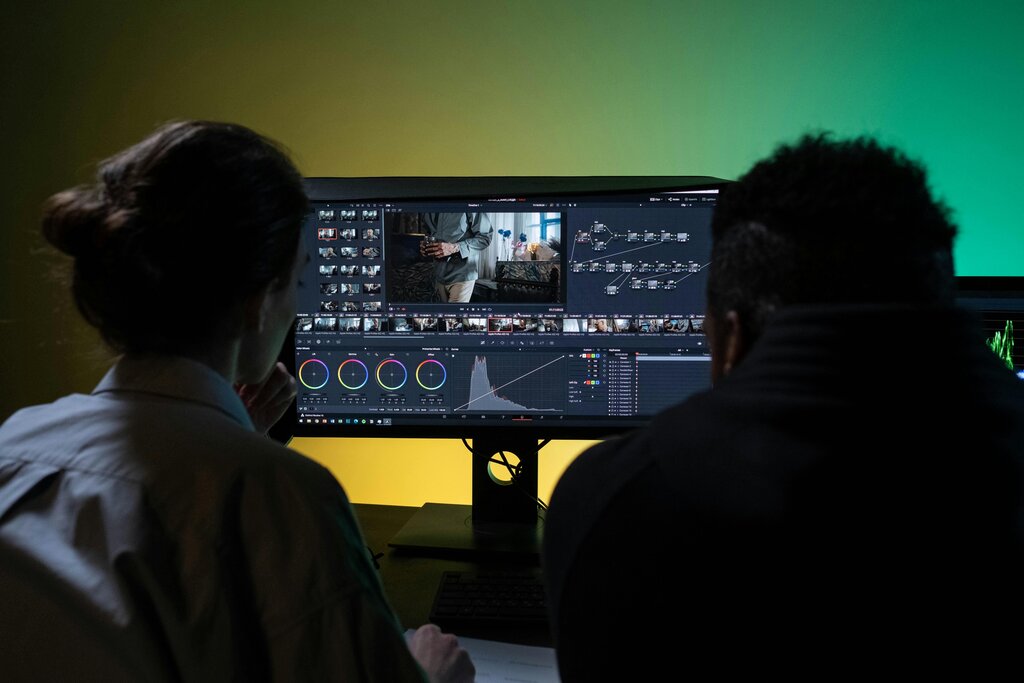
Rive works differently. Your final output isn't a video; it's a small file that contains all the assets, animation data, and logic. This file is loaded into a runtime—a small engine that plays the animation live inside an app or website. This approach has a few major advantages:
| Feature | Rive | Traditional Animation |
|---|---|---|
| Final Output | Interactive file (e.g., .riv) | Video file (e.g., .mp4, .mov) |
| File Size | Very small (kilobytes) | Large (megabytes) |
| Interactivity | Responds to user input | None; plays start to finish |
| Performance | Smooth, high frame rate | Depends on video playback |
| Flexibility | Animations can change dynamically | Animation is fixed and pre-rendered |
Because Rive animations are not pre-recorded videos, they are incredibly small and performant. They can run smoothly on almost any device without taking up much space or memory, which is crucial for web and mobile applications.
Rive is for creating animations that are part of the user experience, not just content to be watched.
Ready to see how it all works? Let's dive in and start creating.