Revive Your Slow Computer
Understanding Computer Performance
What Makes a Computer Fast?
A computer's speed isn't a single number. It's the result of a team effort between its hardware, software, and even its physical environment. When everything works together smoothly, your computer feels quick and responsive. When one part struggles, the entire system can feel sluggish.
Think of it like a car. A powerful engine is great, but it won't do you much good if the tires are flat or the driver is distracted.
The Core Hardware Trio
Three key hardware components have the biggest impact on your computer's day-to-day performance: the CPU, RAM, and storage.
CPU
noun
The Central Processing Unit, the primary component of a computer that acts as its 'brain,' performing most of the processing.
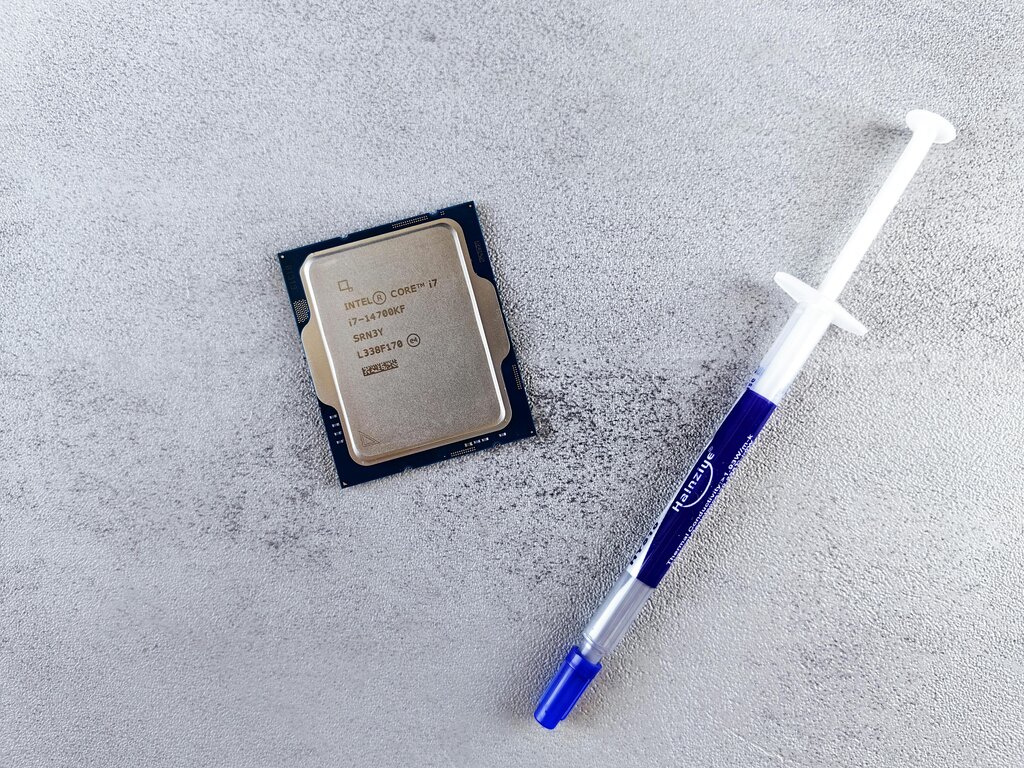
The CPU is the engine of your computer. It executes the commands from all your programs. The faster its clock speed, measured in gigahertz (GHz), the more instructions it can handle per second. A faster CPU means the computer can think faster, whether it's loading a webpage or calculating a spreadsheet.
Next up is RAM, or Random Access Memory. This is your computer's short-term memory, like a workbench. When you open a program, the CPU pulls it from long-term storage and places it in RAM to work on it. More RAM is like having a bigger workbench. You can have more tools and materials (programs and files) out at once without having to constantly put things away and retrieve them again.
RAM
noun
Random Access Memory, a form of computer memory that can be read and changed in any order, typically used to store working data and machine code.

Finally, there's your storage drive, which holds your operating system, applications, and files. The type of storage you have makes a huge difference. Older Hard Disk Drives (HDDs) use a spinning platter and a mechanical arm to read data, much like a record player. Modern Solid-State Drives (SSDs) use flash memory with no moving parts. Because SSDs can access data electronically, they are dramatically faster at booting up your computer, loading programs, and opening files.
Software's Role in Speed
Hardware is only half the story. The software running on your computer is a major factor in its performance. Your operating system (OS), like Windows, macOS, or Linux, acts as the general manager for all your hardware and software. It tells the CPU what to do and manages how RAM is used. An efficient, well-maintained OS keeps things running smoothly. A cluttered or outdated one can create bottlenecks that slow everything down.
Even the most powerful hardware can be brought to its knees by poorly optimized software.
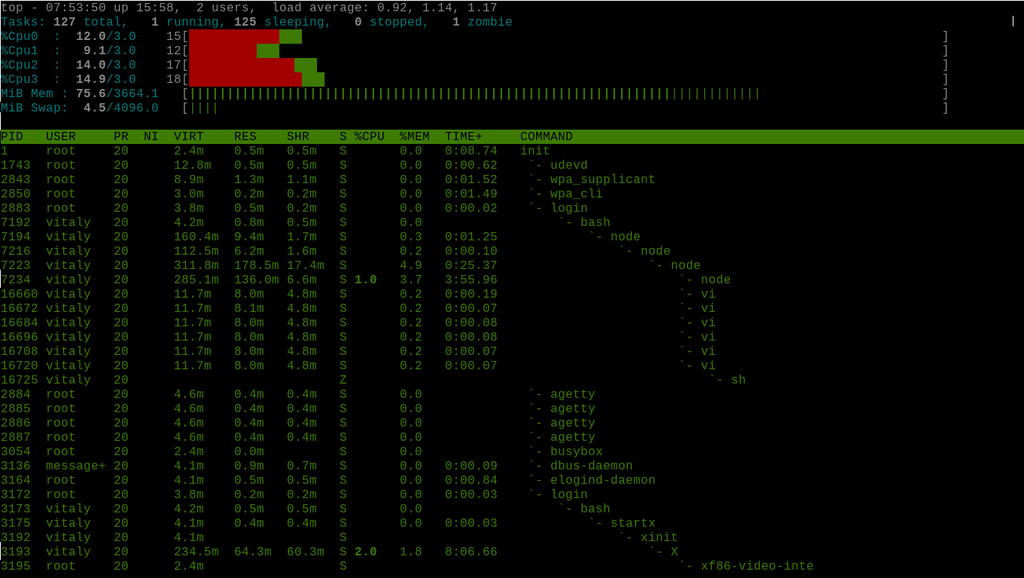
The number of applications you have running at once also has a direct impact. Every open program, every browser tab, and every background process uses a slice of your CPU's attention and a chunk of your RAM. If you push these components beyond their limits, the computer will start to slow down as it struggles to keep up with all the demands.
Don't Forget the Environment
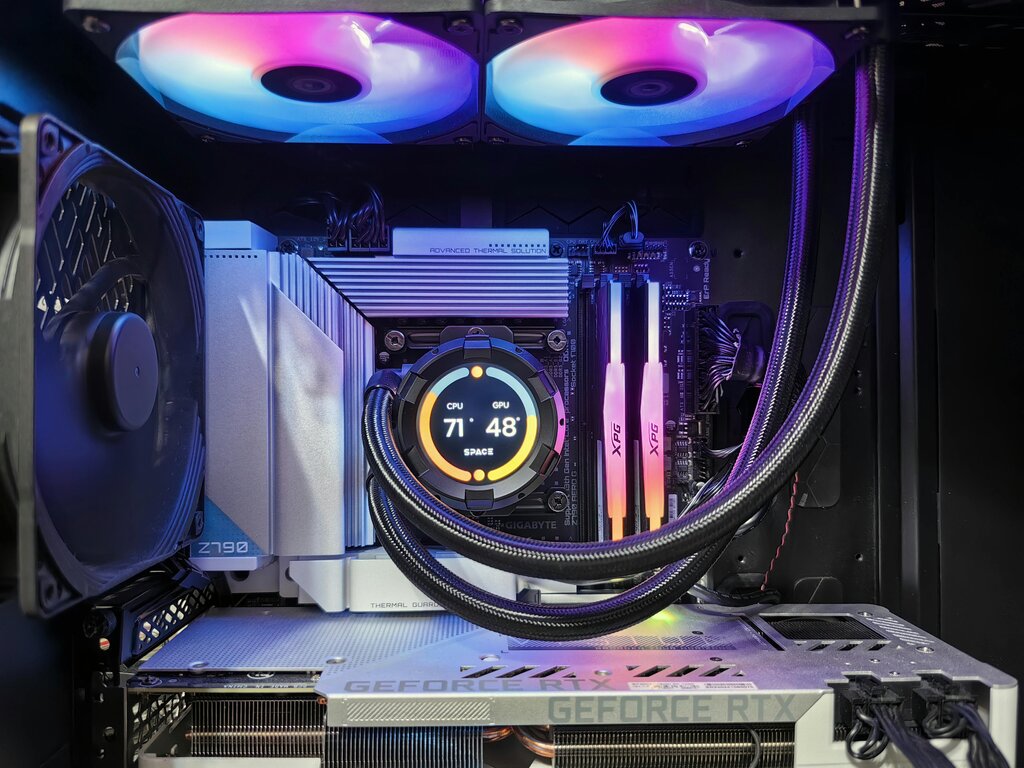
Your computer's physical environment matters more than you might think. Electronic components generate heat, especially the CPU. To protect themselves from damage, they will automatically slow down if they get too hot. This is called thermal throttling.
A major cause of overheating is dust accumulation. Over time, dust can clog the fans and heatsinks designed to cool your components. This acts like a blanket, trapping heat inside. Ensuring your computer has good airflow and is kept in a relatively cool, clean space can prevent performance loss from overheating.
Now that you know the key factors influencing your computer's speed, let's review with a quick quiz.
Which hardware component is considered the 'engine' of the computer, responsible for executing commands from programs?
A computer's RAM is analogous to a workbench because it functions as its short-term memory for active tasks.
Understanding these core concepts is the first step toward diagnosing and improving your computer's performance.