Revive Your Slow Computer
Understanding PC Performance
The Core Trio: CPU, RAM, and Storage
A computer's performance isn't about one single part. It's a team effort between three key players: the Central Processing Unit (CPU), Random Access Memory (RAM), and the storage drive. Think of it like a chef in a kitchen. The faster and more coordinated the team, the quicker you get your meal.
The CPU is the brain, or the chef. It executes commands and runs the calculations that make your programs work. A faster CPU, measured in gigahertz (GHz), can perform calculations more quickly. Modern CPUs also have multiple "cores," which are like having several chefs working at once. This allows your computer to handle multiple tasks simultaneously without getting bogged down.
RAM is the computer's short-term memory, like the chef's countertop. It's a super-fast, temporary workspace where the CPU holds the data and programs it's actively using. The more RAM you have, the bigger your countertop. You can have more apps open and switch between them smoothly. If you run out of RAM, the computer has to temporarily move data back to the much slower storage drive, which is like the chef constantly running back to the pantry. This process, called swapping, can seriously slow things down.
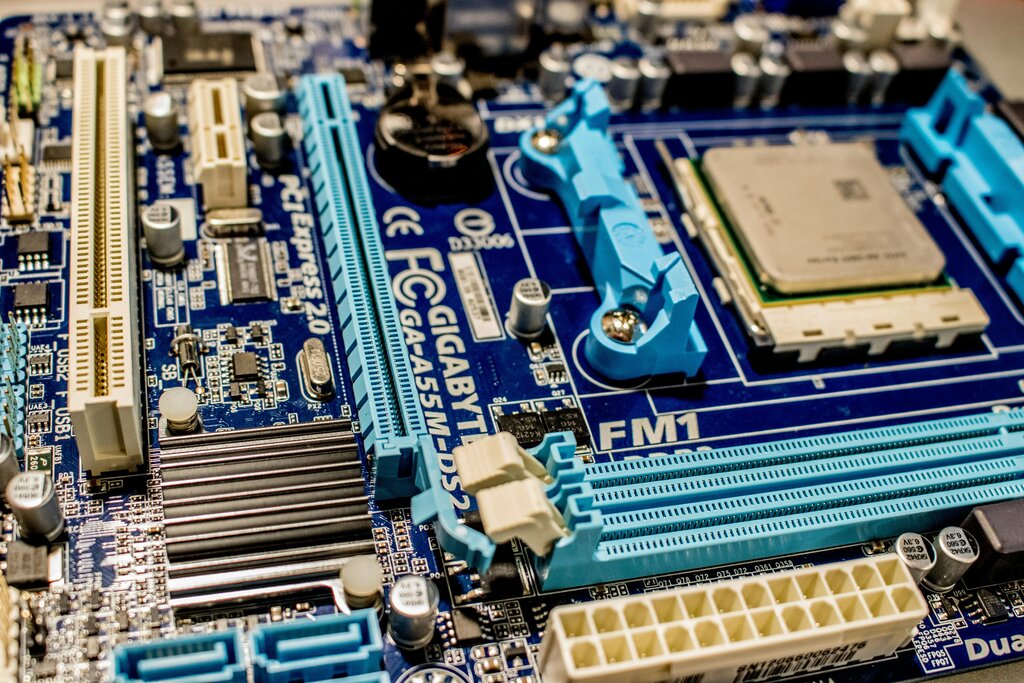
Storage is the long-term memory, or the pantry. It’s where your files, applications, and operating system are permanently saved. There are two main types: Hard Disk Drives (HDDs) and Solid-State Drives (SSDs). An HDD is like a spinning record player, with a physical arm that moves to read data. An SSD uses flash memory, like a giant USB drive, with no moving parts. SSDs are dramatically faster, meaning your computer boots up, launches apps, and opens files in a fraction of the time.
The Conductor and the Crowd
The Operating System (OS), like Windows or macOS, is the conductor of this hardware orchestra. It manages all the components, telling the CPU what to work on, allocating RAM to different programs, and retrieving files from storage. A well-designed OS is efficient and uses minimal resources, leaving more power for your applications. Bloated or poorly optimized operating systems can consume a lot of CPU time and RAM just to run themselves, leaving less for you.
Your hardware sets the performance ceiling, but your OS and software determine how close you get to it.
Finally, there are the applications and background processes, which are like the crowd in a concert hall. The more programs you have running, the more work your CPU and RAM have to do. Even when you're not actively using an app, it might have background processes that are still consuming resources. Antivirus software, cloud storage sync clients, and software updaters are common examples. Each one takes a small slice of your computer's attention. When too many are running at once, they can overwhelm the system, causing slowdowns and unresponsiveness, no matter how powerful your hardware is.
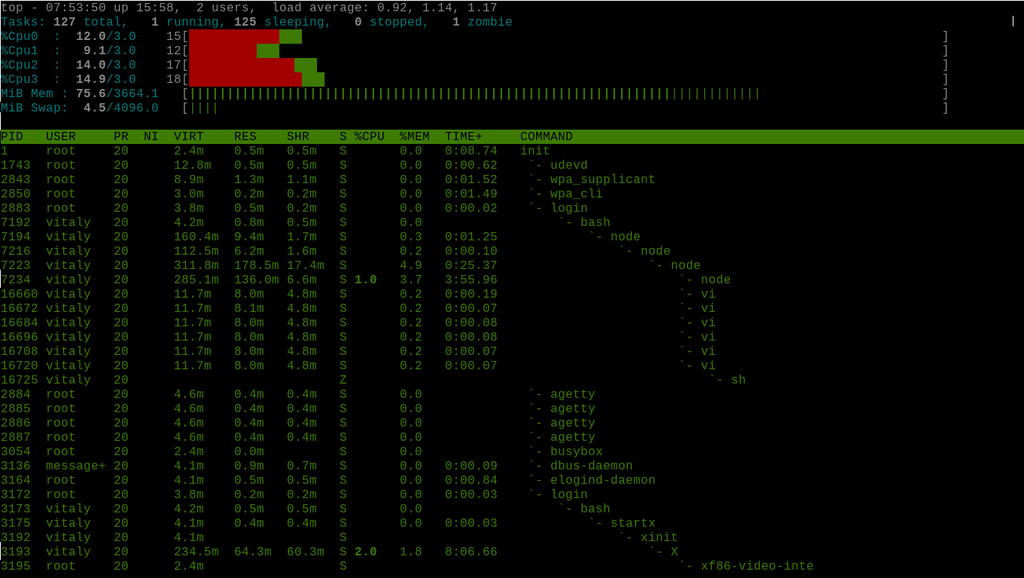
Understanding how these elements work together is the first step toward keeping your PC running smoothly. Let's review what we've covered.
If a computer's CPU is the 'chef' and the storage drive is the 'pantry', what is the RAM analogous to?
What happens when a computer runs out of available RAM for its active tasks?