Revive Your Slow Computer
Understanding Computer Performance
The Brain of the Operation
Every action you take on a computer, from clicking a mouse to streaming a video, is a set of instructions. The Central Processing Unit, or CPU, is the component that executes these instructions. Think of it as the computer's brain. It processes everything.
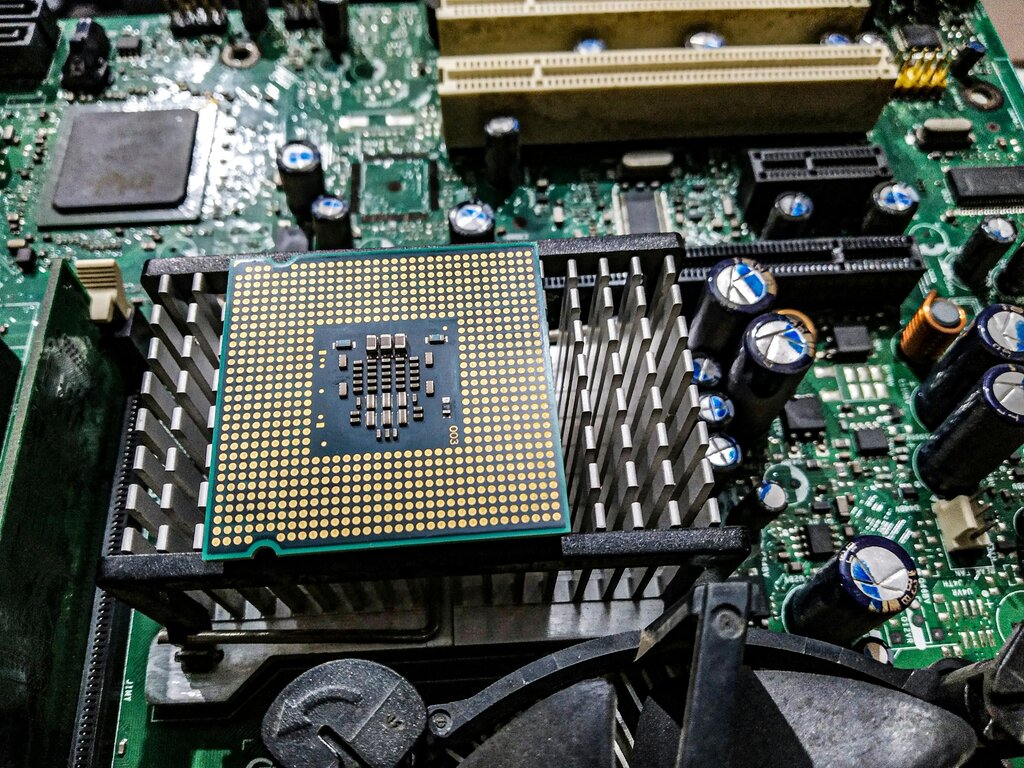
A CPU's performance is often measured in gigahertz (GHz), which represents its clock speed, or how many instructions it can handle per second. A higher number generally means a faster processor. Modern CPUs also have multiple "cores." Each core is like a separate processor, allowing the computer to work on several tasks simultaneously. This is why a quad-core (four-core) CPU can handle video editing while you browse the web much more smoothly than a single-core CPU from years ago.
Short-Term Memory
While the CPU is the brain, Random Access Memory (RAM) is the computer's short-term memory. It's a temporary workspace where the computer holds the data for the applications you are currently using. When you open a program, it's loaded from your storage drive into RAM so the CPU can access it quickly.

The more RAM you have, the more applications and files you can have open at once without the system slowing down. If you run out of RAM, the computer has to start shuffling data back and forth to your main storage drive, a process called "swapping." This is significantly slower and is often the reason a computer feels sluggish when you have too many browser tabs or programs open.
Think of RAM as a workbench. A bigger bench lets you spread out more tools and projects at once. A small bench forces you to constantly put things away and take them back out, slowing you down.
Long-Term Storage
Your storage drive is where all your files, applications, and the operating system are permanently kept. It's the computer's long-term memory. The type of storage drive you have dramatically affects performance, especially how fast your computer starts up and how quickly programs load. There are two main types.
| Feature | Hard Disk Drive (HDD) | Solid-State Drive (SSD) |
|---|---|---|
| Technology | Uses spinning magnetic platters | Uses flash memory chips |
| Speed | Slower | Much faster |
| Durability | More fragile due to moving parts | More durable, no moving parts |
| Cost | Less expensive per gigabyte | More expensive per gigabyte |
Upgrading from an HDD to an SSD is one of the most noticeable performance improvements you can make to an older computer. The speed difference in booting up and opening applications is substantial because SSDs can read and write data almost instantly, without waiting for a physical platter to spin into position.
The Conductor and the Orchestra
The operating system (OS), like Windows, macOS, or Linux, is the master conductor. It manages all the hardware (CPU, RAM, storage) and software, ensuring they work together harmoniously. The OS decides which programs get to use the CPU, how memory is allocated, and how files are written to storage.
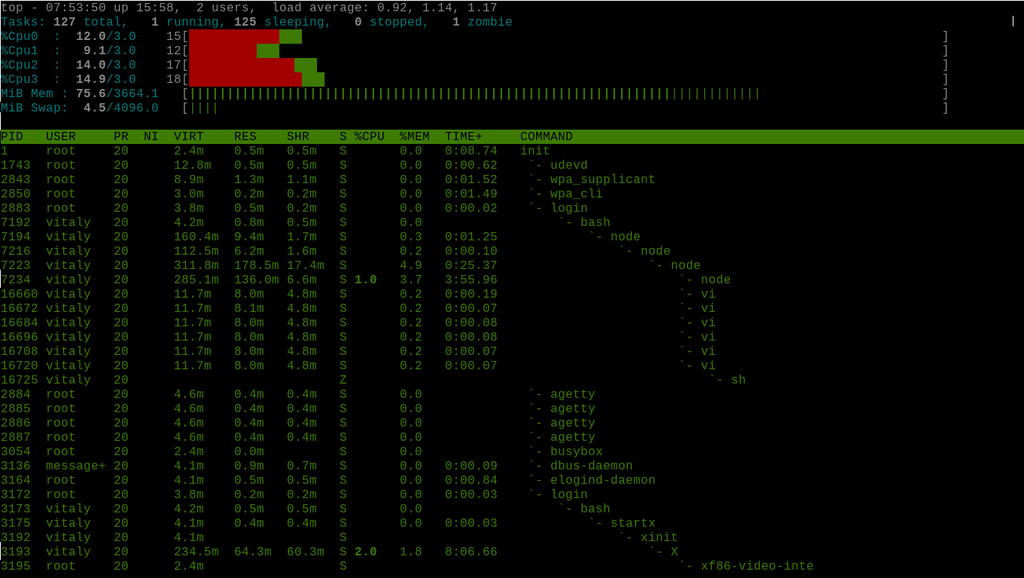
But the OS can only do so much. The applications you run are the orchestra. Some are like a quiet string quartet, using very few resources. Others, like high-end games or video editing software, are like a full symphony orchestra at full blast, demanding a lot from the CPU, RAM, and storage all at once.
Even when you're not actively using a program, it might still be running in the background. Antivirus software, cloud syncing services, and software updaters are common examples of background processes. These consume a portion of your system's resources, and having too many running at once can slow your computer down, even if you don't have many windows open.
Programs that run in the background will take up valuable processing power and slow your computer down.
Time to see what you've learned about how these parts work together.
What do the 'cores' in a multi-core CPU primarily enable a computer to do?
If a computer is the 'brain', what component serves as its 'short-term memory'?
All these components work in concert to determine your computer's performance. A bottleneck in any one area, like slow storage or insufficient RAM, can hold back the entire system, even if you have a powerful CPU.