Revive Your Slow Computer
Understanding Computer Performance
What Makes a Computer 'Fast'?
Computer performance isn't just one thing. It's a combination of speed and efficiency. Think of it as how quickly your computer can complete the tasks you give it, from opening a file to editing a video. A high-performance computer feels snappy and responsive, while a slow one can feel sluggish and frustrating.
Imagine a kitchen. The overall performance depends on the chef (CPU), the amount of counter space (RAM), and how quickly you can grab ingredients from the pantry (storage). If any one of these is slow or too small, the whole meal preparation process slows down.
The Core Hardware Trio
Three main hardware components are the biggest players in your computer's performance.
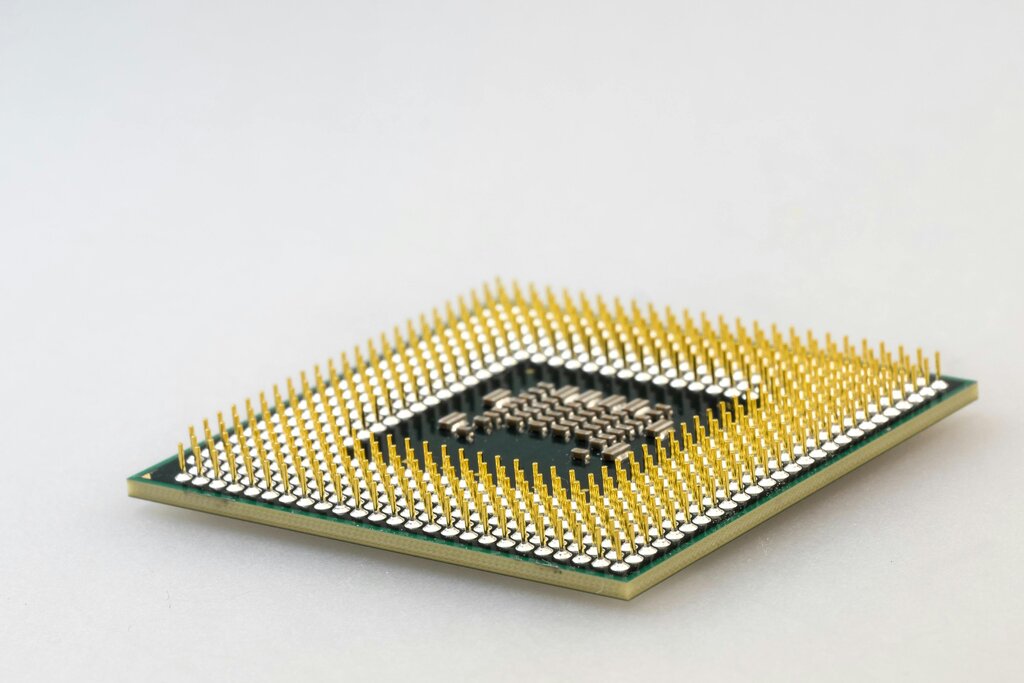
The CPU, or Central Processing Unit, is the brain of the operation. It executes the commands and runs the programs. Its speed, often measured in gigahertz (GHz), tells you how many calculations it can perform per second. A faster CPU is like a quicker chef who can follow recipes and prepare ingredients at a blistering pace.
Next is RAM, or Random Access Memory. This is your computer's short-term memory, like the counter space in our kitchen analogy. It's where the computer holds the data for the applications that are currently running. The more RAM you have, the more tasks you can juggle at once without slowing down. If you run out of counter space, the chef has to constantly fetch things from the pantry, which takes a lot more time.

Finally, there's the storage device, which is the long-term pantry or filing cabinet. It holds all your files, applications, and the operating system itself. There are two main types:
- Hard Disk Drives (HDDs): These use spinning magnetic platters to store data. They are like a traditional filing cabinet where you have to physically find the right folder.
- Solid-State Drives (SSDs): These use flash memory with no moving parts. They are much faster than HDDs, like a digital filing system that can pull up any file almost instantly.
Using an SSD can make a computer feel significantly faster, especially when starting up or opening large programs.
Software and System Resources
Powerful hardware is only half the picture. The software running on it is the other half. The Operating System (OS), like Windows or macOS, acts as the manager of the entire system. It's the maître d' of the kitchen, coordinating the chef, the counter space, and the pantry.
A well-designed OS manages the computer's resources efficiently, ensuring that tasks are handled smoothly. It decides which program gets to use the CPU, how memory is allocated, and how files are read from storage.
The applications you run are the actual tasks. Some are lightweight, like a simple text editor. Others, like video games or complex data analysis software, are resource-intensive. They demand a lot from the CPU, RAM, and storage.
Running many applications at once, especially heavy ones, puts a strain on the system's resources. Your computer has a finite amount of processing power and memory. When demand exceeds supply, performance drops. This is why closing unused programs can often speed things up—it frees up resources for the tasks you're actively working on.
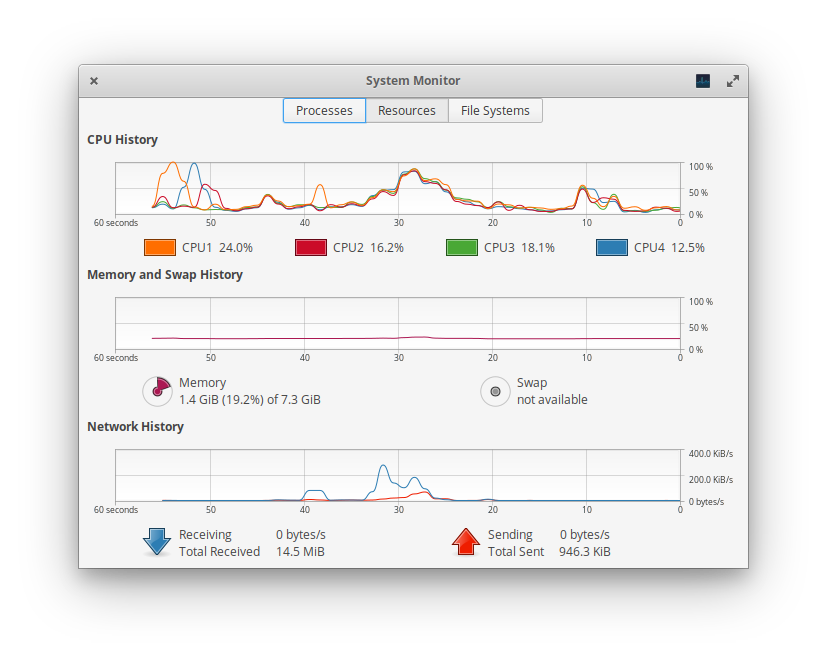
Ultimately, computer performance is a balancing act between the capabilities of your hardware and the demands of your software. Understanding how these parts work together is the first step in knowing why your computer behaves the way it does.