Revive Your Slow Computer
Understanding Computer Performance
The Core Trio
Think of your computer's performance like a kitchen. To cook a meal quickly and efficiently, you need a talented chef, a clean workspace, and a well-stocked pantry. In a computer, these three roles are filled by the CPU, RAM, and storage.
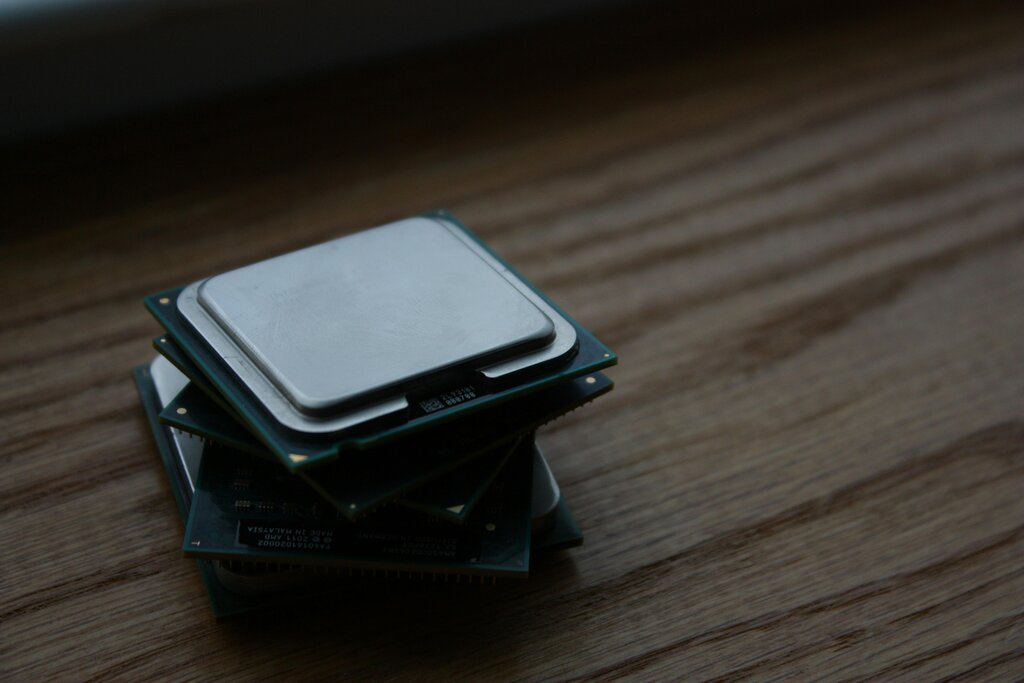
The Central Processing Unit, or CPU, is the chef. It's the brain of the operation, executing instructions and performing calculations. The faster your CPU, the faster the chef can chop, mix, and cook. It handles everything from opening a program to running complex calculations in a spreadsheet.
Random Access Memory, or RAM, is the chef's countertop space. It’s temporary, super-fast storage for whatever the CPU is actively working on. When you open a file or run an application, it gets loaded from the pantry into RAM. The more RAM you have, the more ingredients and tools the chef can have out at once without having to constantly go back to the pantry. This makes multitasking—like having a web browser, a document, and a music app open simultaneously—much smoother.

Finally, the storage drive (like a Hard Disk Drive or Solid-State Drive) is the pantry. It’s where all your files, applications, and the operating system are permanently stored, even when the computer is off. When the chef needs an ingredient (a piece of data), they retrieve it from the pantry. The speed of your storage drive determines how quickly you can pull out those ingredients and get to work.
A Balancing Act
These three components don't work in isolation. They are in a constant, high-speed dance. When you launch a program, the CPU sends an order. The storage drive finds the program's data in the pantry and loads it onto the countertop—the RAM. From there, the CPU can quickly access the data it needs from RAM to do its work.
The speed of this process is only as fast as its slowest part. This is often called a bottleneck. If your CPU is incredibly fast but your storage is slow, the chef is left waiting for ingredients to be brought from the pantry. Likewise, if you don't have enough RAM (counter space), the chef has to constantly swap things back and forth with the pantry, which also slows everything down.
A balanced system, where the CPU, RAM, and storage have comparable performance levels, will feel much faster and more responsive than a system with one superstar component and two slow ones.
It's Not Just Hardware
Blazing-fast hardware can still feel sluggish if the software isn't up to snuff. Software optimization is the art of writing code that uses a computer's resources efficiently. A well-optimized program is like a clear, concise recipe. It tells the chef exactly what to do, in what order, without wasting any steps or ingredients.
On the other hand, poorly written or "bloated" software is like a convoluted recipe with unnecessary steps. It might make the CPU do extra work or use up far more RAM than necessary. This is why sometimes a software update can make your device feel faster—or slower. The developers may have found ways to streamline their code or, conversely, added new features that demand more resources.
Efficient software makes the most of the hardware it's running on, leading to a faster, smoother experience for you.
The Resource Manager
Your computer's operating system (OS)—like Windows, macOS, or Linux—is the kitchen manager. It's in charge of resource management. When you have multiple applications open, the OS decides how to share the CPU's attention and the available RAM between them.
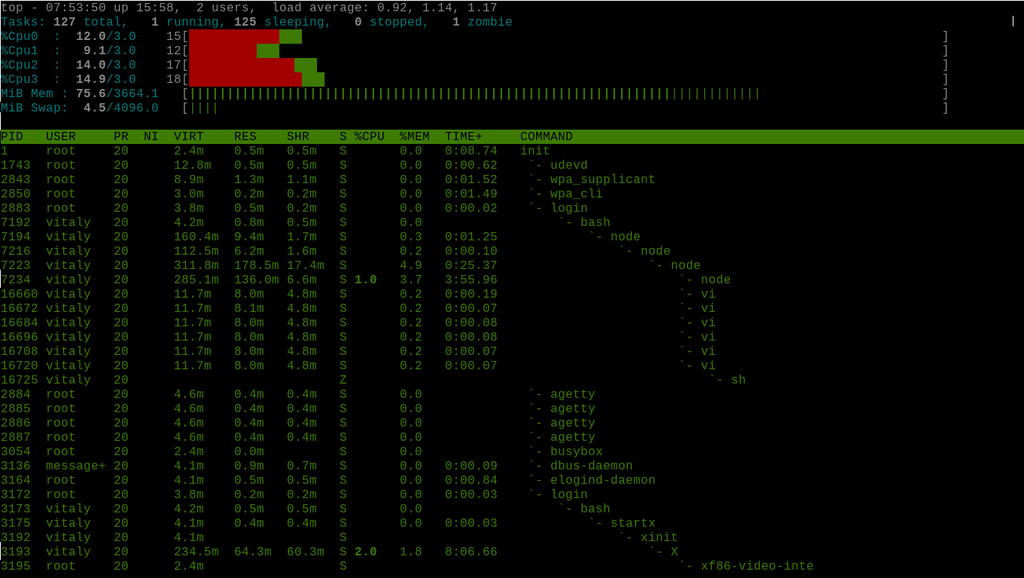
The OS juggles these tasks thousands of times per second, creating the illusion that everything is running at once. It prioritizes tasks, manages memory to prevent programs from interfering with each other, and ensures the whole system runs smoothly. If too many demanding programs are running, the OS may struggle to keep up, just as a kitchen manager would be overwhelmed by too many complex orders at once. This can cause the system to slow down as it shuffles data between RAM and the much slower storage drive, a process known as "swapping."
In the kitchen analogy for computer performance, what does RAM represent?
When a computer's operating system is forced to move data from the fast RAM to the much slower storage drive because RAM is full, this process is called ________.
Understanding these core concepts gives you a framework for thinking about computer performance. It’s a dynamic interplay between the chef, the countertop, and the pantry, all directed by an efficient manager and a good set of recipes.