Revive Your Slow Computer
Understanding Computer Performance
The Computer's Engine
The Central Processing Unit, or CPU, is the brain of your computer. It executes the instructions from programs, performing the calculations that make everything happen. Think of it as the engine in a car. The faster the engine, the more power you have.
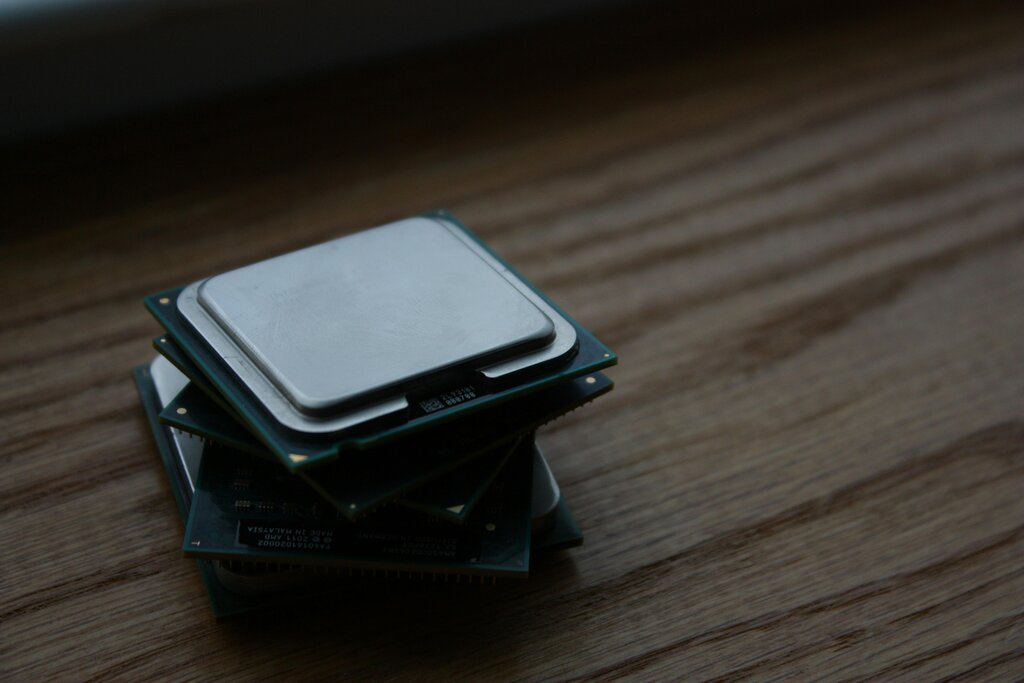
Two key factors determine a CPU's speed: clock speed and the number of cores.
- Clock Speed: Measured in gigahertz (GHz), this is how many instructions a single CPU core can process per second. A higher clock speed means the CPU can "think" faster.
- Cores: Modern CPUs have multiple cores. Each core is like a separate processor, allowing the computer to work on several tasks simultaneously. More cores are great for multitasking, like browsing the web while listening to music and running a virus scan.
A powerful CPU helps your computer handle demanding tasks, from opening applications to editing videos, much more quickly.
A Workspace for Your Data
Random Access Memory, or RAM, is your computer's short-term memory. It's a temporary workspace where active programs and data are stored for quick access by the CPU. The more RAM you have, the more things your computer can do at once without slowing down.
Think of RAM as a workbench. A bigger workbench lets you spread out more tools and projects at the same time. A small one forces you to constantly put things away to make room, which slows down your work.

When you run out of RAM, your computer has to temporarily move data to your main storage drive, which is much slower. This process, called "swapping," is what causes that noticeable lag when you have too many browser tabs or applications open.
Long-Term Storage
While RAM is for temporary work, your storage drive—either a Hard Disk Drive (HDD) or a Solid-State Drive (SSD)—is for long-term storage. It's where your operating system, applications, and personal files are kept, even when the computer is turned off.
An HDD is like a vinyl record player, with a mechanical arm that moves to read data from a spinning platter. An SSD is like a flash drive, with no moving parts, accessing data electronically.
This difference in technology has a massive impact on speed. Because SSDs have no moving parts, they can read and write data much faster than HDDs. Upgrading from an HDD to an SSD is one of the most effective ways to make an old computer feel new again. It dramatically speeds up boot times and how quickly your applications load.
| Feature | Hard Disk Drive (HDD) | Solid-State Drive (SSD) |
|---|---|---|
| Technology | Mechanical, spinning platters | Electronic, flash memory |
| Speed | Slower | Much Faster |
| Durability | More fragile due to moving parts | More durable |
| Cost | Less expensive per gigabyte | More expensive per gigabyte |
The System's Conductor
The operating system (OS), like Windows, macOS, or Linux, is the master conductor. It manages all the hardware components—CPU, RAM, and storage—and ensures they work together harmoniously. It allocates resources, telling the CPU what to process, deciding what goes into RAM, and managing files on your storage drive.
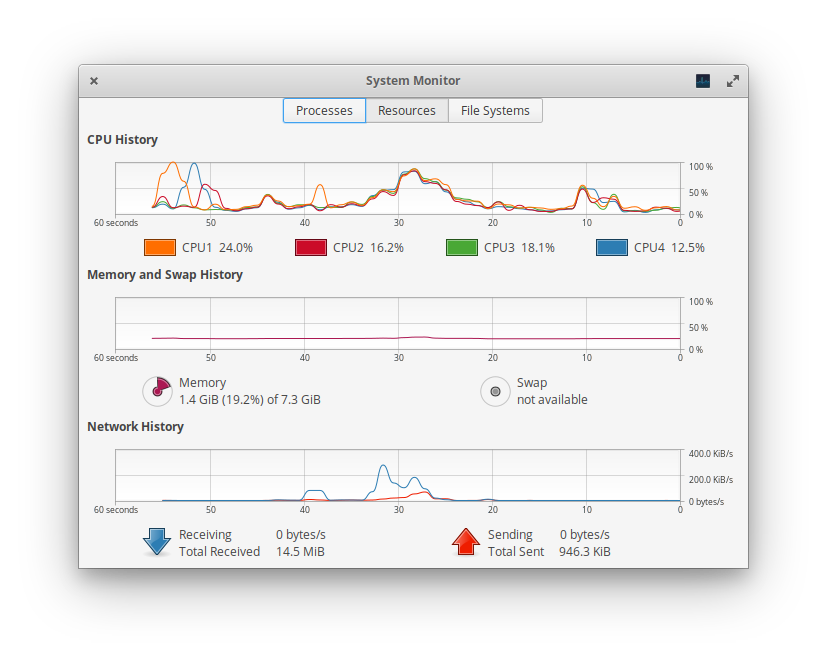
The OS itself uses resources. Over time, operating systems can become cluttered with unnecessary files, startup programs, and background processes. This can consume valuable CPU time and RAM, slowing down the entire system, even if you have powerful hardware.
Symptoms of a Slowdown
When your computer's performance starts to degrade, the signs are usually hard to miss. These issues point to a bottleneck where one or more components can't keep up with the demands being placed on them.
Common symptoms include:
- Slow Boot Times: It takes a very long time for your computer to start up and become usable.
- Application Lag: Programs take a while to open, or they freeze and show a "Not Responding" message.
- Sluggish Multitasking: Switching between open applications is jerky or delayed.
- Constant Hard Drive Activity: You can hear your HDD constantly working, or the activity light is always blinking, even when you aren't actively doing much.
- System Freezes or Crashes: The computer locks up completely, forcing you to restart.
The hard drive bottleneck is what makes your computer feel sluggish while booting, loading apps, saving files, and so on.
Recognizing these symptoms is the first step. They tell you that your computer's hardware and software are struggling to work together efficiently. Understanding the roles of the CPU, RAM, storage, and OS helps you pinpoint why these slowdowns might be happening.
What is the primary advantage of a CPU with multiple cores?
When a computer runs out of RAM and has to use the much slower main storage drive as temporary memory, this process is known as ________.