Revive Your Slow Computer
Understanding PC Performance
What Makes a Computer Fast?
A computer's speed isn't about one single part. It’s a team effort. Think of it like a busy kitchen. You need a skilled chef, enough counter space to work, and a well-organized pantry. If any one of these is slow or inefficient, the whole operation bogs down.
In a computer, the main players are the processor (CPU), the memory (RAM), and the storage drive. How they work together, managed by the operating system, determines how fast your computer feels. It's not just about raw power, but about balance and coordination.
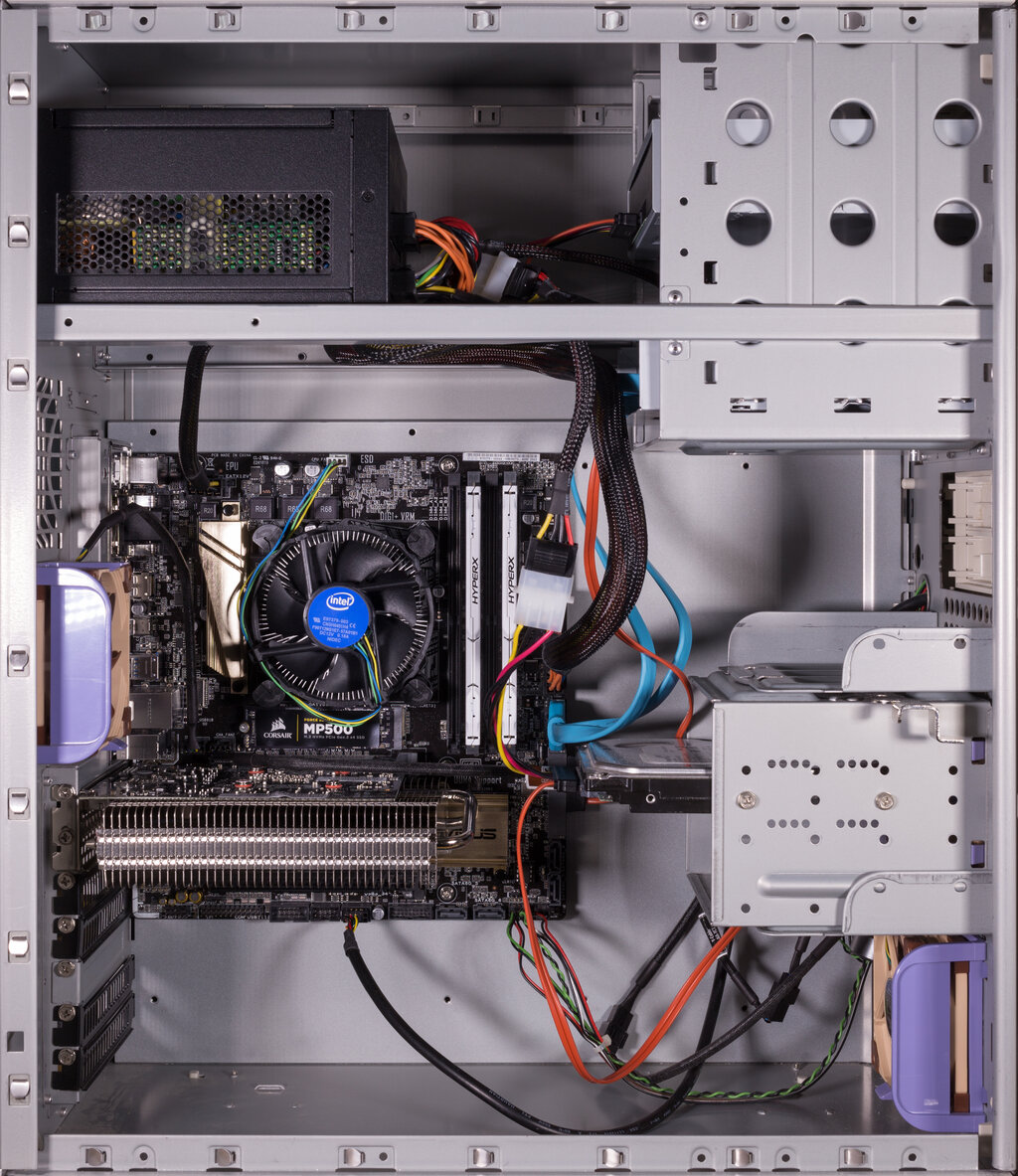
The Key Players
Let's break down the roles of the main hardware components using our kitchen analogy.
The CPU: The Chef The Central Processing Unit, or CPU, is the brain of the computer. It's the chef that reads the recipe (your program's instructions) and does the actual work of dicing, mixing, and cooking. A faster CPU can perform more instructions per second, just like a faster chef can prepare dishes more quickly. Modern CPUs often have multiple "cores," which are like having several chefs in the kitchen at once, each able to work on a different task simultaneously.
RAM: The Workbench Random Access Memory, or RAM, is the computer's short-term memory. It's the kitchen workbench. When you open a program or a file, the computer pulls it from the pantry (storage) and places it on the workbench (RAM) for the chef (CPU) to access quickly. The more RAM you have, the bigger your workbench. A large workbench lets you spread out ingredients for many different recipes at once. If the workbench is too small, you have to constantly put things back in the pantry and take other things out, which slows everything down.
Storage: The Pantry Your storage drive, whether it's a Hard Disk Drive (HDD) or a Solid-State Drive (SSD), is the long-term pantry. It's where all your applications, documents, and the operating system itself are stored when they aren't being used. An SSD is like a perfectly organized pantry where you can instantly find and grab any ingredient. An older HDD is more like a large, spinning lazy Susan. You have to wait for the right shelf to rotate around before you can get what you need. This is why computers with SSDs boot up and launch programs much faster.
The Director and the Actors
Hardware is only part of the story. Software plays a huge role in how that hardware performs.
The Operating System The Operating System (OS), like Windows, macOS, or Linux, is the director of the entire show. It manages all the hardware and tells it what to do. The OS decides which application gets to use the CPU, allocates space in RAM, and retrieves files from storage. A well-designed, lean OS uses fewer resources for itself, leaving more power for your applications. A bloated or poorly maintained OS can be a resource hog, slowing down the whole system before you even open a program.
Applications and Processes Every program you run is an actor demanding the director's attention and a piece of the stage. Some applications are lightweight and efficient. Others are complex and require a lot of CPU power and RAM to function. It's not just the apps you see. Many processes run in the background to handle system tasks, check for updates, or provide notifications. If too many demanding programs and background processes are running at once, they compete for the same limited resources, leading to slowdowns and unresponsiveness.
Even the most powerful hardware can be brought to a crawl by inefficient software or too many programs running at the same time.
Let's check your understanding of how these components work together.
In the provided kitchen analogy, which computer component is described as the 'workbench' where tasks are actively worked on?
You have many applications and browser tabs open at once, and your computer becomes very slow and unresponsive. Which component is most likely the bottleneck?
Understanding these core relationships is the first step toward figuring out why a computer might be slow and what can be done about it.