Revive Your Slow Computer
Understanding Computer Performance
What Makes a Computer Fast?
A computer’s speed isn’t just one thing. It’s a team effort between different parts working together. Think of it like a kitchen. You have a chef who cooks, counter space to work on, and a pantry for ingredients. If any of these are slow or too small, the whole meal prep process bogs down.
In a computer, the main hardware players are the Central Processing Unit (CPU), Random Access Memory (RAM), and storage drives. Each has a specific job, and how well they cooperate determines your computer's overall performance. But it's not just about the hardware; the software running on it also plays a huge role.
The Brain of the Operation
The Central Processing Unit, or CPU, is the computer's brain. It's a small chip that executes instructions and performs billions of calculations every second. When you open an application, type a sentence, or play a game, the CPU is doing the heavy lifting, processing all the commands that make it happen.
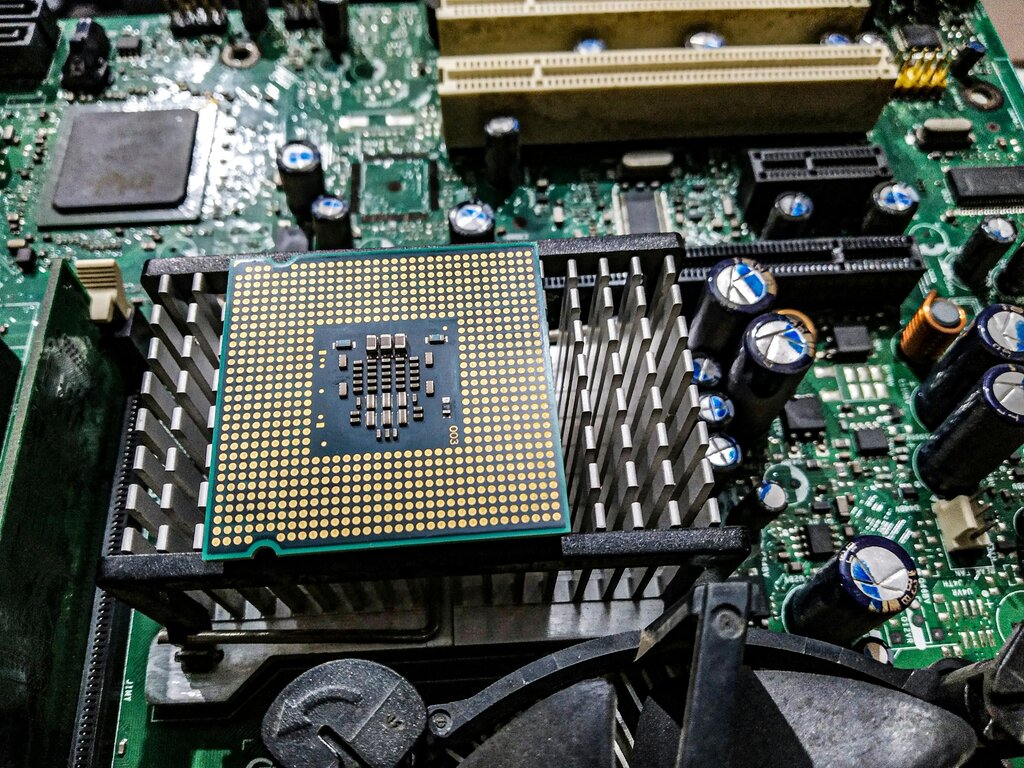
To continue our kitchen analogy, the CPU is the chef. A faster, more efficient chef can read a recipe and chop vegetables much more quickly than a slower one. Similarly, a more powerful CPU can process instructions faster, making your computer feel snappier.
One way to measure this speed is clock speed, measured in gigahertz (GHz). A higher clock speed means the CPU can perform more operations per second. While it's not the only factor, a CPU with a 3.5 GHz clock speed is generally faster than one with a 2.5 GHz clock speed.
Your Computer's Workspace
Random Access Memory, or RAM, is the computer's temporary workspace. It holds all the data for the applications and files you are actively using. It's incredibly fast, which allows the CPU to access needed information almost instantly. The more RAM you have, the more things your computer can handle at once without slowing down.
Think of RAM as your kitchen counter. If you have a large counter, you can have ingredients for multiple dishes out at the same time. If your counter is tiny, you’ll have to constantly put things back in the pantry to make room for what you're working on now. That back-and-forth takes time.
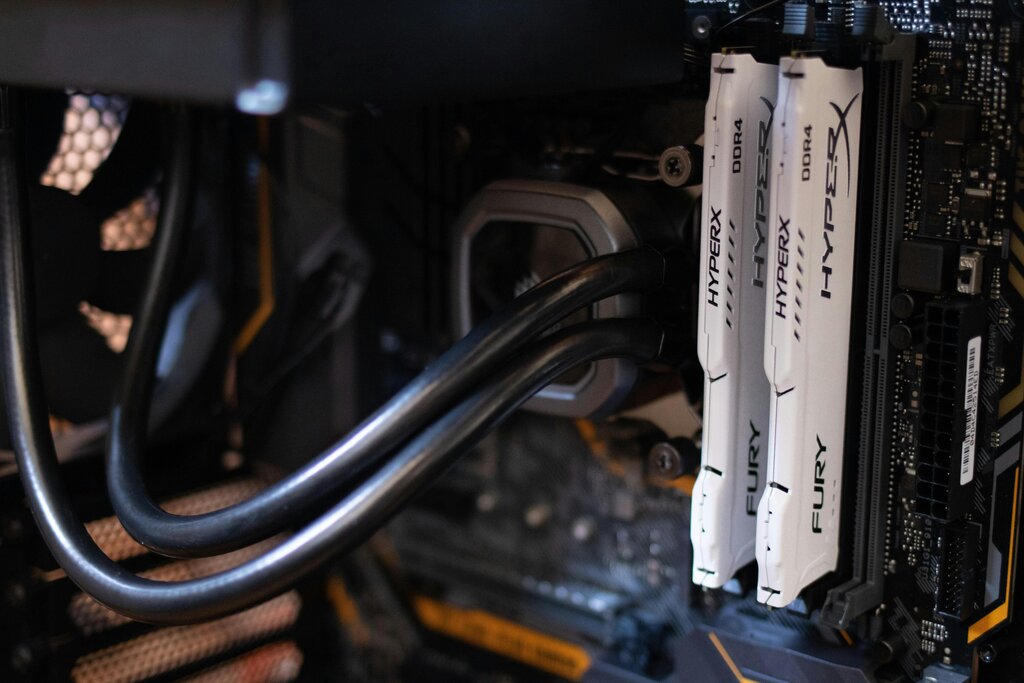
When you run out of RAM, your computer does something similar. It starts using your storage drive as temporary memory, a process called "swapping." Because storage is much slower than RAM, this is when you'll notice your computer start to lag, especially when you have many browser tabs or several programs open.
The Pantry: Long-Term Storage
If RAM is the counter, the storage drive is the pantry. It’s where your operating system, applications, photos, and documents are kept permanently. When you want to use something, the computer copies it from the storage drive into the faster RAM.
There are two main types of storage drives:
HDD
noun
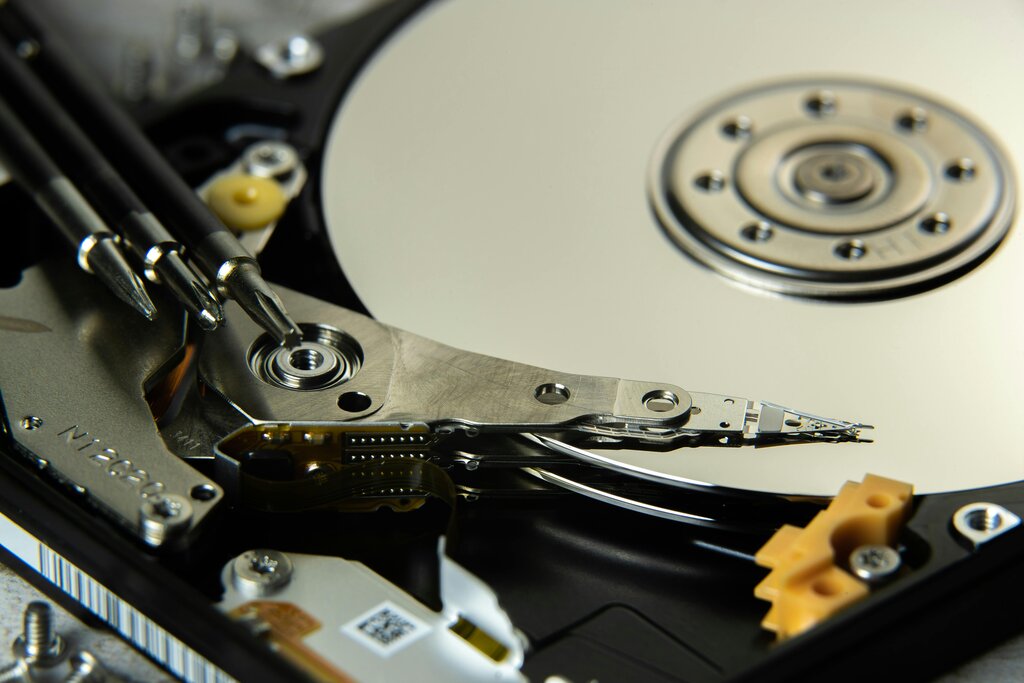
Hard Disk Drive. An older type of storage that uses spinning magnetic platters to store data. They are relatively slow but offer large amounts of storage for a low cost.
SSD
noun
Solid-State Drive. A modern type of storage with no moving parts. It uses flash memory, making it significantly faster, quieter, and more durable than an HDD.
The speed of your storage drive dramatically affects how quickly your computer starts up and how fast applications launch. An SSD can read and write data many times faster than an HDD. It’s the difference between grabbing an ingredient from the counter versus walking down to a cellar to find it.
Finally, software ties everything together. The operating system (like Windows, macOS, or Linux) manages all the hardware and software, deciding how resources like the CPU and RAM are shared among different programs. Well-designed applications use these resources efficiently, while poorly optimized ones can slow your computer down, even if you have great hardware. It's a complete system where every part matters.
Using the provided kitchen analogy, which computer component is like the 'chef' that actively works on processing instructions?
What is the process called when a computer runs out of RAM and starts using its slower storage drive as temporary memory?