Revive Your Slow Computer
Understanding Computer Performance
The Engine Room
Think of your computer as a busy workshop. The Central Processing Unit, or CPU, is the master craftsman. It's the brain of the operation, executing every command and running every program. Whether you're opening a file, browsing the web, or playing a game, the CPU is doing the heavy lifting.
Two key factors determine a CPU's speed: its clock speed and the number of cores it has. Clock speed, measured in gigahertz (GHz), is how many instructions the CPU can process per second. A higher number means a faster craftsman. Cores are like having multiple craftsmen. A dual-core CPU has two, a quad-core has four, and so on. Multiple cores allow the computer to work on several tasks at once without slowing down.
CPU
noun
The Central Processing Unit, the primary component of a computer that executes instructions.
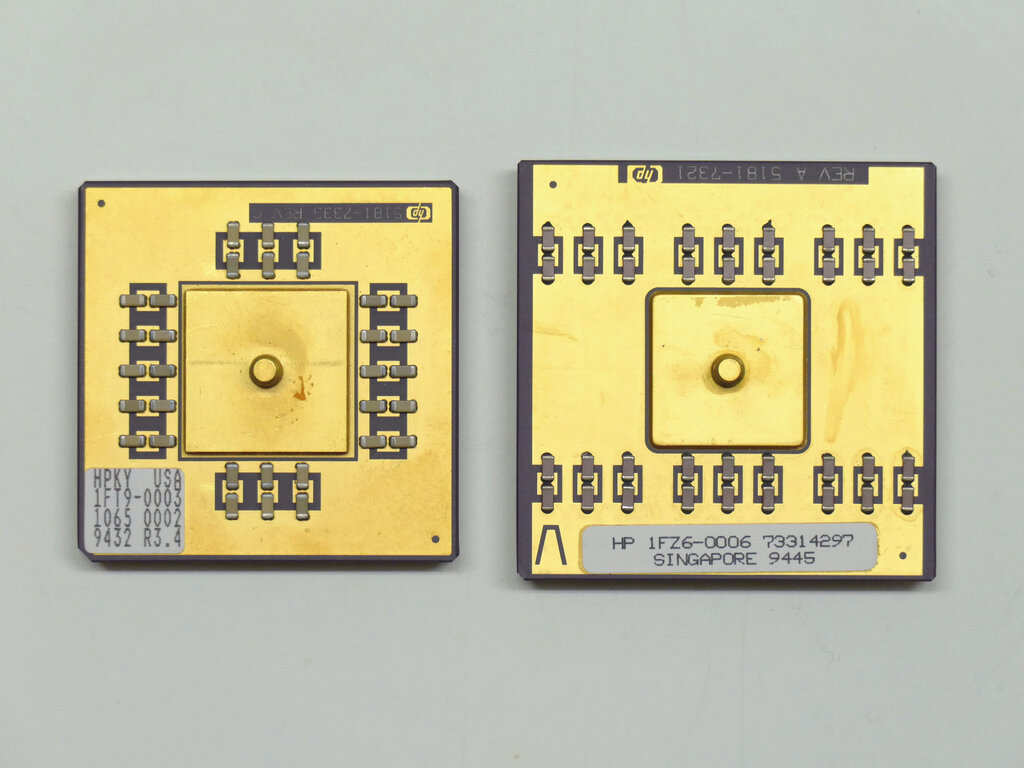
The faster the CPU and the more cores it has, the more tasks it can handle at once and the quicker it can complete them.
Workbench and Warehouse
If the CPU is the craftsman, Random Access Memory (RAM) is the workbench. It’s a temporary, super-fast storage space where the CPU keeps the data for the applications you are currently using. The more RAM you have, the bigger your workbench. This allows you to run more programs simultaneously without the system becoming sluggish.
When you open a program, it's moved from long-term storage to RAM so the CPU can access it quickly. If your workbench gets too crowded, the computer has to constantly swap things back and forth with the warehouse, which slows everything down.
RAM
noun
Random Access Memory, a form of temporary computer memory that can be read and changed in any order.
The "warehouse" is your computer's storage drive, either a Hard Disk Drive (HDD) or a Solid-State Drive (SSD). This is where your operating system, applications, and files are permanently stored.
An HDD works like a record player, with a spinning disk and a mechanical arm that reads data. An SSD uses flash memory, like a giant USB drive, with no moving parts. This makes SSDs significantly faster. A computer with an SSD will boot up, launch programs, and open files much more quickly than one with an HDD.
The Role of Software
Hardware is only half the story. The software running on your computer plays a huge role in its performance. The operating system (OS), like Windows, macOS, or Linux, manages all the hardware and software resources. An efficient, well-maintained OS uses fewer resources, leaving more power for your applications.
Having many programs running at the same time, especially in the background, can consume a lot of CPU and RAM. Even when you're not actively using them, some applications run processes that take up valuable resources. Bloated or poorly written software can also be a major drag on performance, using more processing power and memory than necessary to perform simple tasks.
Keeping your software updated and closing unnecessary background applications are simple ways to improve your computer's speed.
Measuring Performance
So how can you tell how well your computer is performing? You don't need fancy tools to get a basic idea. The most obvious indicator is responsiveness. Does the computer react instantly when you click, or is there a noticeable delay? Do applications open quickly? Does the system stutter when you have multiple browser tabs open?
For a more concrete look, you can observe resource usage. Most operating systems have a built-in utility, often called a Task Manager or Activity Monitor, that shows how much of your CPU and RAM is currently in use. If these numbers are consistently near 100%, it's a clear sign that your hardware is struggling to keep up with the demands of your software.
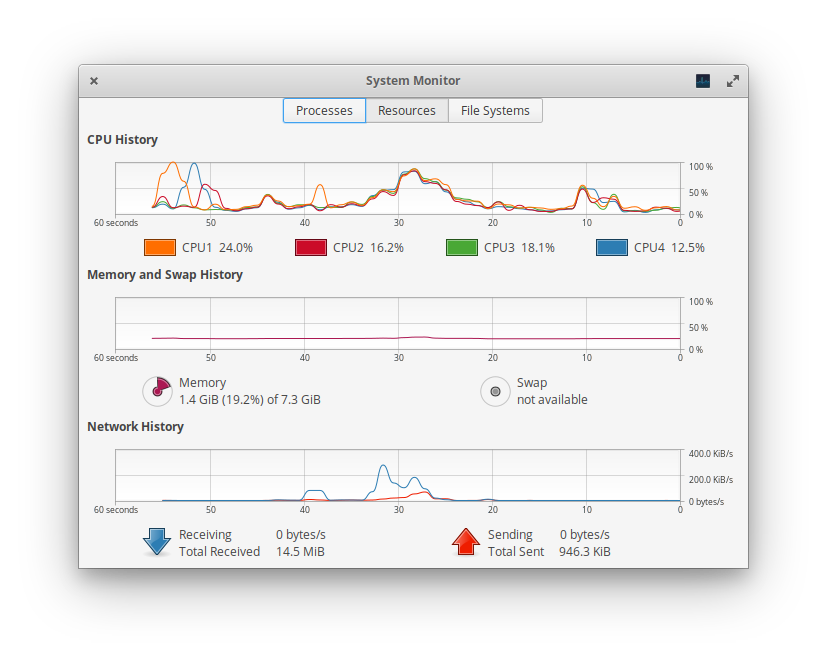
Observing these metrics can help you understand your computer's limits. For example, if your RAM usage is maxed out but your CPU usage is low, it suggests that a lack of memory is your primary bottleneck. This balance between CPU, RAM, and storage speed determines the overall performance and feel of your computer.
Ready to test your knowledge? Let's see what you've learned about what makes a computer fast or slow.
Which two factors are the primary determinants of a CPU's processing speed?
In the analogy of a computer as a workshop, Random Access Memory (RAM) is best described as the:
Understanding these core components and how they interact is the first step to diagnosing performance issues and getting the most out of your machine.