Revive Your Slow Computer
Understanding Computer Performance
What Makes a Computer Fast?
A computer's speed isn't about one single part. It's a team effort. Think of it like a kitchen crew working together to prepare a meal. If the chef is fast but the assistants are slow, the food still takes a long time to get to the table. For a computer, the 'crew' members are its hardware components and the software that tells them what to do. Let's look at the key players.
The Brain: CPU
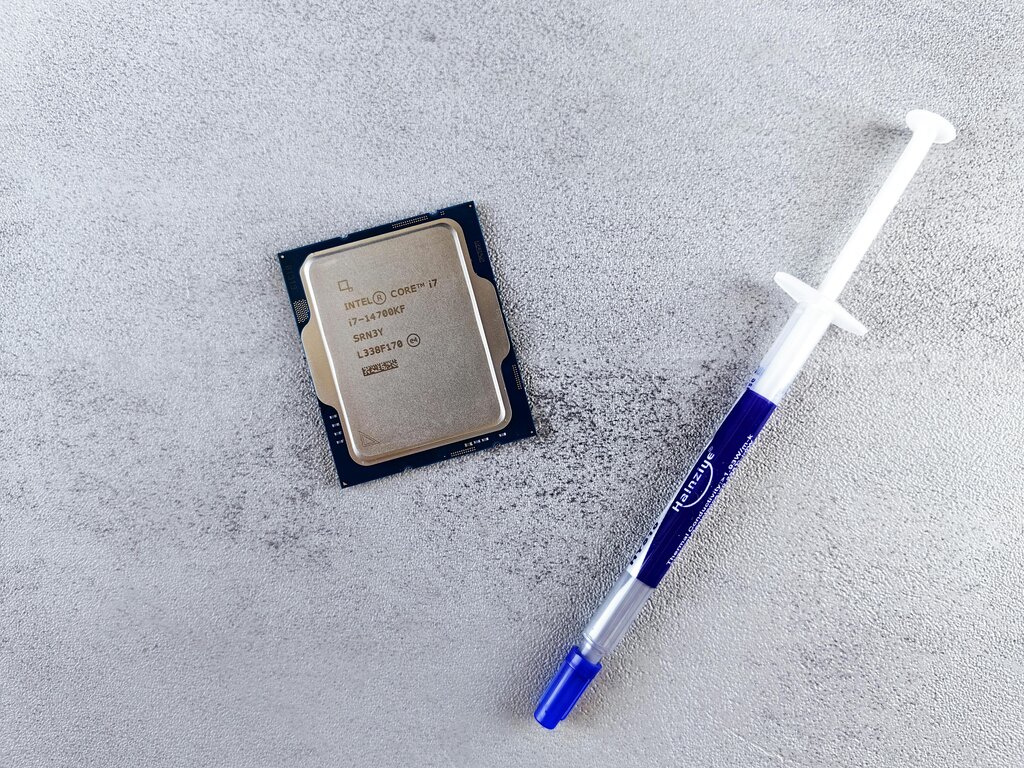
The Central Processing Unit, or CPU, is the brain of the computer. It executes instructions from programs, performing the calculations that make everything happen. The faster the CPU can process these instructions, the more responsive your computer feels.
A CPU's speed is often measured in gigahertz (GHz). A higher GHz number means the CPU can carry out more instructions per second. If the CPU is the chef, its GHz rating is how quickly it can chop vegetables or stir a pot. A 3 GHz CPU can perform three billion cycles per second.
But a fast chef needs a place to work.
The Workspace: RAM
Random Access Memory, or RAM, is the computer’s short-term memory. It's like the chef's countertop. It's a temporary workspace where the computer holds the data for the applications you're currently using. The more RAM you have, the larger your workspace.
Having more RAM allows you to run more applications at once without slowing down. If you open too many programs and your RAM fills up, the computer has to start shuffling data to your long-term storage, which is much slower. It’s like the chef running out of counter space and having to constantly walk over to a pantry to get ingredients. This is what causes that frustrating lag when you're multitasking.

The File Cabinet: Storage
While RAM is for short-term work, your storage drive is the long-term file cabinet. It's where your operating system, applications, and files are permanently stored. When you open a program, the computer copies the necessary data from the storage drive into the faster RAM. The speed of your storage drive determines how quickly your computer can boot up and load applications.
There are two main types of storage drives: Hard Disk Drives (HDDs) and Solid-State Drives (SSDs).
| Feature | Hard Disk Drive (HDD) | Solid-State Drive (SSD) |
|---|---|---|
| Technology | Uses spinning magnetic platters | Uses flash-memory chips |
| Speed | Slower due to moving parts | Much faster, no moving parts |
| Durability | More fragile | More resistant to drops |
| Cost | Less expensive per gigabyte | More expensive per gigabyte |
An SSD can make an older computer feel brand new because it drastically reduces the time it takes to start up and launch programs.
The Manager: OS and Software
The hardware components are all managed by the operating system (OS), like Windows, macOS, or Linux. The OS is the head manager of the kitchen, deciding which tasks get the CPU's attention and how RAM is used. It keeps everything organized.
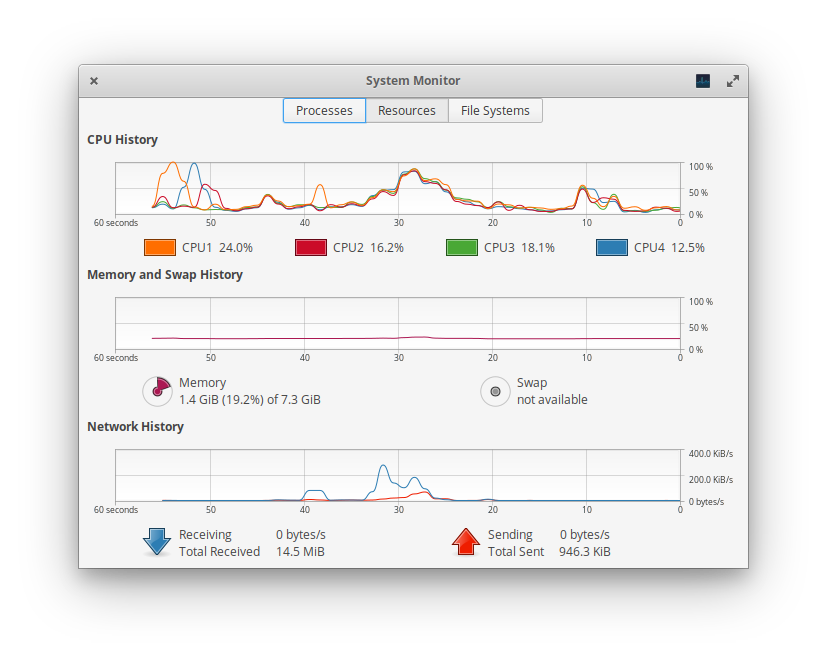
However, the number of tasks can overwhelm the system. Every application you run, and even many you don't see, uses resources. These are called background processes. They might be checking for updates, syncing files to the cloud, or running antivirus scans. Too many of these processes running at once can consume CPU time and fill up RAM, leaving fewer resources for the tasks you're actively working on. This is why a computer can feel slow even with powerful hardware.
Let's test your understanding of these core performance concepts.
What is the primary determinant of a computer's overall speed?
In the analogy of a kitchen crew, Random Access Memory (RAM) is compared to the chef's countertop. What does this analogy illustrate about RAM's function?
Understanding these relationships between the CPU, RAM, storage, and software is the first step to diagnosing why a computer might be running slowly.