Revive Your Slow Computer
Understanding Computer Performance
The Symphony of Speed
Ever wonder why a brand-new computer feels incredibly zippy, while an older one can feel like it's wading through mud? It’s not just one thing. A computer's performance is like a symphony, with several key players needing to work in perfect harmony. If one is out of tune, the whole performance suffers.
Let's meet the three most important musicians in this orchestra: the CPU, RAM, and storage.
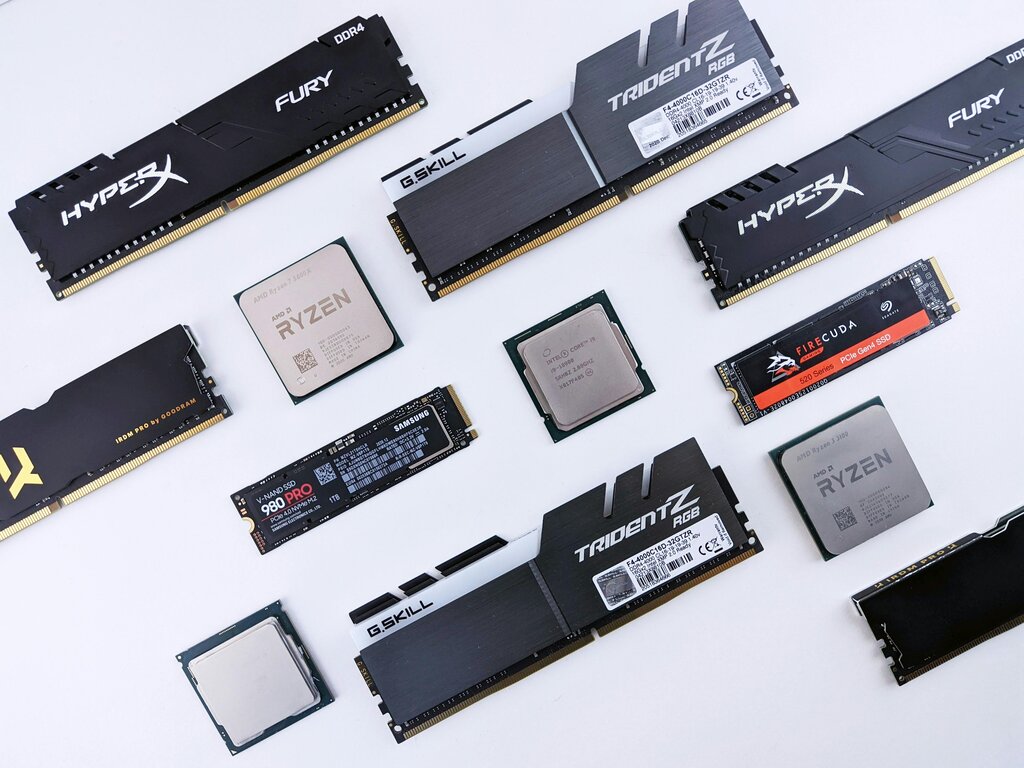
The Brain, the Workbench, and the Pantry
Imagine you're a chef in a kitchen. Your ability to cook delicious meals quickly depends on a few things.
First, there's you—the chef. Your speed and skill determine how fast you can chop vegetables, mix ingredients, and follow a recipe. This is your computer's Central Processing Unit (CPU). It's the brain of the operation, executing all the instructions that make your programs run. A faster CPU, often measured in gigahertz (GHz), can perform more calculations per second, just like a faster chef can handle more orders.
Next, you need a place to work. This is your countertop or workbench. The bigger it is, the more ingredients and tools you can have out at once, ready to go. This is your computer's Random Access Memory (RAM). RAM is temporary, super-fast storage for data your CPU needs right now. With more RAM, you can run more applications simultaneously without slowing down, because the chef doesn't have to keep stopping to fetch things.

Finally, all your ingredients and recipes are stored somewhere for the long term, like in a pantry or refrigerator. This is your storage drive. When you want to cook something, you first have to get the ingredients from the pantry. Similarly, when you launch a program or open a file, the computer retrieves it from storage.
There are two main types of storage. A traditional Hard Disk Drive (HDD) is like a large, physical filing cabinet you have to search through. A modern Solid-State Drive (SSD) is like a perfectly organized set of shelves where you can grab anything instantly. This is why computers with SSDs boot up and launch programs much, much faster.
The Managers and the Workload
Hardware isn't the whole story. Software plays a huge role in managing these components and determining what they actually do.
The Operating System (OS)—like Windows, macOS, or Linux—is the kitchen manager. It decides which tasks the CPU should work on, what gets to use the precious RAM workbench, and how data is retrieved from storage. A clean, efficient OS is a great manager that keeps everything running smoothly. An older, cluttered OS can be like a micromanager, creating unnecessary work that slows everyone down.

Then you have your applications and background processes. Running a simple text editor is like making a sandwich—it doesn't require much effort. But running a modern video game or editing a high-resolution video is like preparing a five-course gourmet meal. These demanding applications require a fast chef (CPU), a huge workbench (RAM), and quick access to the pantry (storage).
Don't forget about background processes. These are the little tasks happening behind the scenes, like your antivirus software scanning for threats, your cloud storage syncing files, or your email client checking for new messages. Each one is like a little sous-chef asking a question or a waiter bringing in a new order. A few are fine, but too many can distract the main chef and clutter the kitchen, slowing down the task you're focused on.
True performance is about balance. A lightning-fast CPU is wasted if it's always waiting on a slow storage drive. Tons of RAM won't help much if the CPU is too old to keep up. When all these parts work together efficiently, you get a fast, responsive computer. When one becomes a bottleneck, the whole system feels the drag.
In the kitchen analogy for computer performance, what does the RAM represent?
You notice your computer is slow when you have many applications open at once, and it struggles when switching between them. Upgrading which component would likely provide the biggest improvement?