Red Hat vs Kali Linux
Introduction to Linux Distributions
What's a Distribution?
At its heart, Linux isn't a complete operating system like Windows or macOS. It's just the core component, the kernel. The kernel is the bridge between your computer's hardware and its software. It manages the processor, memory, and devices, but it doesn't have a user interface or applications on its own.
kernel
noun
The central part of an operating system that manages the system's resources and the communication between hardware and software.
This is where distributions come in. A Linux distribution, or "distro," bundles the Linux kernel with other essential software to create a complete, usable operating system. Think of it like buying a car. The kernel is the engine, but you still need a chassis, wheels, seats, and a steering wheel to drive it. The distro is the fully assembled car.
A Linux Distribution (or “Distro”) is simply a company or a community project that does the work for you.
Common Features
While distros can look and feel very different, they share common building blocks. Nearly every distribution includes:
- The Linux Kernel: The foundation of the system.
- System Utilities: Basic tools for managing the OS, like the command-line shell (e.g., Bash) and file management commands (
ls,cp,mv). - A Package Manager: A tool that lets you easily install, update, and remove software. Each distro family typically has its own, like
aptfor Debian-based systems oryum/dnffor Red Hat-based ones. - A Desktop Environment: The graphical user interface (GUI) that provides windows, icons, and menus. Popular options include GNOME, KDE Plasma, and XFCE.
- Default Applications: A starting set of software, such as a web browser, text editor, and file manager.
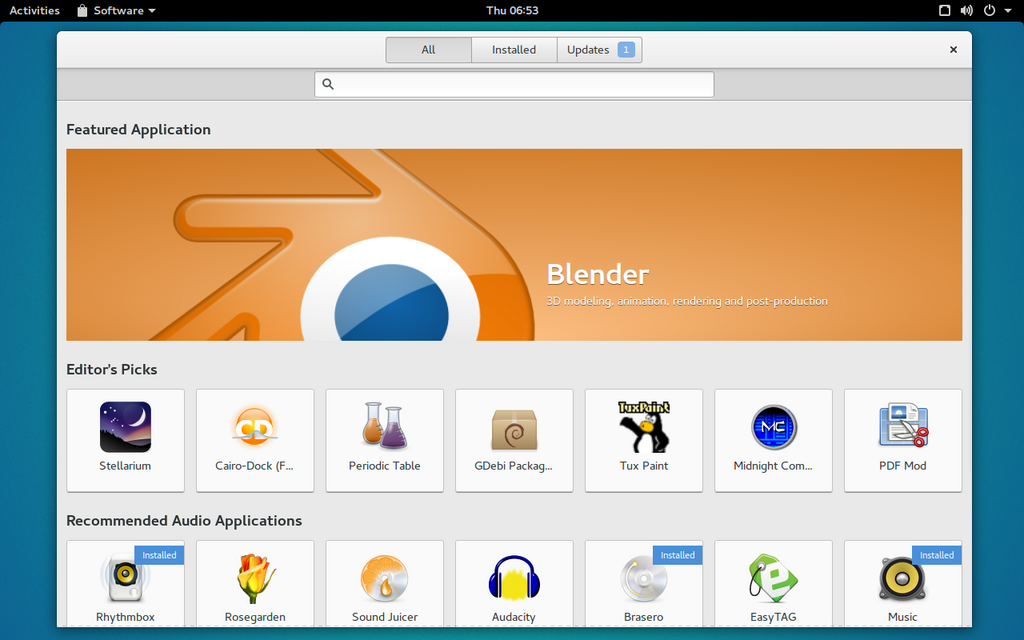
The choices made for each of these components are what give a distribution its unique character. Some prioritize stability and use older, well-tested software. Others focus on providing the very latest features, a practice known as a "rolling release."
A Distro for Everyone
The variety of Linux distributions is one of its greatest strengths. There are hundreds of options, each tailored to a different purpose or philosophy. This means you can choose an operating system that fits your specific needs, whether you're a beginner, a developer, a server administrator, or a security expert.
| Distribution | Primary Audience | Key Characteristic |
|---|---|---|
| Ubuntu | Beginners, Desktops | User-friendly and great hardware support. |
| Debian | Servers, Developers | Extremely stable and committed to free software. |
| Fedora | Developers, Enthusiasts | Features cutting-edge software and technologies. |
| Arch Linux | Power Users, DIY Enthusiasts | Minimalist and highly customizable; you build it yourself. |
| Linux Mint | Windows/macOS switchers | Offers a familiar and intuitive desktop experience. |
This diversity allows for incredible specialization. Some distros are designed to be extremely lightweight to run on old hardware, while others are built with a specific professional field, like scientific computing or multimedia production, in mind.
Choosing a distribution is about finding the right set of tools and philosophies for the job you want to do.
Ready to test your knowledge about the world of Linux distros?
What is the primary difference between the Linux kernel and a Linux distribution?
A tool like apt or dnf that lets you easily install, update, and remove software is known as a _________.
The core idea is that a distro packages the kernel with everything else needed to make a complete operating system. This modular approach is what makes the Linux ecosystem so flexible and powerful.