React Native Fundamentals
Introduction to React Native
What Is React Native?
React Native is a tool that lets you build mobile apps for both iPhones and Android phones using a single programming language: JavaScript. Normally, you'd need to write code in one language for iOS (Swift) and another for Android (Kotlin or Java). React Native changes that.
React Native is an open-source framework developed by Facebook that allows developers to build mobile applications using JavaScript and React.
It uses the popular web library React to describe what the app's screen should look like. But instead of using web components like <div> or <p>, you use special React Native components that correspond to the actual, native building blocks of iOS and Android apps. This means your app doesn't just look like a native app, it is a native app.

Why Use It?
The main benefit is efficiency. Businesses and developers love it because it saves a huge amount of time and resources.
Instead of managing two separate projects, you maintain one. A change made in one place applies to both the iOS and Android versions of your app.
This "write once, run anywhere" approach is a huge advantage. It means smaller teams can build for a wider audience, and larger companies can streamline their development process.
Another key feature is performance. React Native translates your code into the native UI elements of each platform. Your app will look and feel like it was built specifically for that device, with smooth animations and fast response times.
React Native translates React components into native UI elements, ensuring apps have the look, feel, and performance of native applications.
Finally, development is fast. React Native includes a feature called "Fast Refresh" (previously known as hot reloading). This lets you see the changes you make to your code almost instantly on your screen, without needing to rebuild the entire application. It makes the process of tweaking UIs and fixing bugs much quicker.
Setting Up Your Environment
Getting started with React Native is easier than ever. The most straightforward way is to use a toolset called Expo. Expo handles a lot of the complicated configuration for you, so you can focus on writing your app.
Expo is the preferred way to start a new React Native project, officially recommended by the React Native team.
To get started, you'll need Node.js installed on your computer. Once you have that, you can create a new React Native project with a single command in your terminal.
# This command creates a new React Native project called "MyApp"
npx create-expo-app MyApp
This command downloads a starter template and installs all the necessary files into a new folder called MyApp. For more advanced use cases, you can use the React Native CLI, which gives you more control but requires you to install and configure tools like Xcode (for iOS) and Android Studio (for Android).

Running Your App
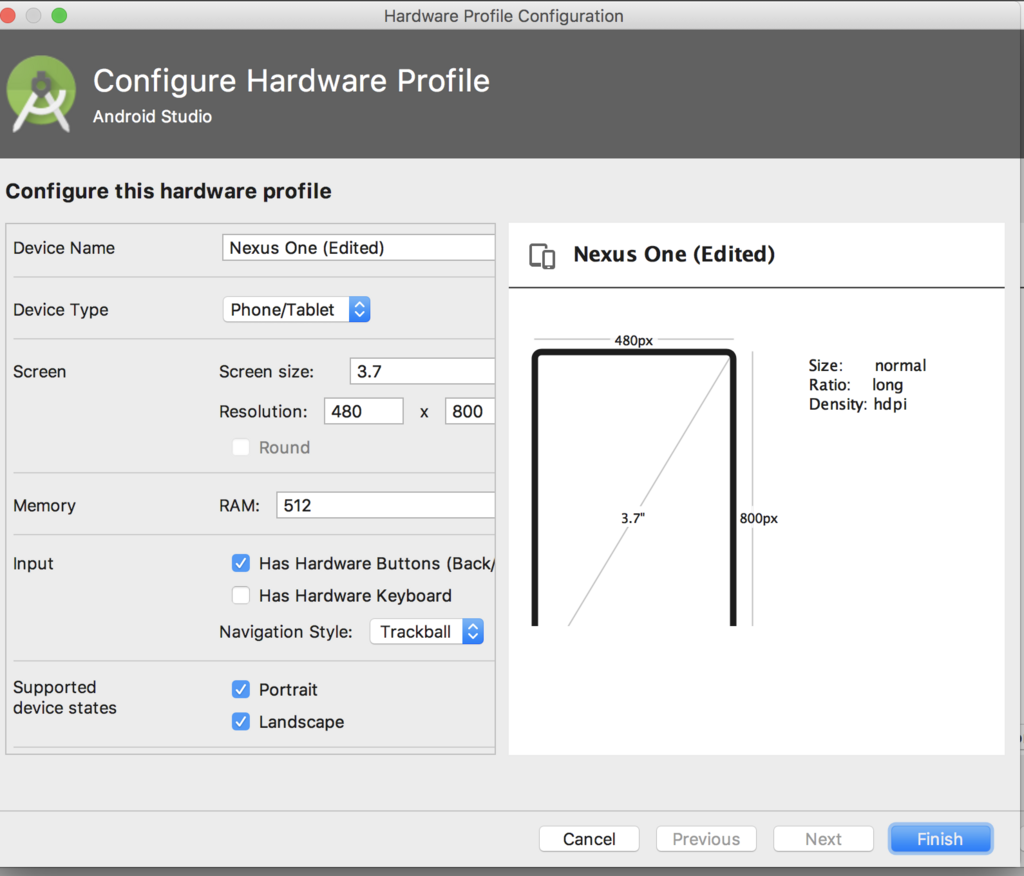
After creating your project, you can run it on a virtual device on your computer, called a simulator (for iOS) or an emulator (for Android). These programs mimic a real phone, letting you test your app without needing a physical device.
To start your app, navigate into your project directory in the terminal and run the start command.
# Navigate into your new project folder
cd MyApp

# Start the development server
npm start
This will open a new tab in your web browser with the Expo developer tools. From there, you can choose to open your app in an iOS simulator or an Android emulator.
Even better, you can run the app directly on your physical phone. Just download the Expo Go app from the App Store or Google Play. Then, scan the QR code shown in the terminal or browser, and your app will load right on your device.
Now that you have a basic understanding of what React Native is and how to get started, let's test your knowledge.
What is the primary programming language used to write React Native applications?
The main benefit of React Native's "write once, run anywhere" approach is that it saves a significant amount of time and resources.
You've taken the first step into building mobile apps that can reach millions of users on different platforms, all from one codebase.