RAM OS and Kernel Explained
Introduction to RAM
Your Computer's Workbench
Think of your computer's storage (like a hard drive or SSD) as a giant filing cabinet. It holds all your files, applications, and the operating system, keeping them safe even when the computer is off. But when you want to actually work on something, you don't work inside the filing cabinet. It's too slow and cumbersome. Instead, you take out the files you need and put them on your desk.
In a computer, that desk is called Random Access Memory, or RAM. It's a super-fast, temporary workspace that the computer's processor (CPU) uses to hold the data it's actively working on. When you open a program, your computer pulls it from the slow filing cabinet (storage) and places it into the speedy workspace (RAM) for quick access.
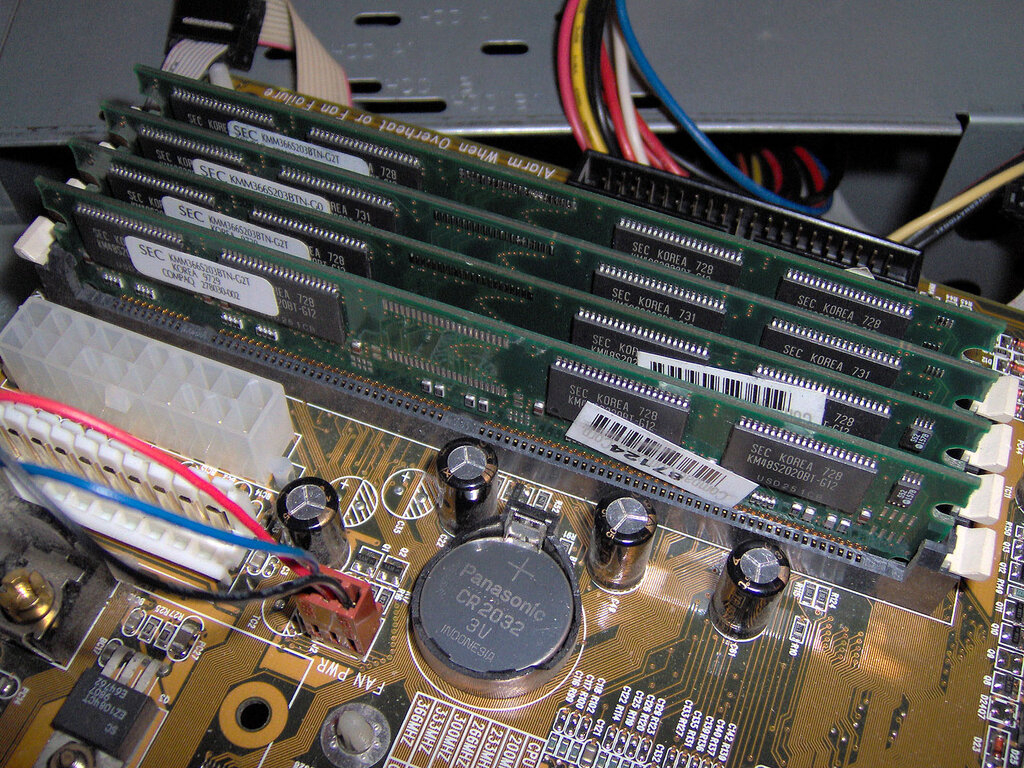
RAM
noun
A form of computer memory that can be read and changed in any order, typically used to store working data and machine code.
The key word here is temporary. RAM is volatile memory. This means it needs power to maintain the information stored in it. If you turn off your computer, everything on your workspace—all the data in RAM—disappears. This is why you have to save your work to the hard drive. Saving a file is like taking it off your desk and putting it back in the filing cabinet for long-term safekeeping.
Speed and Performance
So why not just use one type of memory? It comes down to a trade-off between speed, capacity, and cost. RAM is incredibly fast, but it's also more expensive and comes in smaller capacities than long-term storage. Hard drives and SSDs offer huge amounts of storage for a much lower price, but they are significantly slower.
| Feature | RAM (The Workbench) | Storage (The Filing Cabinet) |
|---|---|---|
| Speed | Extremely Fast | Slower |
| Volatility | Volatile (data lost without power) | Non-volatile (data persists) |
| Capacity | Smaller (e.g., 8GB - 64GB) | Larger (e.g., 512GB - 8TB+) |
| Purpose | Active tasks & running apps | Long-term file storage |
The amount of RAM you have directly affects your computer's performance, especially when multitasking. If your desk is too small (not enough RAM), you can only work on one or two things at a time. To switch tasks, you have to put one file away in the cabinet and pull out another. This constant back-and-forth slows everything down.
A larger desk (more RAM) allows you to spread out many files at once. Your computer can keep multiple applications open and switch between them smoothly without constantly needing to access the slower main storage.
This is why adding more RAM is often one of the most effective ways to boost an older computer's performance. It gives the processor the workspace it needs to juggle all the tasks you throw at it.