QA Automation Career Path
Introduction to QA
What Is Quality Assurance?
Quality Assurance, or QA, is the process of making sure a product or service is as good as it can be. In software, it’s not just about finding and fixing bugs. It's about preventing them in the first place. The goal is to build a high-quality product that meets the user's needs and works flawlessly.
Think of it like building a house. You wouldn't wait until the entire house is built to check if the foundation is solid or the wiring is safe. You check the quality at every step of construction. QA does the same for software.
Quality assurance represents far more than simply testing for bugs; it encompasses a comprehensive approach to building quality into every phase of the software development lifecycle.
This process happens within a structured framework called the Software Development Life Cycle (SDLC).
QA in the Development Cycle
The Software Development Life Cycle (SDLC) is the series of steps that a team follows to create and maintain software. It provides a roadmap for getting from an idea to a finished product. While models vary, most include a few core phases: planning, designing, building, testing, and deploying.
Where does QA fit in? Everywhere. Quality isn't just checked during the "Test" phase. Instead, it's woven throughout the entire cycle. For instance, QA professionals might review plans to spot potential problems early or analyze designs to ensure they are user-friendly.
This approach is a core best practice. Finding a problem in the planning stage is much cheaper and faster to fix than finding it after the product has already been built and deployed.
The QA process functions as a continuous thread woven throughout the entire software development lifecycle, rather than being confined to a specific phase.
Types of Testing
Testing is a major part of QA, and it comes in two main flavors: manual and automated.
Manual testing is exactly what it sounds like. A human tester acts like an end-user, clicking through the application, trying out features, and looking for anything that doesn't work right. This is great for assessing the user experience and finding odd, unexpected bugs that a script might miss.
Manual testing is essential for exploratory testing, where the tester's creativity and intuition can uncover issues in ways a pre-written script cannot.
Automated testing uses software scripts to run tests. Testers write code to tell the computer what to do, what to expect, and to report any differences. Automation is perfect for repetitive, time-consuming tasks, like checking if a new change accidentally broke an existing feature (known as regression testing).
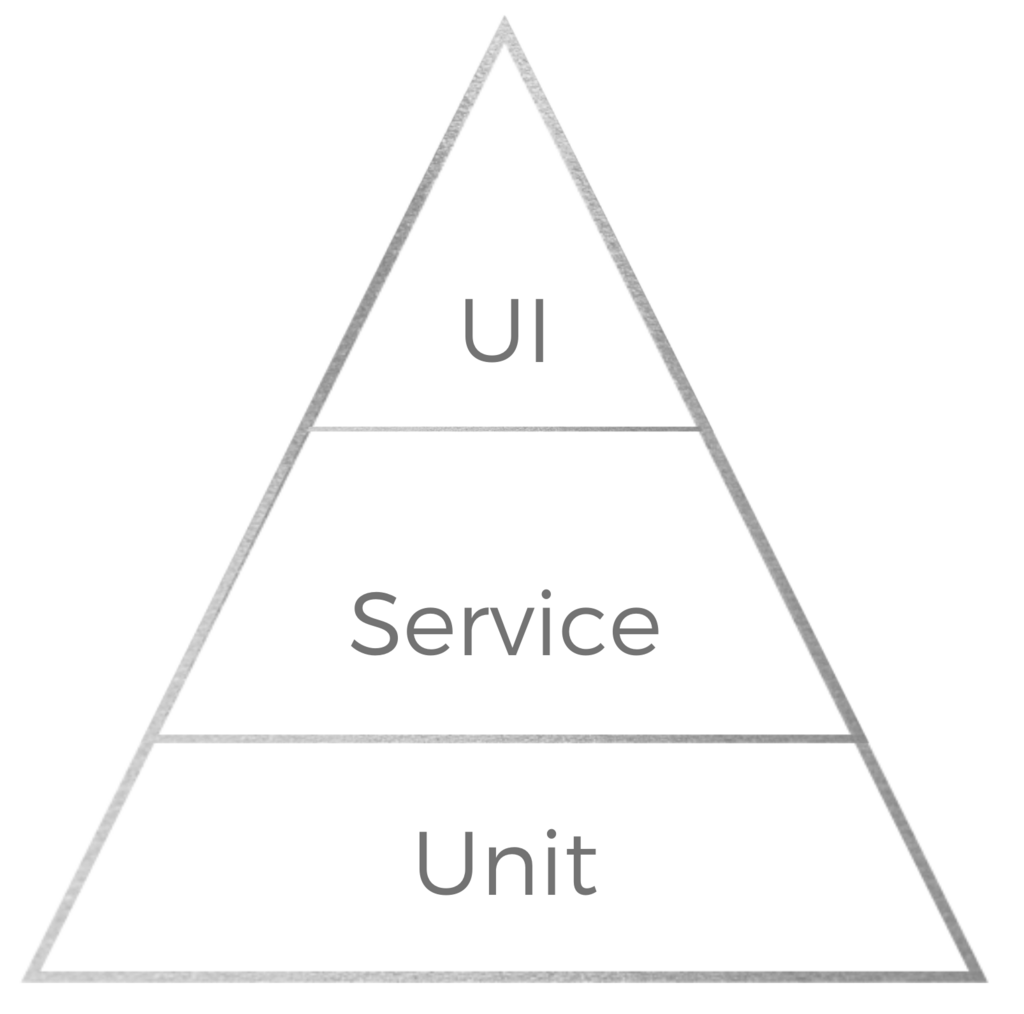
Neither approach is better than the other; they're different tools for different jobs. Most successful teams use a mix of both.
| Feature | Manual Testing | Automated Testing |
|---|---|---|
| Speed | Slower, especially for large tests | Much faster for repetitive tasks |
| Human Intuition | High; can spot usability issues | None; follows a script precisely |
| Repetitive Tasks | Tedious and prone to error | Ideal; consistent and reliable |
| Initial Setup | Quick; just need a plan | Requires time to write scripts |
Common QA Processes
To keep things organized and effective, QA teams follow a set of established processes. These are some of the most common ones:
-
Test Planning: Before any testing starts, the team creates a plan. It outlines what will be tested, who will test it, what tools will be used, and what the goals are. A good plan acts as a roadmap for the entire QA effort.
-
Test Case Development: A test case is a set of step-by-step instructions for a tester to follow. It describes the action to take and the expected result. For example, a test case for a login screen might detail entering a valid username and password and confirming the user is successfully logged in.
-
Test Execution: This is the phase where the tests are actually run, either manually by a tester or automatically by a script.
-
Defect Reporting: When a test fails, the tester reports a defect or bug. A good bug report is clear and detailed. It includes steps to reproduce the issue, what happened, and what should have happened. This helps developers find and fix the problem quickly.
Ready to check your understanding? Let's try a few questions.
What is the primary goal of Quality Assurance (QA) in software development?
According to best practices, when should Quality Assurance activities begin in the Software Development Life Cycle (SDLC)?
Before we wrap up, let's review the key terms we've covered.
Quality assurance is a mindset and a process, not just a single step. By integrating testing and quality checks throughout the entire development lifecycle, teams can build better, more reliable software that users love.