Python Variables and Functions
Introduction to Python Variables
Storing Information
Think of variables as labeled boxes where you can store information in your program. Each box has a name, and you can put something inside it. To store a value, you use the assignment operator, which is just an equals sign (=).
user_age = 25
user_name = "Alex"
Here, we created two variables. The first is named user_age, and we stored the number 25 in it. The second is user_name, and it holds the text "Alex". The name of the variable always goes on the left of the =, and the value you want to store goes on the right.
Once you store a value in a variable, you can use the variable's name to refer to that value later in your code. This is useful because you can write a value once and reuse it many times.
Naming Your Variables
Choosing good variable names is crucial. A well-named variable makes your code much easier to understand. Imagine coming back to your code months later; clear names will help you remember what each part does.
Python has a few rules you must follow when naming variables.
| Rule | Good Examples | Bad Examples |
|---|---|---|
Must start with a letter or underscore (_). | name, _internal | 1st_place |
| Can only contain letters, numbers, and underscores. | user_score_2, player1 | user-score, player$ |
| Names are case-sensitive. | age, Age, AGE are different. | (No bad example) |
| Cannot be a Python keyword. | quantity, is_active | for, if, while |
Besides the rules, there are also conventions, which are best practices that most developers follow. For variable names with multiple words, the convention in Python is to use snake_case, where words are separated by underscores.
# Good practice (snake_case)
first_name = "Maria"
items_in_cart = 5

# Avoid this
firstName = "Maria" # This is camelCase, common in other languages
ItemsInCart = 5   # This is PascalCase
Python's Flexible Boxes
In some programming languages, you have to declare what type of information a variable will hold, like telling a box it can only store shoes. Python is more flexible. You don't need to declare a variable's type. A variable is just a name that points to a value, and you can change what it points to at any time. This is called dynamic typing.
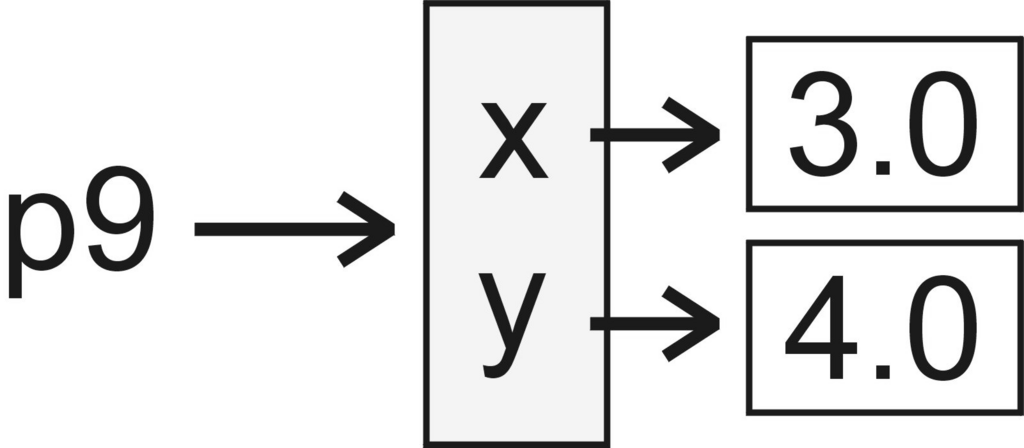
You can assign a number to a variable and then, later on, assign a piece of text to the exact same variable.
# Create a variable and assign a number to it
item = 100

# Now, assign a piece of text to the same variable
item = "Laptop"

# The variable 'item' now holds "Laptop", not 100.
This flexibility makes Python quick to write and easy to learn. The variable item simply adapted to the new value we gave it. Python figures out the type of the data on its own when the program runs.
Time to check your understanding of variables.
Which line of code correctly assigns the number 42 to a variable named answer?
What is the main purpose of a variable in programming?
You've learned how to create, name, and reassign variables, which are fundamental building blocks in Python.