Python Programming Fundamentals
Introduction to Python
What Is Python?
Python is a programming language, which is a way to give instructions to a computer. Think of it like a recipe. You write down the steps, and the computer follows them to create something. What makes Python special is its readability. The code looks a lot like plain English, which makes it one of the easiest languages for beginners to learn.
But simple doesn't mean weak. Python is incredibly versatile. It's used by companies like Google, Netflix, and NASA for everything from building websites and analyzing data to powering artificial intelligence and automating repetitive tasks. Whether you want to build a game, create art, or crunch numbers for a scientific project, Python can help you do it.

Getting Set Up
To start writing Python, you need two things: the Python interpreter and a place to write your code. The interpreter is a program that reads your Python instructions and translates them into a language the computer understands. The place you write your code is often an Integrated Development Environment, or IDE.
An IDE is just a special text editor designed for programming. It provides helpful tools like syntax highlighting (coloring your code to make it easier to read) and a simple way to run your programs.
We'll use an IDE called Thonny. It's designed specifically for beginners and makes getting started a breeze. The best part is that Thonny comes with Python already bundled, so you only need to install one thing.
Here’s how to get it:
- Go to the official Thonny website at
thonny.org. - Find the download link for your operating system (Windows, Mac, or Linux) and click it.
- Once the file is downloaded, open it and follow the on-screen instructions to install Thonny. The default settings are perfect for now.

When you open Thonny, you'll see two main areas. The top part is the editor, where you'll write and save your code. The bottom part is the Shell, where you'll see the output of your programs after you run them.
Your First Program
It's a tradition for a programmer's first program to simply display the words "Hello, World!" on the screen. Let's write ours.
In the Thonny editor (the top window), type the following line of code:
print("Hello, World!")
That's it. print() is a built-in Python function that tells the computer to display whatever is inside the parentheses. The text inside the quotes is called a string, which is just a sequence of characters.
Now, let's run it. First, you need to save the file. Go to File > Save As. Name your file hello.py and save it somewhere you can easily find it, like your Desktop. The .py extension is important because it tells the computer that this is a Python file.
After saving, click the green "Run" button with the play symbol on the toolbar, or simply press the F5 key. You should see
Hello, World!appear in the Shell window at the bottom.
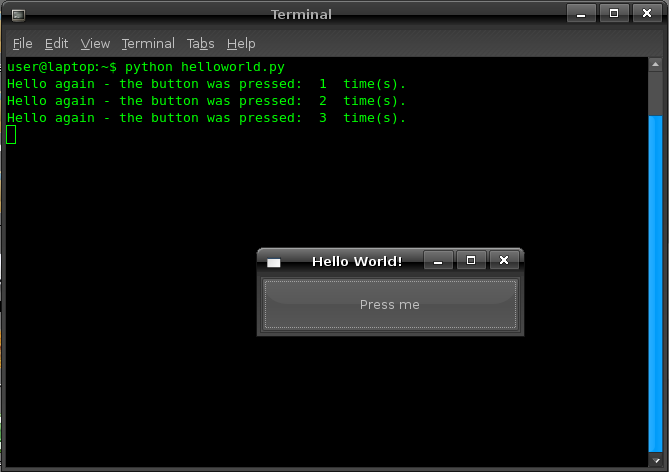
Congratulations! You've just written and executed your first Python program. You've taken the first step into the world of programming.
What is Python primarily known for, especially for beginners?
In the Thonny IDE, where do you write the code that you want to save and run?