Python Programming Fundamentals
Python Basics
Getting Started with Python
Before you can write Python code, you need two things: the Python interpreter and a place to write your code. The interpreter is a program that reads your Python code and carries out its instructions. A code editor or an Integrated Development Environment (IDE) is a program that makes writing that code easier, often with features like syntax highlighting and debugging tools.
For beginners, a great option is to download the official Python distribution from python.org. The installer includes a simple IDE called IDLE, which is perfect for starting out. As you get more advanced, you might explore other popular editors like Visual Studio Code or PyCharm.
Syntax and Indentation
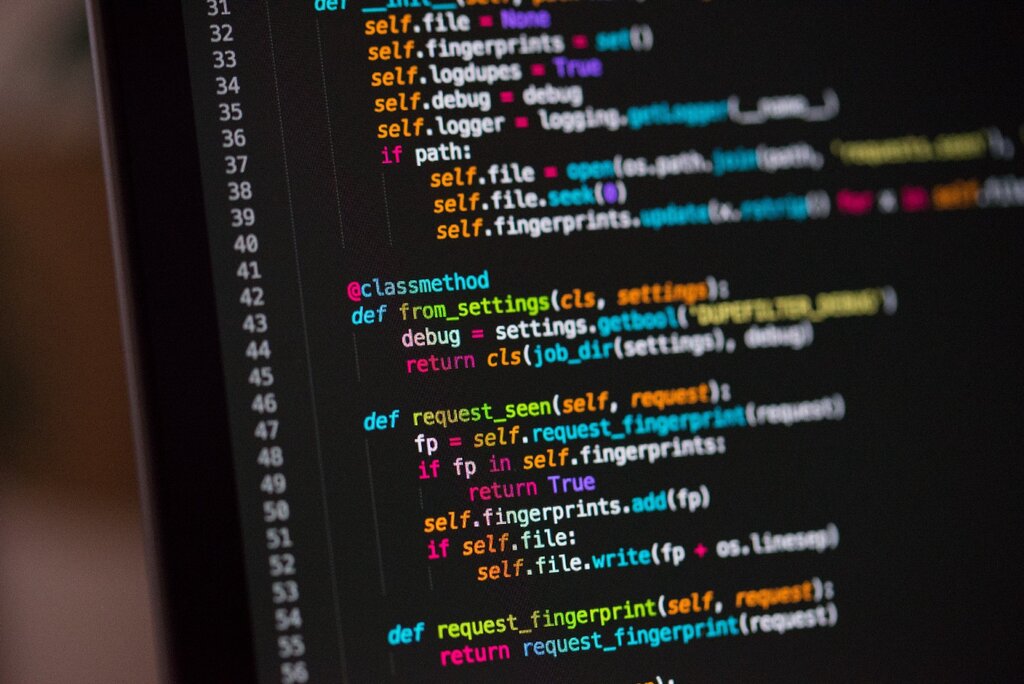
Python is known for its clean and readable syntax. It's designed to be less cluttered than many other programming languages. One of the most distinctive features of Python is its use of indentation.
Unlike languages that use curly braces {} or keywords to define blocks of code, Python uses whitespace. A new level of indentation, created by pressing the Tab key or using spaces (the standard is four spaces), signifies the start of a new code block. This might seem strange at first, but it enforces a clean, consistent layout that makes code easier to read for everyone.
In Python, indentation isn't just for style. It's a rule the interpreter enforces. Incorrect indentation will cause your program to fail.
Variables and Data Types
Think of a variable as a labeled container for a piece of information. You give the container a name and put some data inside it. This lets you store and refer to data by name, making your code much more understandable.
Creating a variable in Python is simple. You just use the assignment operator, which is an equals sign (=).
# The variable 'name' now holds the text "Alice"
name = "Alice"

# The variable 'age' now holds the number 30
age = 30

# The variable 'height_meters' holds a number with a decimal
height_meters = 1.75
variable
noun
A symbolic name that is a reference or pointer to an object. Once an object is assigned to a variable, you can refer to the object by that name.
The data you store in variables comes in different forms, or data types. Python automatically detects the type of data you assign. The most common basic types are:
| Data Type | Description | Example |
|---|---|---|
str (String) | A sequence of characters, used for text. | "Hello, world!" |
int (Integer) | A whole number, without a fractional part. | 42 |
float | A number with a fractional part. | 3.14159 |
bool (Boolean) | Represents one of two values: True or False. | True |
Input and Output
Programs are most useful when they can interact with the user. Python makes it easy to display information and ask for it.
To display output to the screen, you use the print() function. Whatever you put inside the parentheses will be shown to the user.
print("Welcome to the program!")

user_name = "Bob"
print("Hello,", user_name)
To get information from the user, you use the input() function. It displays a prompt and then waits for the user to type something and press Enter. The function then returns whatever the user typed as a string.
# Ask the user for their name and store it
name = input("What is your name? ")

# Greet the user by name
print("Nice to meet you,", name)
An important detail: the
input()function always returns a string. If you ask for a number, you'll need to convert the string into a number type likeintorfloatbefore you can do math with it.
Now let's test your knowledge on these core concepts.