Python Programming Fundamentals
Introduction to Python
What is Python?
Python is a programming language known for its clear, readable syntax. It was created in the late 1980s by Guido van Rossum with a simple goal: make coding feel more like writing in plain English. This design choice makes it one of the easiest languages for beginners to pick up.

Despite its simplicity, Python is incredibly powerful. It's a versatile, general-purpose language, which means it isn't specialized for just one task. Developers use it for web development, data science, machine learning, automation, and more. This flexibility has made it one of the most popular programming languages in the world.
Getting Started
To start writing Python, you need two things: the Python interpreter and a place to write your code.
The interpreter is a program that reads your Python code and translates it into instructions the computer can understand. You can download it directly from the official website, python.org. Be sure to download the latest stable version.

During installation on Windows, make sure to check the box that says "Add Python to PATH." This allows you to run Python from your computer's command line, a tool you'll use to execute your scripts.
Next, you need a code editor. While you could use a basic text editor, most developers use an Integrated Development Environment (IDE). An IDE is a specialized text editor that includes helpful tools for programmers, like syntax highlighting (which colors your code to make it easier to read) and debugging tools to help find errors.
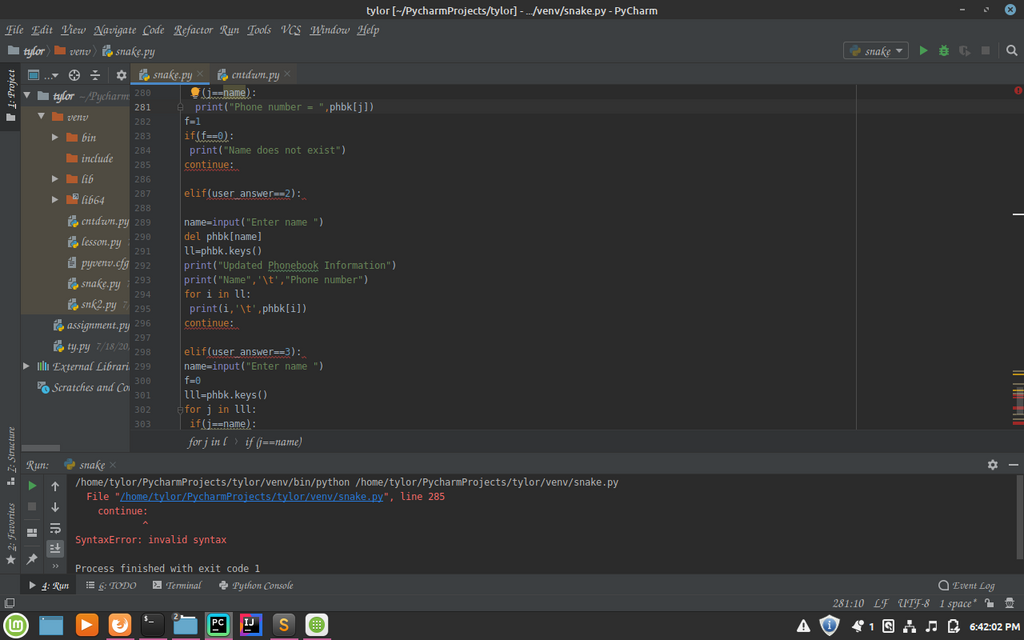
For beginners, popular choices include Visual Studio Code (VS Code) and PyCharm Community Edition. Both are free and offer a great experience for writing Python code.
Your First Python Script
Let's write a classic first program: one that prints "Hello, World!" to the screen. Open your IDE, create a new file, and save it as hello.py. The .py extension is important—it tells the computer that this is a Python file.
In your file, type the following line of code:
print("Hello, World!")
This code uses the built-in print() function. A function is a reusable block of code that performs a specific action. The print() function's job is to display whatever you put inside its parentheses on the screen.
To run your script, open your computer's terminal or command prompt. Navigate to the directory where you saved hello.py and type the following command, then press Enter:
python hello.py
You should see this output:
Hello, World!
Congratulations, you've just written and executed your first Python program! You now have a working setup for writing and running code, which is the foundation for everything you'll do next.
Who is credited with creating the Python programming language?
What is the primary role of the Python interpreter?