Python Programming from Scratch
Python Setup
Getting Started with Python
Python is a programming language praised for its readability. Its commands often look like plain English, which makes it an excellent choice for anyone new to coding. This is what's known as a high-level language — it handles a lot of the complex computer-ish details for you, so you can focus on what you want the computer to do, not how it does it.
Installing Your Toolkit
To start programming in Python, you need two key things. First, you need the Python itself. Think of the interpreter as a translator that reads your Python code line by line and tells the computer's processor what to do in a language the processor understands. You can download it directly from the official Python website, python.org.

Second, you need a place to write your code. While you could use a simple text editor, most programmers use an (IDE). An IDE is software that combines a text editor with other helpful tools, like a debugger for finding mistakes and a way to run your code with a single click.
For beginners, Thonny is a great choice because it's built specifically for learning Python and is very simple. As you get more experienced, you might move to a more powerful IDE like Visual Studio Code (VS Code).
Your First Program
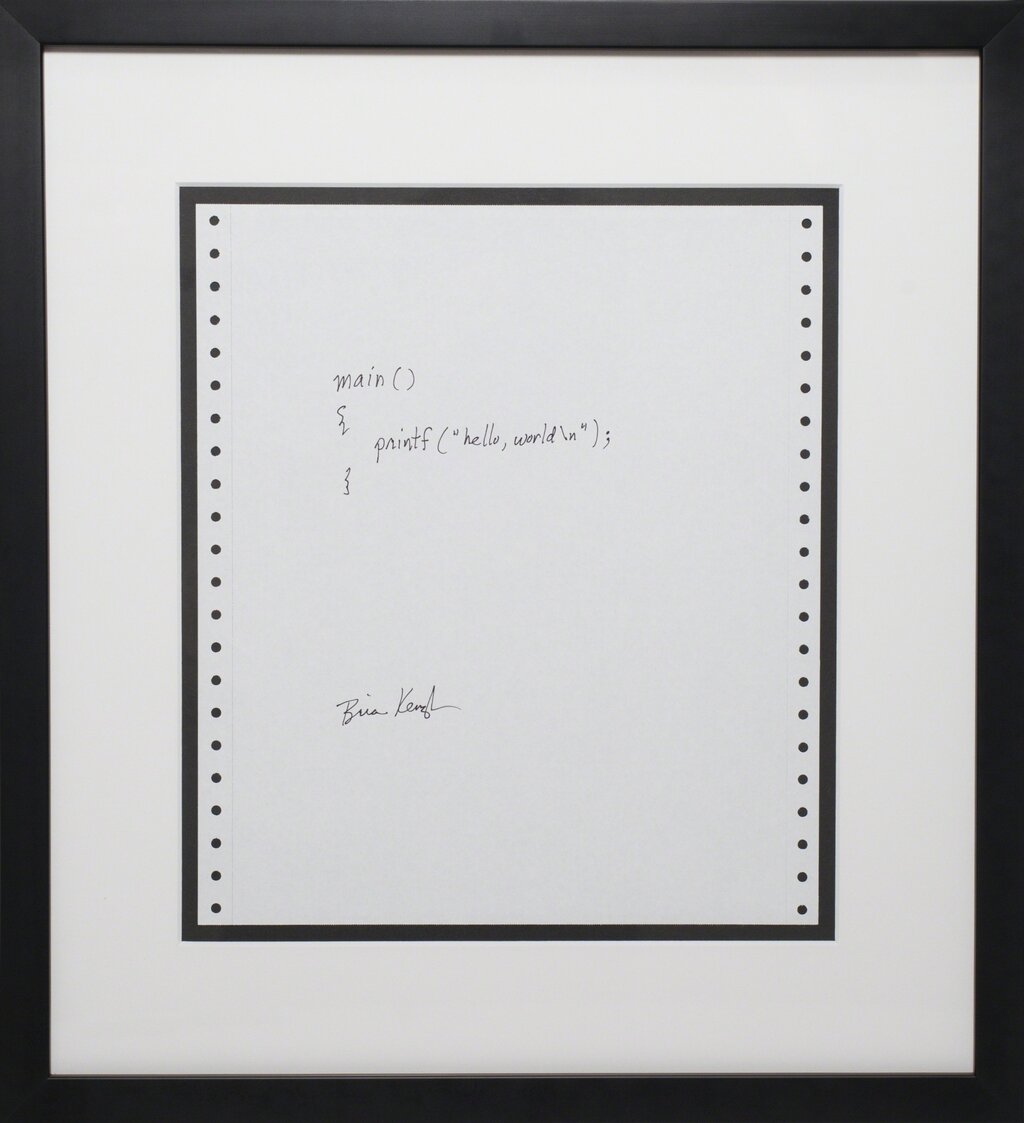
It's a tradition for a programmer's first program in a new language to simply display the message "Hello, World!" on the screen. In Python, this is incredibly straightforward. You just need one command: print().
print("Hello, World!")
Let's break that down. print is a built-in Python function. The parentheses () are where you put the information, or argument, that you want the function to work with. In this case, the argument is the text "Hello, World!". The quotation marks tell Python that this is a string of text, not another command.
To make this a runnable program, open your IDE, create a new file, and type that line of code into it. Save the file with a name like hello.py. The .py extension is important; it tells your computer that this is a Python file.
In programming, the rules for how you must arrange symbols and words are called syntax. Getting the syntax right, like using quotes for strings and parentheses for functions, is essential. An accidental comma or a missing parenthesis will cause an error.
Once your file is saved, find the "Run" button in your IDE. Clicking it will tell the Python interpreter to execute the code in your file. You should see Hello, World! appear in an output window or terminal panel. Congratulations, you've just written and run your first program!
Why is Python referred to as a 'high-level language'?
What is the primary role of the Python interpreter?