Python Made Easy Visuals
Introduction to Python
What Is Python?
Python is a popular, high-level programming language known for its simple and readable syntax. Think of it as a language that’s closer to English than many others, which makes it a great starting point for beginners. It was created in the late 1980s by Guido van Rossum, who named it after the British comedy troupe Monty Python, not the snake.
Its simplicity doesn't mean it's not powerful. Python is incredibly versatile and is used across a wide range of fields. From building websites and automating repetitive tasks to conducting complex data analysis and developing artificial intelligence, Python is a tool for almost any digital job.

Getting Python on Your Computer
Before you can start writing Python code, you need to install it on your computer. This process involves downloading the official Python interpreter, which is the program that reads and executes your Python code.
Visit the official Python website at python.org. Go to the Downloads section and get the latest version for your operating system (Windows, macOS, or Linux). During installation on Windows, make sure to check the box that says "Add Python to PATH." This makes it easier to run Python from the command line.
Most macOS and Linux systems come with a version of Python already installed, but it's often an older version. It's best to install the latest version to have access to all the new features and improvements.

Your Coding Workspace
While you can write Python code in a simple text editor, most developers use an Integrated Development Environment (IDE). An IDE is a software application that bundles all the tools you need for programming into one place. Think of it as a chef's kitchen—it has a workspace (text editor), tools for checking your recipe (debugger), and an oven to run it (interpreter).
For beginners, a great place to start is IDLE (Integrated Development and Learning Environment), which comes bundled with the standard Python installation. It's simple and provides everything you need to start writing and running code immediately. Other popular choices include Visual Studio Code and PyCharm.

Writing Your First Script
It's a tradition in programming to start by writing a program that displays "Hello, World!" on the screen. Let's do that in Python. Open IDLE. You'll see the Python Shell, which lets you run single lines of code.
To write a full script, go to File > New File. This will open a new text editor window. In this window, type the following line of code:
print("Hello, World!")
This line uses the print() function, which is a built-in Python command that tells the computer to display whatever is inside the parentheses. The text inside the quotation marks is called a string.
Now, save the file. Go to File > Save and name it something like hello.py. The .py extension is important as it tells the computer this is a Python file. Finally, run your script by going to Run > Run Module or by pressing F5. You should see "Hello, World!" appear in the Python Shell window.
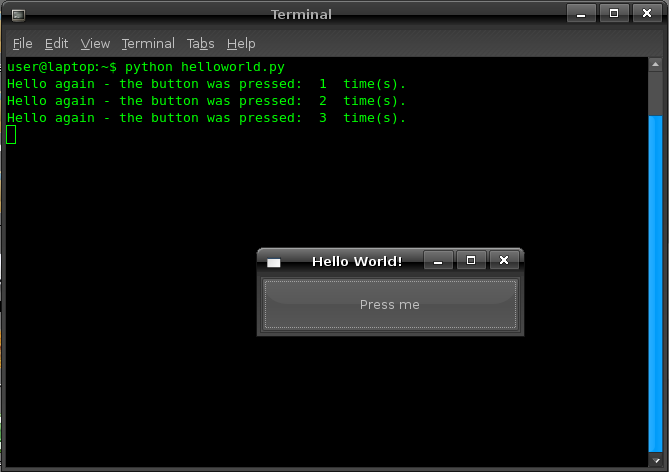
Congratulations! You've just written and executed your first Python program.
The Python programming language is named after:
What is the primary purpose of an Integrated Development Environment (IDE)?