Python Fundamentals for Beginners
Introduction to Python
What is Python?
Python is a programming language known for its simple, readable syntax. It was created in the late 1980s by Guido van Rossum, who wanted a language that was easy to write and understand. Think of it as a set of instructions a computer can follow, written in a way that’s closer to English than many other languages.
This simplicity makes Python incredibly versatile. It's used in web development to build the backend of websites, in data science to analyze information and create machine learning models, and in automation to write scripts that handle repetitive tasks. From YouTube to NASA, many organizations rely on Python to power their services and research.

Getting Set Up
Before you can write Python code, you need to install a program called the Python interpreter. The interpreter is what reads your code and translates it into instructions the computer can execute. You can download the official interpreter directly from the Python website.
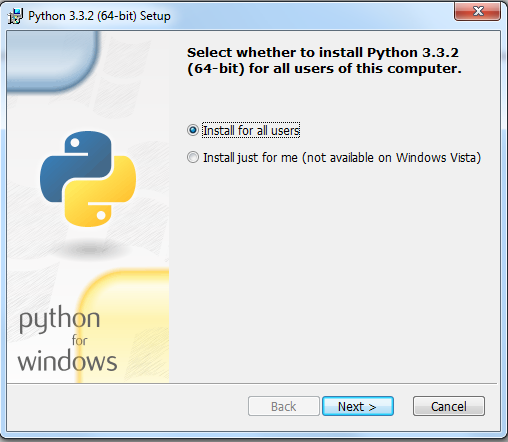
The installation process is straightforward. Whether you're using Windows, macOS, or Linux, the installer will guide you through the necessary steps. During installation, make sure to check the box that says "Add Python to PATH." This allows you to run Python from your computer's command line, which can be useful later on.
Your Coding Environment
While you can write code in a basic text editor, it's much easier to use an Integrated Development Environment, or IDE. An IDE is a software application that combines a text editor with other helpful tools for programmers, like a debugger for finding errors and a shell for running code.
For beginners, Thonny is an excellent choice. It was designed specifically for learning and teaching programming. It has a very simple interface and comes with Python built-in, so you don't have to worry about complex configuration. When you open Thonny, you'll see a main area for writing code and a "Shell" area at the bottom where your program's output will appear.

Hello World
It's a tradition for programmers to write a "Hello, World!" program as their first step in a new language. This simple program just prints the text "Hello, World!" to the screen. It confirms that your setup is working correctly.
In Thonny's editor, type the following line of code:
print("Hello, World!")
This code uses the built-in print() function to display text. The text you want to display, which is called a string, goes inside the parentheses and must be enclosed in quotation marks.
After typing the code, save the file (you can name it hello.py). Then, click the green "Run" button at the top of the Thonny window. You should see the text Hello, World! appear in the shell at the bottom. Congratulations, you've just run your first Python program!
Now, let's check your understanding of these initial concepts.
What is the primary design philosophy of the Python programming language?
What is the role of the Python interpreter?
You've successfully set up your environment and executed a program. You are now ready to start exploring the fundamental building blocks of Python.