Python Fundamentals Fast Track
Python Basics
Getting Started with Python
Python is a popular, powerful programming language known for its simple, readable syntax. It's a fantastic choice for beginners because it reads a lot like plain English, which lets you focus on learning programming concepts without getting bogged down by complicated rules.
Before you can write any code, you need to install Python on your computer. The best place to get it is from the official website, python.org. The installation is straightforward and includes a program called IDLE (Integrated Development and Learning Environment), which is a simple editor you can use to write and run your first programs.
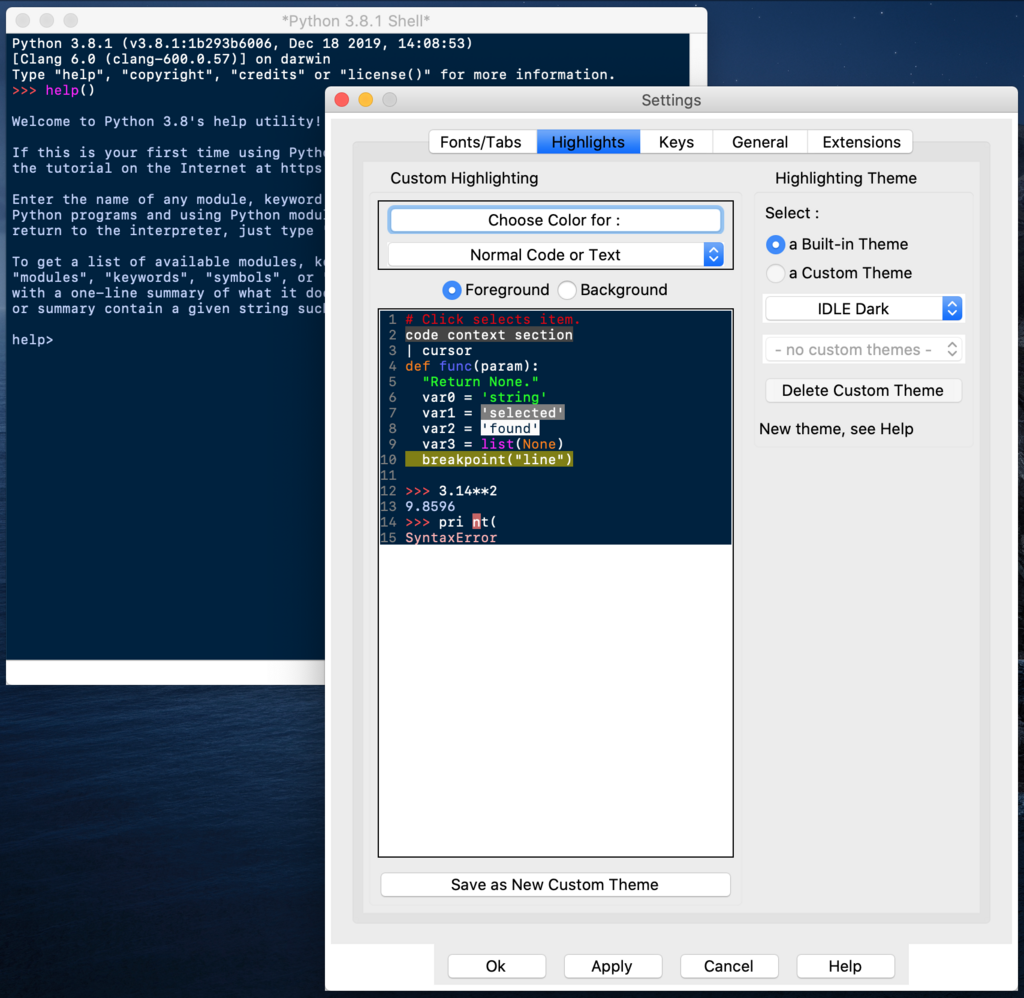
When you open IDLE, you'll see a window called the Python Shell. It has a >>> prompt, where you can type commands and see them run immediately. This is great for testing small pieces of code.
Your First Lines of Code
Every language has rules, and in programming, these rules are called syntax. Python's syntax is famously clean and uncluttered. One rule you'll encounter early and often is indentation. While its main role comes into play with more complex structures, for now, just know that clean, consistent indentation is key to writing readable Python code.
Let's write a program that displays a message on the screen. In Python, we use the print() function to do this. A function is just a named chunk of code that performs a specific task. The print() function's task is to show output.
print("Hello, World!")
If you type that into the Python Shell and press Enter, you'll see the text Hello, World! appear right below your command. You've just written and run your first Python program!
Storing Information
Programs need to work with information, like numbers and text. To keep track of this information, we store it in variables. Think of a variable as a labeled box where you can put a piece of data. You give the box a name, and you can see what's inside or change its contents later.
To create a variable, you choose a name and use the equals sign (=), called the assignment operator, to give it a value.
# Assign the text "Hello again!" to a variable named greeting
greeting = "Hello again!"

# Print the value stored inside the greeting variable
print(greeting)
The information you store in variables comes in different forms, or data types. Let's look at the most common ones.
Integers: These are whole numbers, like -5, 0, or 100. They don't have any fractional parts.
Floats: These are numbers with a decimal point, like 3.14 or -0.5. The name comes from "floating-point number."
Strings: This is what we call text. A string is a sequence of characters enclosed in either single quotes (
') or double quotes (").Booleans: This type has only two possible values:
TrueorFalse. Booleans are essential for making decisions in code.
Python automatically figures out the data type when you assign a value. Here are a few examples in action.
# An integer
user_age = 25

# A float
item_price = 19.99

# A string
user_name = "Alex"

# A boolean
is_logged_in = True

print(user_name)
print(item_price)
Interacting with Users
Besides just printing information out, your programs can also take information in. The input() function pauses your program and waits for the user to type something and press Enter.
You can provide a message inside the parentheses to prompt the user for what to enter.
# Ask the user for their name and store the response
name = input("What is your name? ")

# Greet the user by name
print("Hello, " + name + "!")
In that example, we used + to combine two strings. This is called concatenation. When the code runs, it will display the prompt, wait for you to type your name, and then print a personalized greeting.
One important detail: the
input()function always gives you back a string, even if the user types a number. If you need to treat the input as a number to do math, you'll need to convert it first. We'll explore how to do that later on.
You now have the fundamental building blocks of Python: displaying output, storing data in variables, understanding basic data types, and getting input from a user.
What is the primary function used in Python to display text on the screen?
How do you correctly assign the integer value 25 to a variable named age in Python?